When seeking apps for preschoolers with autism, you're probably not looking for a giant app-store roundup. You want something much more practical. Which app will help your 3-, 4-, or 5-year-old get through mornings, communicate needs, handle transitions, or make preschool less overwhelming?
That question matters because preschoolers change fast. An app that helps one child ask for a snack, follow a visual routine, or tolerate a dentist visit might do very little for another child with different sensory needs, language skills, or frustration patterns. Existing coverage often lists features, but it doesn't always help families decide what fits real daily life. That's a real gap, especially for younger children, where matching the tool to the child matters more than collecting more apps, as discussed in this overview of autism apps for children.
The good news is that there are strong options. Research also shows autism-focused app use is already common in families, with 87% of parents of children with autism using at least one educational app with their child, and one meta-analysis reported an average 30% improvement in targeted communication abilities from technology-based interventions when used well, according to this review of autism apps for children.
The key is to use apps as supports for communication, predictability, and comfort. Not as a way to "fix" your child. The list below reflects that approach, and it starts with the tool I think families need first: one place to track what is and isn't helping.
Table of Contents
- 1. Guiding Growth
- 2. Otsimo Special Education
- 3. AutiSpark
- 4. Proloquo2Go
- 5. Avaz AAC
- 6. LAMP Words for Life
- 7. Choiceworks
- 8. First Then Visual Schedule HD
- 9. Pictello
- 10. Goally
- Top 10 Preschool Autism Apps Comparison
- Final Thoughts
1. Guiding Growth
It is 6:40 p.m. Your child skipped dinner, had a hard transition after preschool, and melted down during bath time. By bedtime, the main question is not which autism app exists. It is what helped your child feel safer, communicate more clearly, or get through the day with less stress.
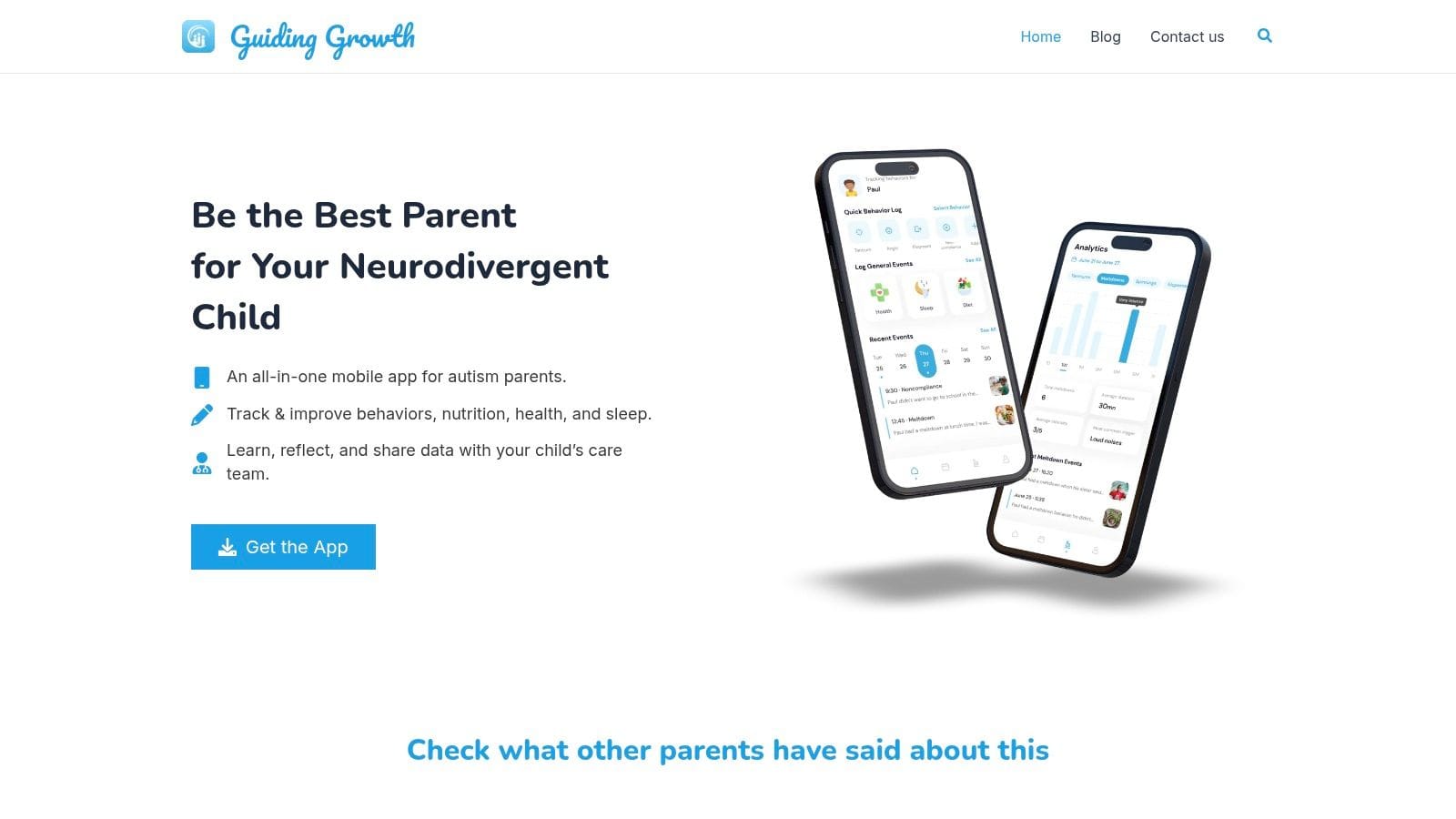
Guiding Growth fills that role. Instead of targeting one skill, it helps parents track what is happening around the child so they can judge whether AAC, visual schedules, learning apps, therapy changes, or routine adjustments are making daily life easier. That parent view matters because support for preschoolers rarely works in isolation. Progress often depends on patterns across sleep, sensory load, hunger, transitions, illness, and demands across the day.
Why it stands out
For many families, the hard part is not finding an app. It is remembering what happened, when it happened, and whether a strategy worked more than once.
Guiding Growth brings those observations into one place. Parents can log sleep, meals, behaviors, medications, therapy notes, and routines without splitting information across paper, texts, screenshots, and memory. The voice logging feature is especially practical. In real life, a parent often has one free hand, not ten quiet minutes to write a polished note.
That design choice matters. If tracking takes too long, families stop using it, and the record becomes too patchy to be useful.
I also like the shared-record approach for preschool teams. A child this age may have input from parents, grandparents, preschool staff, an SLP, OT, ABA team, or developmental pediatrician. If each adult records concerns differently, small but meaningful trends get missed. A shared log makes handoffs clearer and helps adults compare what they are seeing across settings.
Best use in real life
The strongest way to use Guiding Growth is as the foundation under the rest of your app toolkit. A preschooler might use Choiceworks for routines, Proloquo2Go for communication, or Pictello for social stories. Guiding Growth is where you record what happened after those tools were used. Did transitions get shorter? Did the child initiate more communication? Did a strategy work at home but fall apart at school?
That is an important shift in mindset. In a neurodiversity-affirming approach, the goal is not to make a child look less autistic. The goal is to support communication, reduce distress, respect regulation needs, and build environments that fit the child better. A tracking app helps families measure those outcomes in a concrete way.
Its visual summaries can also help caregivers notice patterns they would miss during a hard week. Alma AI may help organize observations and suggest next steps to consider, but it should not replace clinical judgment or a full developmental review when concerns are bigger.
What works well
- One record for daily life: Sleep, food, meds, routines, therapy, and behavior notes stay together.
- Fast capture: Voice logging is useful during busy moments when typing is unrealistic.
- Better team communication: Shared visibility supports more consistent handoffs between caregivers and professionals.
- Pattern tracking: Families can tell the difference between one difficult day and a trend that needs attention.
Real trade-offs
- You still need interpretation: Tracking supports decision-making, but clinicians still need to assess broader concerns.
- Details are limited in public materials: Pricing, platform availability, and privacy specifics may require extra checking before a family commits.
2. Otsimo Special Education
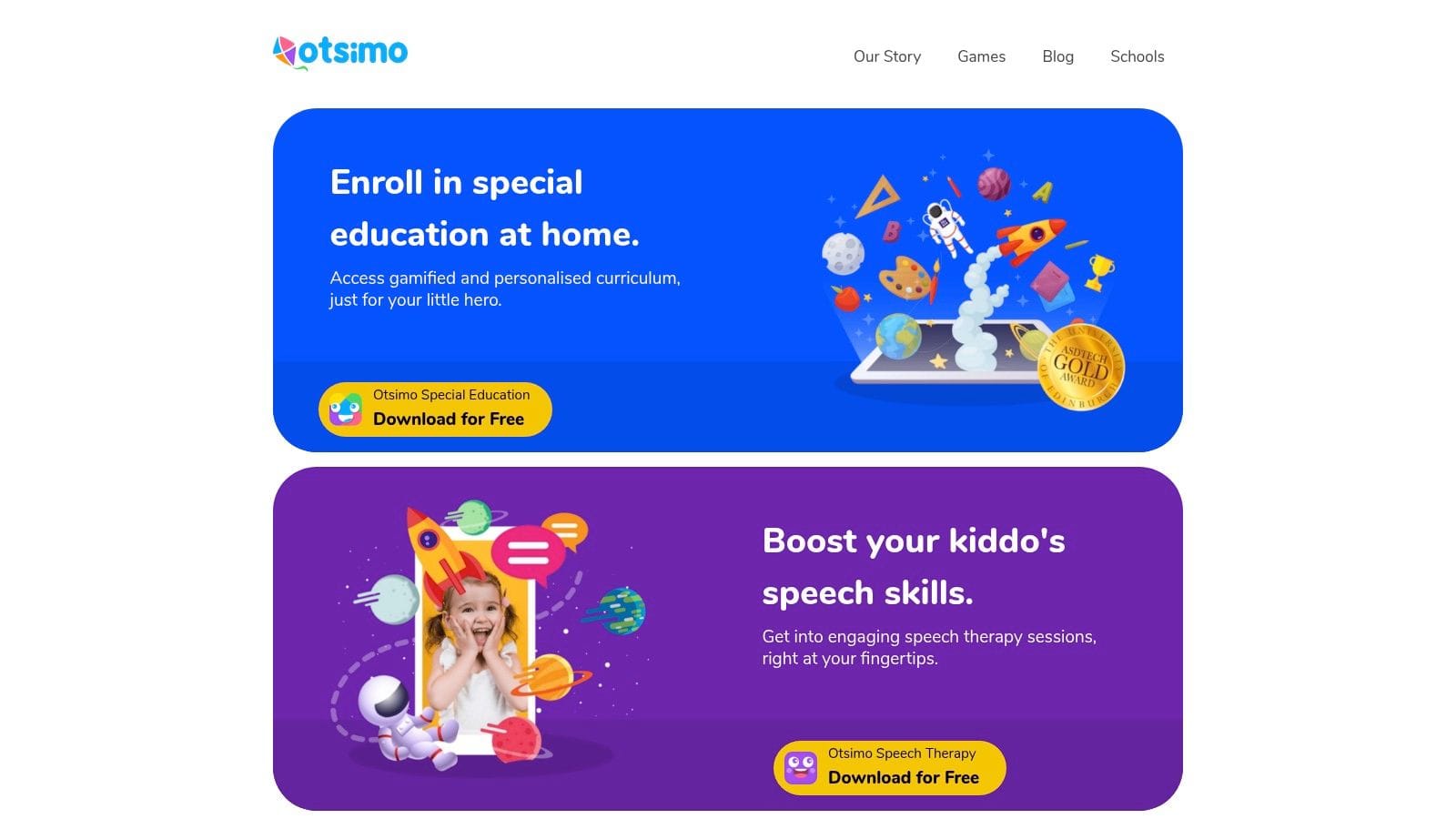
Otsimo Special Education is one of the better all-in-one learning apps for younger children because it doesn't assume long attention spans. It bundles structured games, video modeling, and starter communication support into one ecosystem, which can be useful if you're just beginning to build a home app toolkit.
For preschoolers, that simplicity matters. Many autism-related apps cluster around communication, learning, and daily living support, and one systematic evaluation of 155 apps noted that usability often outperformed pedagogical depth, which is important for young children who need clear visual structure and easy interaction more than feature overload, according to this systematic evaluation of autism-related apps.
Where it fits best
Otsimo works best for a child who enjoys tablet-based learning and can tolerate short guided activities. The built-in AAC is helpful as a starter tool, but I wouldn't treat it as a full replacement for a dedicated communication app if your child relies on AAC across settings.
Its family dashboard is useful, but the key question is whether the activities transfer off-screen. If a child can match shapes in the app but still struggles with turn-taking, cleanup, or real objects, that tells you the app is engaging but not yet functional.
Good fit
- Structured short activities: Better for preschool attention spans than open-ended content.
- Broad scope: Learning games, video modeling, and basic communication in one place.
- Cleaner visuals: Often easier for children who get distracted by busy interfaces.
Less ideal
- Premium gating: Families may outgrow the free tier quickly.
- Starter AAC only: Fine for exposure, less robust for children needing a primary voice system.
3. AutiSpark
AutiSpark does one thing well. It breaks early learning into small, visually guided activities that don't ask too much from a preschooler at once.
That's often the difference between a useful app and one that turns into background noise. Young children with autism may do better with short bursts of matching, sorting, identifying emotions, and simple language tasks than with long sequences or overstimulating reward loops.
Why preschoolers often respond well
AutiSpark's biggest strength is pacing. The activities are brief, the navigation is simple, and the demands are concrete. For a child who can engage for a few minutes but loses steam fast, that matters.
I also like it for children who need repeated exposure without a lot of verbal explanation. If you're working on foundational concepts at home, this kind of app can support practice without making every session feel like formal teaching.
Use apps like AutiSpark for rehearsal, not proof of mastery. If the skill doesn't show up during dressing, snack, play, or preschool, keep treating it as emerging.
The limitation is analytics. If you're the kind of parent or therapist who wants detailed progress data, you may find it lighter than more tracking-heavy platforms. That's where pairing it with a tool like Guiding Growth can be useful. You can track whether the child is generalizing those app-based skills into daily routines.
Best for
- Short focused practice: Good for children who benefit from many brief sessions.
- Foundational concepts: Matching, sorting, emotions, and early language.
- Low-friction use: Easier to start than apps with heavier setup.
Watch for
- Transfer gaps: Screen success doesn't always become real-world skill.
- Update inconsistency: Cross-platform parity may lag after major updates.
4. Proloquo2Go
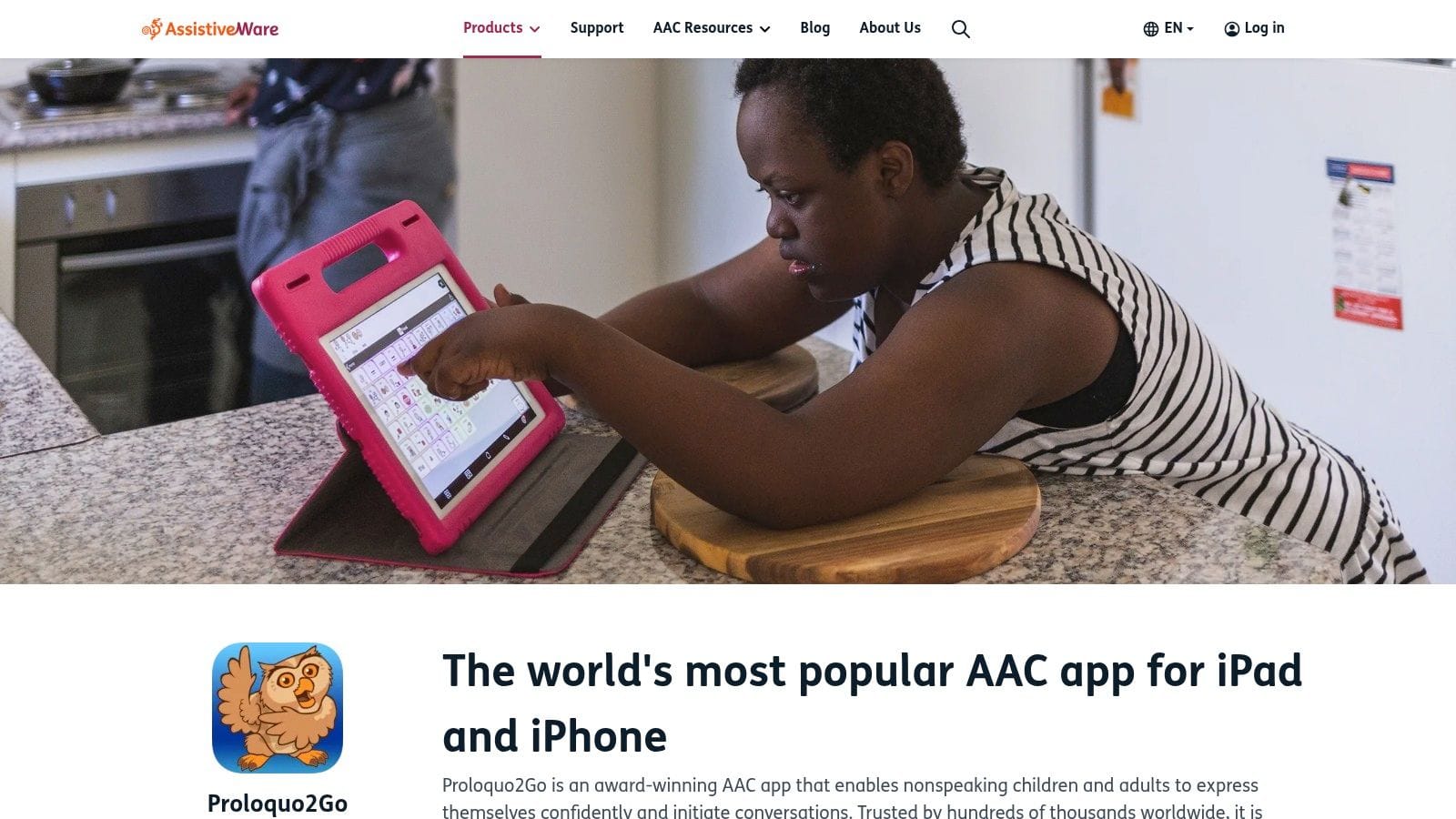
If your preschooler is minimally verbal or non-speaking, Proloquo2Go is one of the strongest AAC options to consider. It's robust, highly customizable, and commonly used across home, clinic, and school settings.
This isn't a "toy AAC" app. It's a real voice system that can grow with the child from single words to more complex language.
When it is the right AAC choice
Proloquo2Go is a good fit when a child needs a durable communication system and the adults around them are ready to learn it too. That's the part families sometimes underestimate. AAC success depends on modeling, access, consistency, and buy-in from adults. The app can be excellent and still fail if it only comes out during drills.
For preschoolers, I'd pay attention to grid size, motor access, and whether the child can find vocabulary without getting visually overloaded. A speech-language pathologist can help customize that. Parents who want a broader foundation for communication decisions may also find this guide to speech therapy for autism parents helpful alongside AAC setup.
Why families choose it
- Strong long-term ceiling: It can support growth beyond early requesting.
- Customization: Grid sizes, vocabulary, and voices can be adapted.
- Professional familiarity: Many SLPs and schools already know it.
Trade-offs to expect
- Learning curve: Adults need training and practice.
- Higher upfront spend: It can be harder to trial casually than some subscription tools.
AAC works best when adults model language all day. Not just when they ask the child to "use your words."
5. Avaz AAC
Avaz AAC is often easier for families to start with than some of the more complex AAC systems. It has a gentler feel, solid training support, and one practical advantage many families care about immediately: it's available on both iOS and Android.
That cross-platform access matters. In real homes, the "best" app on paper isn't always the best app if it only runs on a device you don't own.
What families usually like
Avaz tends to be approachable. The vocabulary organization is child-friendly, customization is manageable, and the overall interface doesn't feel as intimidating to new AAC teams.
For preschoolers, that can reduce one common problem. Parents delay AAC because the setup looks overwhelming. An easier entry point can mean the child gets consistent access sooner.
Still, I wouldn't choose it based only on ease. The better question is whether the language system supports growth. Can the child move beyond labels and requests? Can adults model naturally? Can preschool staff learn it without needing a full reset?
Often a good fit when
- You need Android support: Important for families outside the Apple ecosystem.
- You want a softer learning curve: Easier for some parents and teachers to adopt.
- You want flexible purchasing: Trial and ownership options can help with decision-making.
Possible limitations
- Platform differences: Some features and voices vary by version.
- Smaller ecosystem: Fewer shared board libraries than some longer-established AAC options.
6. LAMP Words for Life
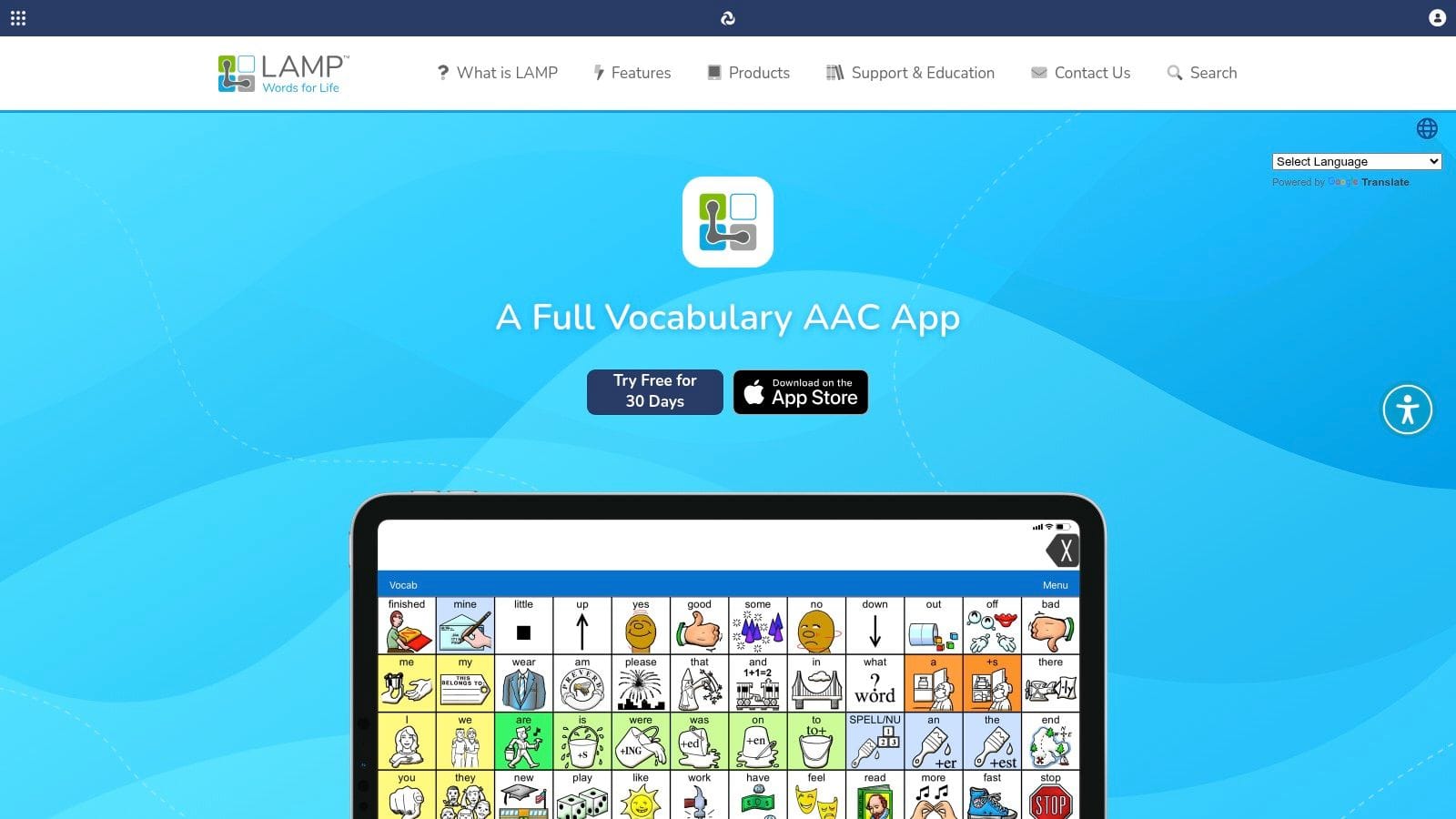
LAMP Words for Life is an AAC app built around motor planning. That means the child learns consistent movement patterns to find words, rather than constantly navigating changing layouts.
For some children, that consistency is a major advantage. If a preschooler benefits from repetition and stable visual-motor patterns, LAMP can be a strong match.
Best for motor pattern consistency
This app is often valued by clinicians because it treats communication as more than requesting. The system is designed to support language growth through consistent access and repeated motor paths.
In practice, I think LAMP works best when the whole team is committed. Parents, therapists, and school staff need to model on the same system and resist the urge to simplify it so much that the child loses access to meaningful language growth.
What doesn't work is downloading it and hoping the child will teach themselves. LAMP usually needs coaching, setup, and follow-through. Families who are ready for that often find it worthwhile. Families looking for instant simplicity may feel overwhelmed at first.
Strong points
- Consistent motor plans: Helpful for children who learn through repetition.
- Growth-oriented AAC: Supports language expansion, not just basic requesting.
- Trial pathway: The discover version helps teams explore the system first.
Challenges
- Setup intensity: It asks more of the adults around the child.
- One-time cost: Harder for some families than a lower-entry subscription.
7. Choiceworks
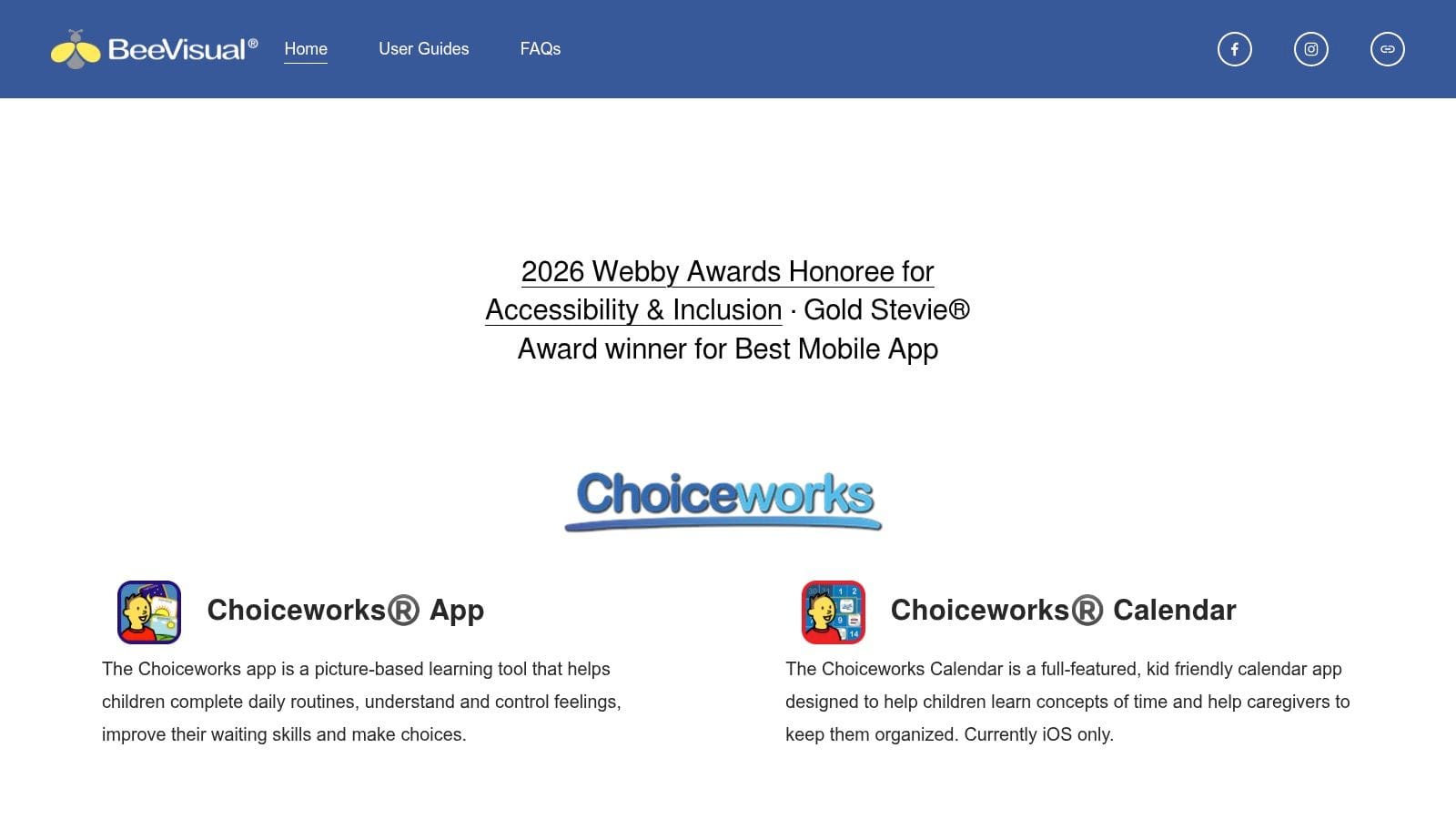
Choiceworks is one of the most practical apps for preschool routines. If your child struggles with transitions, waiting, or understanding what comes next, this app often helps faster than more elaborate tools.
It isn't trying to do everything. That's part of why it works.
Strongest use cases
Choiceworks is especially useful for visual schedules, waiting boards, and feelings tools. Those are daily pain points for many preschool families. Getting dressed, leaving the park, starting bedtime, waiting for a snack, moving from home to school. The app handles those moments well because it keeps the visual supports concrete.
If you're building home routines, this autism daily schedule template pairs well with the same visual approach. That combination can help families move from reactive prompting to more predictable structure.
A visual schedule doesn't remove distress by itself. It reduces uncertainty. For many preschoolers, that's the first step that makes regulation possible.
Choiceworks also helps when adults need consistency. One common problem isn't the child's understanding. It's that every adult explains the routine differently. Shared boards reduce that mismatch.
Why it earns a spot
- Strong visual supports: Especially helpful for transitions and waiting.
- Custom media: You can add real photos and videos, which often work better than generic icons.
- Home-school continuity: Print and share options support consistency.
Know before you buy
- iOS only: That's a dealbreaker for some families.
- Not a data hub: Great for routines, weaker for deeper tracking and team coordination.
8. First Then Visual Schedule HD
First Then Visual Schedule HD is one of the fastest tools for creating simple first-then supports. And for a lot of preschoolers, simple is exactly right.
When a child is dysregulated, a full daily schedule can be too much. "First shoes, then playground" is often more usable than a long sequence of steps.
Best for quick routine building
This app is well suited to task analysis, short routines, and social prep with minimal setup. You can build a board quickly, add timers, use photos, and share or print it when needed.
That speed matters in real homes and classrooms. Families don't always need a beautifully designed system. They need something they can change before preschool drop-off or before a tough appointment.
I like this app for children who need immediate visual clarity. I like it less for families who want modern syncing, broader collaboration, or a more polished interface. It does the basic job well, but it feels older than some newer tools.
Best used for
- First-then language: Very effective for short predictable sequences.
- Task breakdowns: Helpful for handwashing, toileting, or cleanup steps.
- Fast edits: Good when routines change often.
Less ideal for
- Cross-device households: Syncing is limited.
- Families wanting newer design: The interface isn't as modern as some alternatives.
9. Pictello
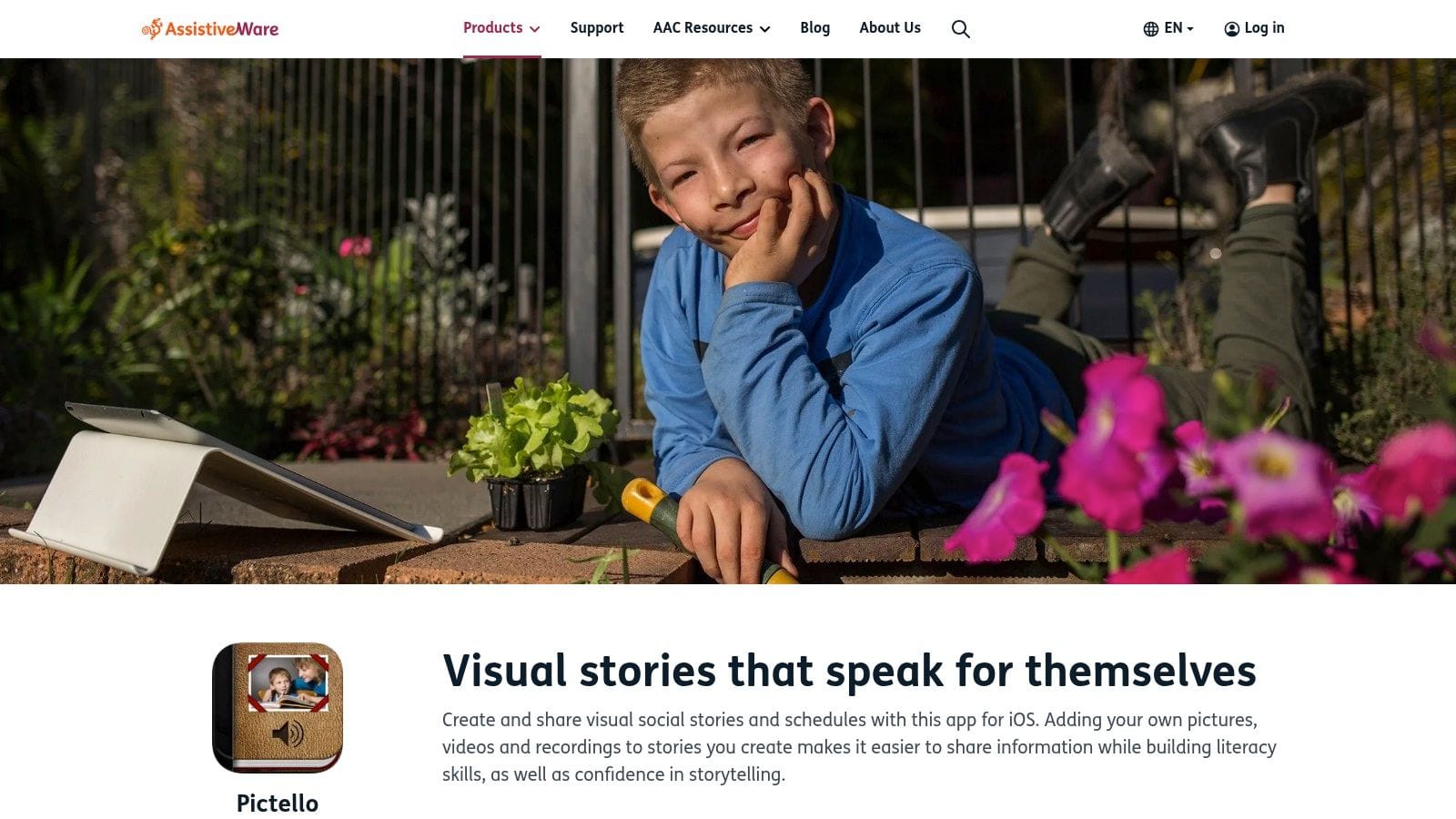
Pictello is one of the best tools for personalized social stories. That's important because generic stories often don't land with preschoolers. They usually respond better to their own photos, familiar places, and real routines.
If your child needs help preparing for haircuts, preschool pickup, doctor visits, or trying something new, Pictello can be very effective.
Where social stories actually help
Social stories work best before the stressful moment, not in the middle of a meltdown. Pictello makes that easier because you can create simple narrated stories with your own images, video, and text-to-speech.
For parents who want a better framework for building useful stories, this guide on how to write social stories for autism is worth keeping nearby. The content of the story matters as much as the app you build it in.
What doesn't work is using social stories as a script to force compliance. The better use is preparation, predictability, and emotional safety. "This is what will happen. Here is what you can do. Here is how we will help."
Where it shines
- Personalization: Real photos and routines improve relevance.
- Narration options: Helpful for children who respond to spoken support.
- Companion tool value: Excellent alongside AAC, schedules, or therapy goals.
Limitations
- iOS only: Access is narrower than some families want.
- Not a full learning app: It does one job, though it does it well.
10. Goally
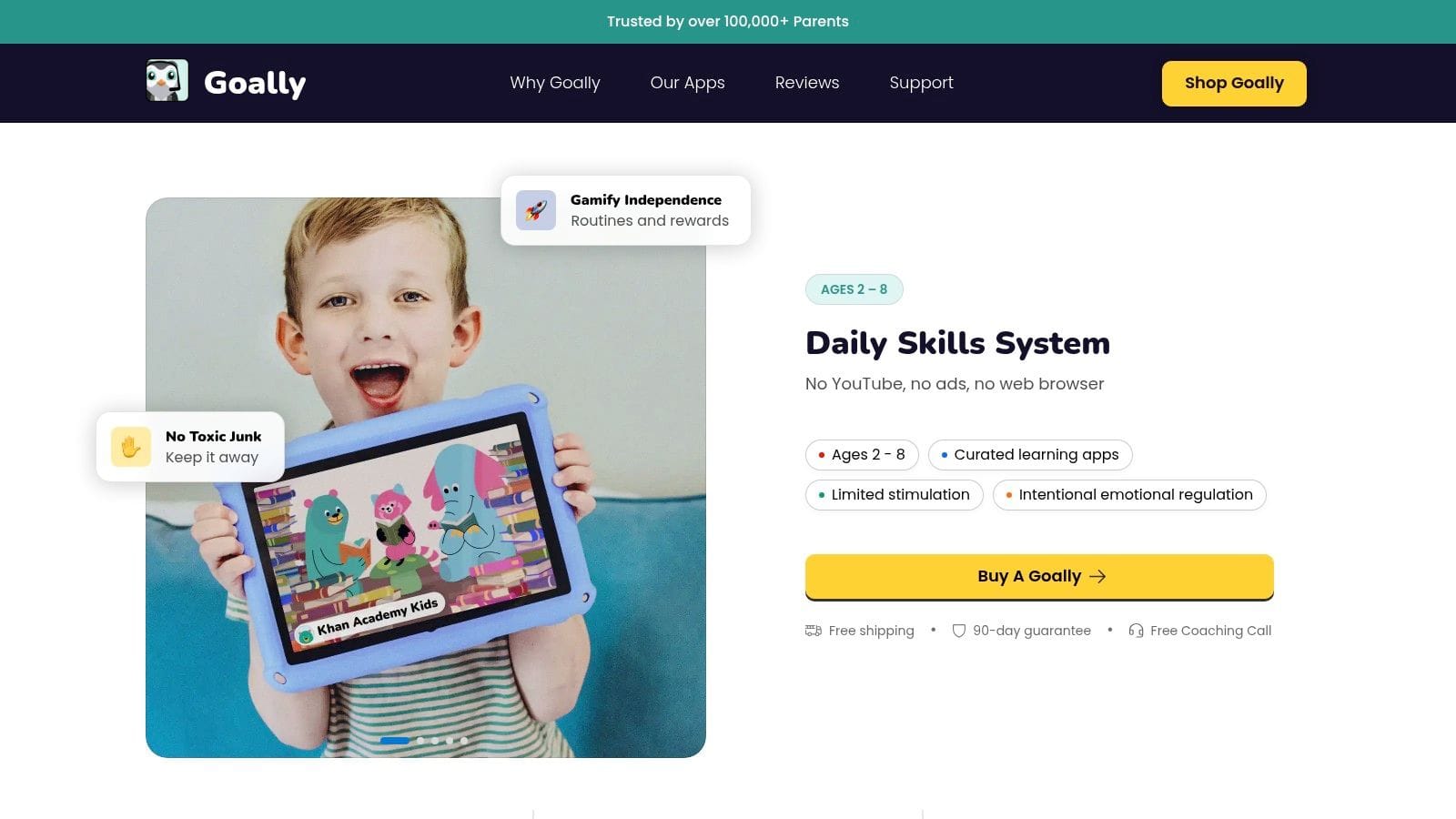
Goally takes a different approach from most apps for preschoolers with autism. Instead of living inside a general-purpose tablet packed with distractions, it uses a dedicated kid device and companion system for routines, timers, token boards, and behavior supports.
That setup won't suit every family. For some, it's exactly the point.
Who benefits most
Goally is strongest for children who derail quickly when they can switch from supports to videos or games. A closed ecosystem reduces that battle. The child gets the routine tool without also getting the rest of the tablet.
It can also help families who don't want to build their own stack of separate apps. Visual schedules, first-then boards, and incentives are already combined. That reduces setup fatigue, which is a real issue with many autism apps.
The trade-off is cost and flexibility. You're buying into a system, not just an app. Some families will prefer that structure. Others will feel boxed in, especially if they already use a tablet for AAC or school apps.
Best fit
- Children distracted by open tablets: A dedicated device can lower conflict.
- Families wanting one routine system: Less piecing together separate tools.
- Home behavior support: Useful for chores, transitions, and simple reinforcement.
Not ideal if
- You want broad app freedom: The closed ecosystem limits flexibility.
- You already have a good device setup: It may feel redundant.
Top 10 Preschool Autism Apps Comparison
| Product | Core features | ★ UX & Quality | 💰 Value & Price | 👥 Target audience | ✨ Unique strengths |
|---|---|---|---|---|---|
| 🏆 Guiding Growth | Behavior, sleep, nutrition, meds, appointments; voice-first logging; AI companion | ★★★★☆, clear visualizations, fast logging | 💰 Early access / pricing TBA | 👥 Busy caregivers, families, clinicians | ✨ Voice logging + Alma AI; real-time sharing & pattern detection |
| Otsimo Special Education | 100+ learning games, video modeling, starter AAC, family dashboard | ★★★★☆, award-recognized, kid-friendly | 💰 Free tier limited; premium paywall | 👥 Preschoolers, caregivers, therapists | ✨ Structured games + built-in AAC; strong analytics |
| AutiSpark | 300+ short activities for matching, sorting, emotions; educator-informed | ★★★★☆, focused sessions for short attention spans | 💰 Free 14-day trial; subscription afterward | 👥 Preschool learners, special educators | ✨ Short, visually guided mini-games; OT/educator input |
| Proloquo2Go | Symbol-based AAC, customizable grids, natural voices, scalability | ★★★★★, clinician-trusted, robust features | 💰 Higher upfront cost (one-time) | 👥 Minimally verbal/non-speaking children, SLPs | ✨ Deep vocabulary; highly customizable and school-ready |
| Avaz AAC | Core & fringe vocab, cross-platform, training resources | ★★★★☆, gentle learning curve, Android-friendly | 💰 Subscription or lifetime; 14-day trial | 👥 Families needing Android access, classrooms | ✨ Android availability; multiple purchase options |
| LAMP Words for Life | Motor-planning approach, vocab builder, data logging | ★★★★☆, research-informed, clinician-valued | 💰 Higher one-time price | 👥 SLPs, therapy teams, early AAC learners | ✨ LAMP motor-planning method; strong clinician support |
| Choiceworks | Schedules, waiting/feelings boards, timers, share/print | ★★★★☆, flexible visuals, widely used | 💰 One-time iOS purchase | 👥 Teachers, parents, preschool routines | ✨ Four board types; aligns with ABA strategies |
| First Then Visual Schedule HD | First‑then boards, timers, social stories, video modeling | ★★★☆☆, fast but dated interface | 💰 One-time iOS purchase | 👥 Caregivers building quick routines | ✨ Very quick to create/print routines and task steps |
| Pictello | Social-story creator with images, video, TTS and narration | ★★★★☆, powerful for individualized stories | 💰 One-time iOS purchase / AAC bundles | 👥 Caregivers, AAC users, SLPs | ✨ High-quality TTS; multimedia social stories |
| Goally | Dedicated kid device + app: schedules, token boards, timers | ★★★★☆, distraction-free, child-focused UX | 💰 Hardware + annual plan (costlier) | 👥 Families needing a locked-down kid device | ✨ Closed ecosystem reduces app-switching; built-in behavior supports |
Final Thoughts
The best apps for preschoolers with autism aren't the ones with the longest feature lists. They're the ones your child can use, and the ones your family can keep using when life gets busy.
That's why I encourage parents to think in layers. Start with the support need, not the app category. If your child needs a voice, prioritize AAC. If your hardest moments are transitions, start with visual schedules. If anxiety rises around unfamiliar events, use social stories. If you want educational practice, keep it short, structured, and tied to real-world skills.
There is real reason for optimism about mobile tools in this space. A major milestone came from a 2025 multi-site SenseToKnow study of 620 toddlers ages 16 to 40 months, where the mobile app achieved an AUC of 0.92, sensitivity of 83.0%, and specificity of 93.3%, showing that smartphone-based tools can perform at levels comparable to established screening methods for very young children, as reported in this SenseToKnow validation summary. That doesn't mean every app is evidence-based. It does mean mobile tools deserve serious attention when they're thoughtfully designed and carefully used.
At the same time, families should stay grounded. Many autism apps are single-purpose, uneven in quality, and difficult to integrate across the adults in a child's life. Privacy, caregiver workload, and data sharing still don't get enough attention in this space, as highlighted in this discussion of helpful autism apps and websites. An app isn't helpful if it creates duplicate work, hides patterns in siloed notes, or can't be shared with the people supporting your child.
That is why a parent-centered tracking app matters so much. Specialist apps can teach, prompt, or support. But you still need a way to measure what changes your child's comfort, communication, and participation over time. That's the role Guiding Growth fills especially well. It gives families a practical base layer for observing patterns, coordinating with others, and making more confident decisions about which supports are worth continuing.
If you're also thinking about how smart app design affects healthcare tools more broadly, this practical guide to AI medical app development offers a useful broader lens.
If you want one place to connect all the other tools on this list, try Guiding Growth. It can help you track routines, meltdowns, shutdowns, sleep, food, medication, therapy notes, and communication patterns so you can see what's helping your child, share that insight with the people involved, and make app choices based on real daily outcomes instead of guesswork.