Your child eats three bites of pasta, refuses everything else, and has a hard evening. You're clearing plates, helping them regulate, and trying to remember whether they slept badly or complained about their stomach before dinner. By bedtime, the details have blurred.
A food list alone rarely explains that evening. You need to know what was offered, what your child ate, and what happened around the meal. A photograph of a full plate isn't a record of what went into their stomach. A meltdown afterward isn't proof that an ingredient caused it.
The right food diary app makes those distinctions easier to record without turning dinner into an assessment. For some families, that means detailed nutrient information to review with a dietitian. For others, it means photographs, symptom timing, or a shared timeline that includes sleep and behavior.
Start small: Record enough detail to answer your question, not enough to recreate every moment of dinner.
These picks prioritize caregiver tasks over adult calorie goals: logging while your hands are busy, recording ingredients and possible reactions, keeping observations together, and preparing information for appointments. Sharing a photo, exporting a spreadsheet, and giving a caregiver access are different capabilities. Choose the one your family needs.
You don't need the most elaborate tracker. You need a record you can keep using when dinner doesn't go to plan.
Table of Contents
- 1. Nutrition Log App Guide for Autism and Selective Eaters
- 2. Cronometer
- 3. MyNetDiary
- 4. MyFitnessPal
- 5. AteMate
- 6. Eatrack
- 7. See How You Eat
- 8. fatsecret Calorie Counter
- 9. Lifesum
- 10. Easy Diet Diary
- How the 10 food diary apps compare on features that matter for autism and selective-eating families
- Matching the Right Food Diary to the Questions You Need Answered
1. Nutrition Log App Guide for Autism and Selective Eaters
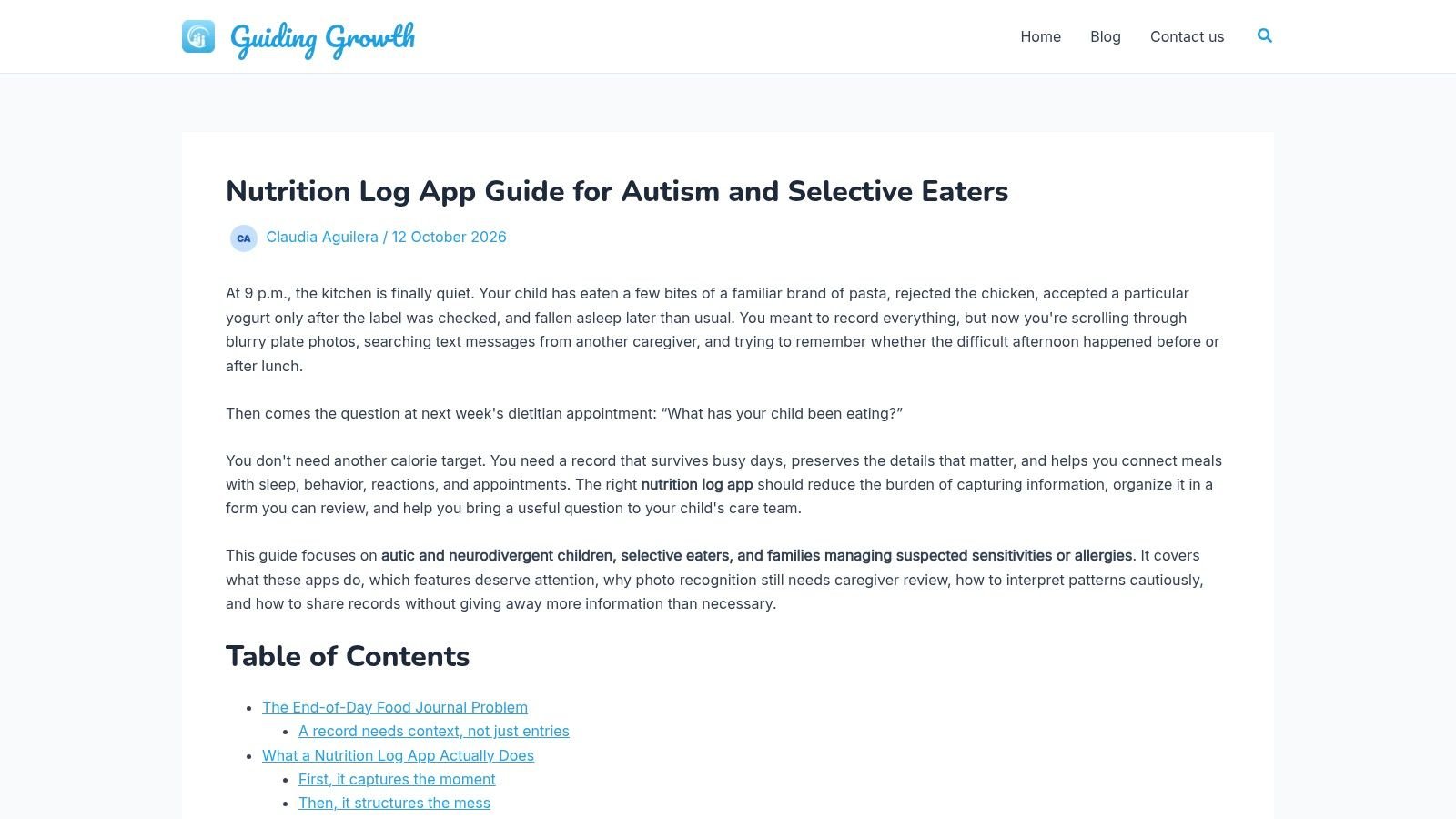
Best for connecting meals with the rest of your child's day. Guiding Growth's nutrition-log guide introduces a family-focused approach rather than a standalone calorie counter. Our app places meals alongside sleep, behavior, digestion, medications, and appointments.
During a difficult dinner, you can photograph the plate or describe what happened through Quick Log. The app turns spoken observations into editable entries. Photo analysis identifies foods, estimates portions and nutrition, and matches items to your child's known foods.
Useful context without another separate diary
Our tools track 24 dietary factors and allergens, while the analytics dashboard helps you review observations over time. Record accepted foods, refusals, preparation, and approximate portions so a familiar meal doesn't become an ambiguous entry. The nutrition-log example shows how to organize those details.
- Daily practicality: Voice and photo entry reduce typing when your child needs your attention.
- Care-team preparation: Permission-based collaboration and exportable PDF summaries help caregivers and clinicians review the same history.
- Important limitation: Review detected foods and portions. The app organizes observations; it doesn't diagnose sensitivities or provide medical advice.
Food recognition isn't the same as accurate nutrition measurement. A controlled MyFoodRepo evaluation found strong edible-component identification but wide agreement limits for energy and macronutrient estimates. Treat the photo result as a draft, especially for mixed dishes or partially eaten meals.
If you're asking is my child's fussiness normal, bring concrete examples of accepted foods, refusals, and mealtime distress to your child's clinician. A connected diary helps you describe the concern without deciding its cause yourself.
2. Cronometer
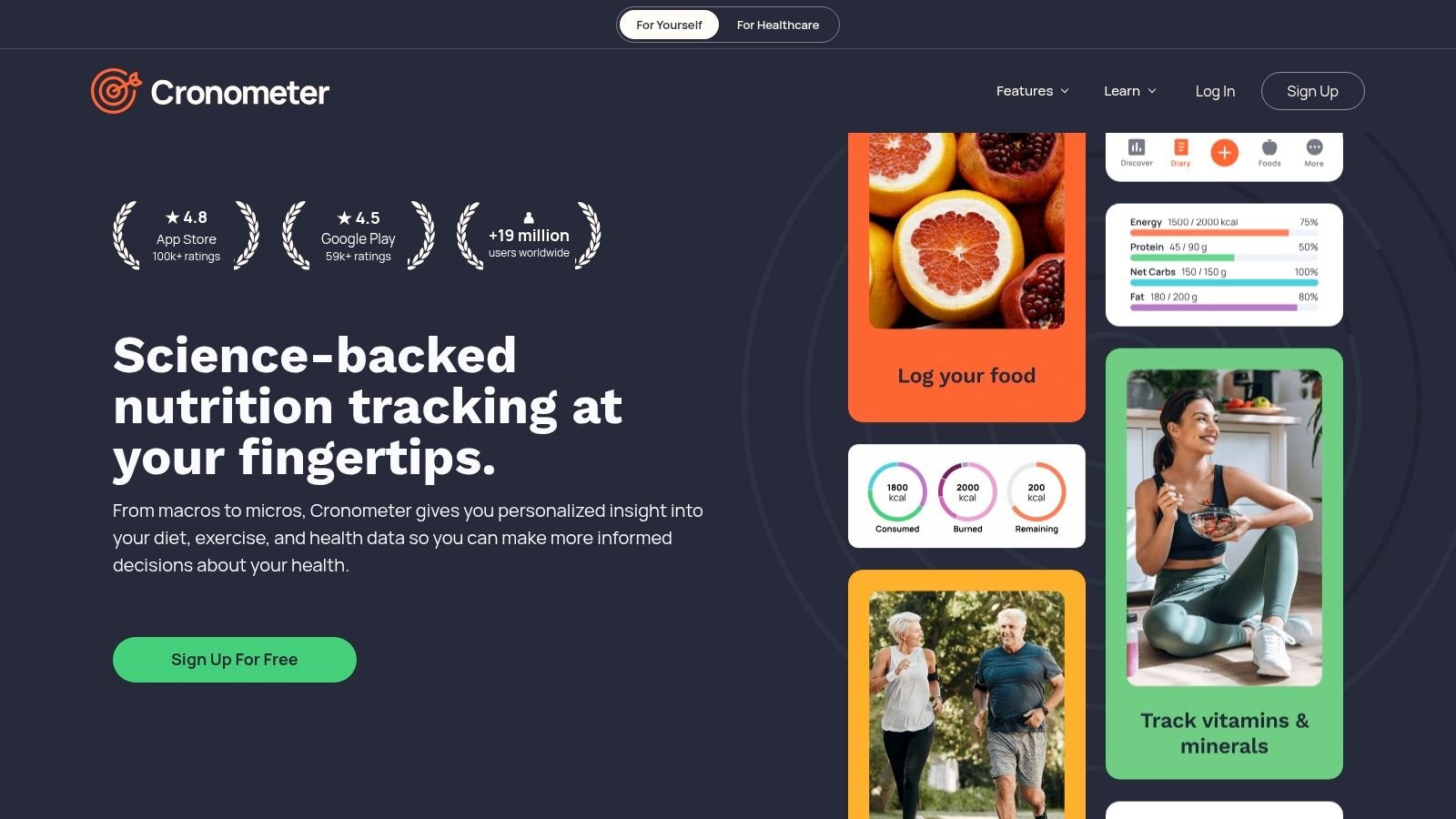
When the question is about nutrient intake, Cronometer deserves a closer look. It offers detailed nutrient tracking, custom foods and recipes, activity integrations, and raw-data export. A free option is available, with additional tools through Gold.
Say your child accepts the same yogurt, crackers, and homemade pancakes most days. Creating accurate custom entries makes more sense than repeatedly choosing vaguely similar foods. Record the actual brand and recipe, then distinguish the serving offered from the amount eaten.
Detail is the benefit and the burden
Cronometer works best when you have time to select the right preparation and portion. That's useful for a planned food record, but less convenient when you're supporting a distressed child and cleaning up spilled milk.
- Choose it for: Nutrient detail and an export your dietitian can examine.
- Expect extra work: Sleep, behavior, and family-care context aren't its main organizing framework.
- Keep targets clinical: Don't treat general nutrition goals as individualized pediatric advice.
The export is valuable, but raw data aren't a clinician-ready explanation. Add your reason for tracking and note where portions were uncertain.
Our guide to using food trackers for autism diets can help you decide which observations matter before you start entering every ingredient. I'd choose Cronometer for a focused nutrition question, not as the central record of a child's whole day.
3. MyNetDiary
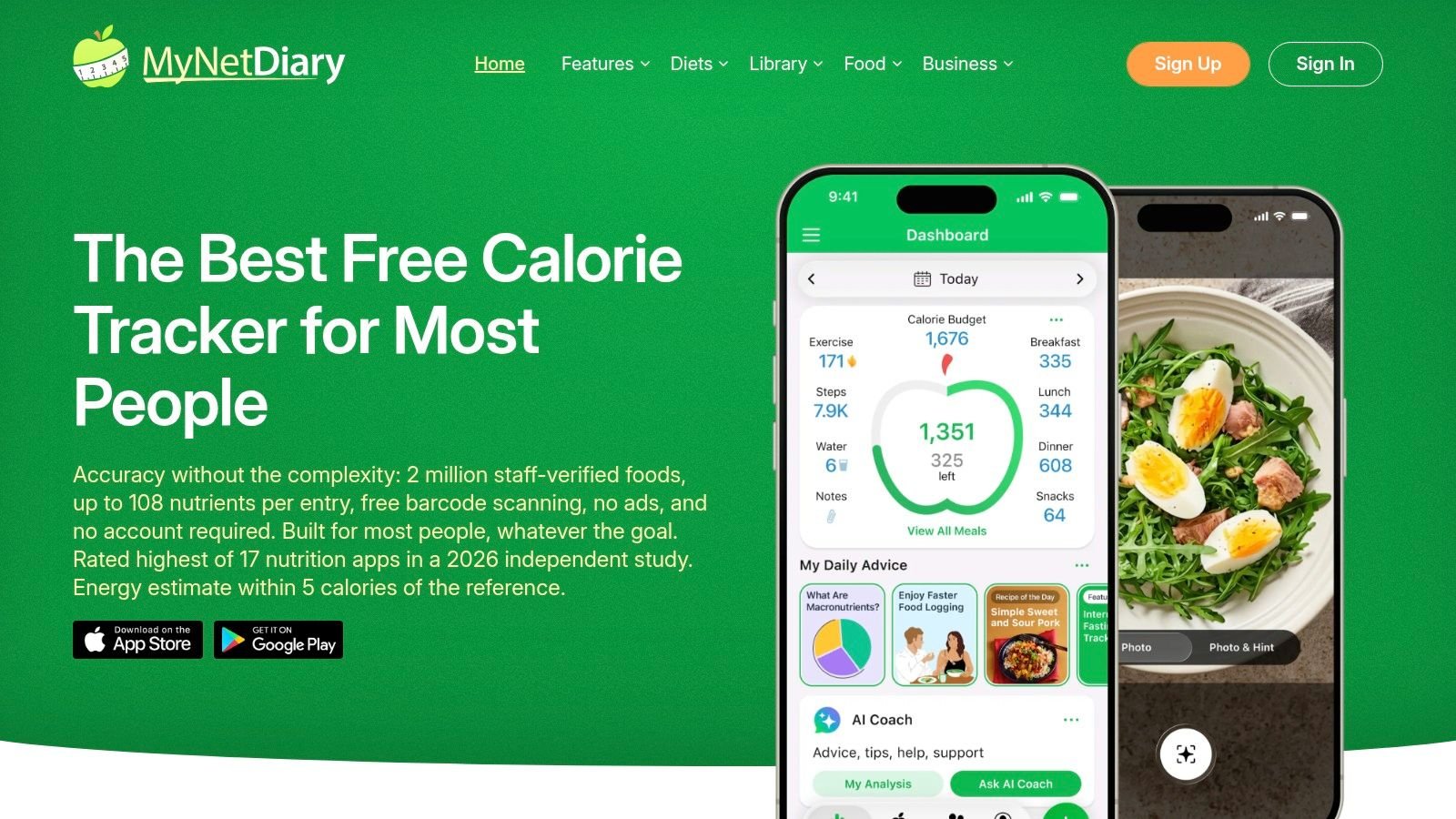
Your child's breakfast is finished, the school bag is missing, and typing a detailed meal is unrealistic. Voice logging makes MyNetDiary worth considering in that situation. Its food diary also supports barcode entry, custom foods, recipes, activity integrations, and printable reports across mobile and web.
Free logging is available, with paid plans adding more tools and analysis. The more important question is whether the basic workflow fits your morning. Voice input has a clear practical rationale: speaking a meal into your phone takes one hand and a few seconds, which matters when the other hand is wiping a chair.
Check the entry before moving on
Speech can capture a meal quickly, but review the product, amount, and whether your child ate it. A spoken description of toast with butter shouldn't become an unquestioned record of a full serving. If your child took two bites and refused the rest, edit the entry to reflect that.
The trade-off is its weight-management orientation. MyNetDiary provides detailed nutrition and reporting, not a dedicated shared childhood care timeline. Printable reports can support a nutrition appointment, but you'll still need to explain relevant symptoms, sleep changes, and feeding concerns yourself.
Choose it if voice entry and printable nutrition records matter more than integrated behavior tracking.
4. MyFitnessPal
Familiarity can save effort. If you already know MyFitnessPal, using its food search, saved meals, and recipes may feel easier than learning another interface. Free food logging is available, while barcode, voice, and meal-scan options sit behind paid access.
Its searchable database can be convenient for packaged foods and repeated meals. The catch is that a matching name doesn't guarantee a matching entry. Check the brand, serving unit, and nutrition information against the package.
A saved meal is a shortcut, not confirmation that your child ate the same amount as yesterday.
For a child who accepts a particular pasta shape with a particular sauce, save that combination accurately. Adjust the eaten amount each time rather than copying a full portion by habit.
- What works: Familiar diary structure, reusable meals, and free basic entry.
- What needs checking: Database records, serving sizes, and automatically estimated portions.
- What's missing for this use: A care-centered connection between meals, symptoms, sleep, and appointments.
Fitness integrations won't necessarily help you explain a difficult bedtime. Nor should adult calorie budgets become the basis for a child's feeding plan.
I'd use MyFitnessPal when familiarity makes consistent logging realistic and the goal is a straightforward food record. For suspected reactions or coordination between caregivers, a more context-focused diary is a better fit.
5. AteMate
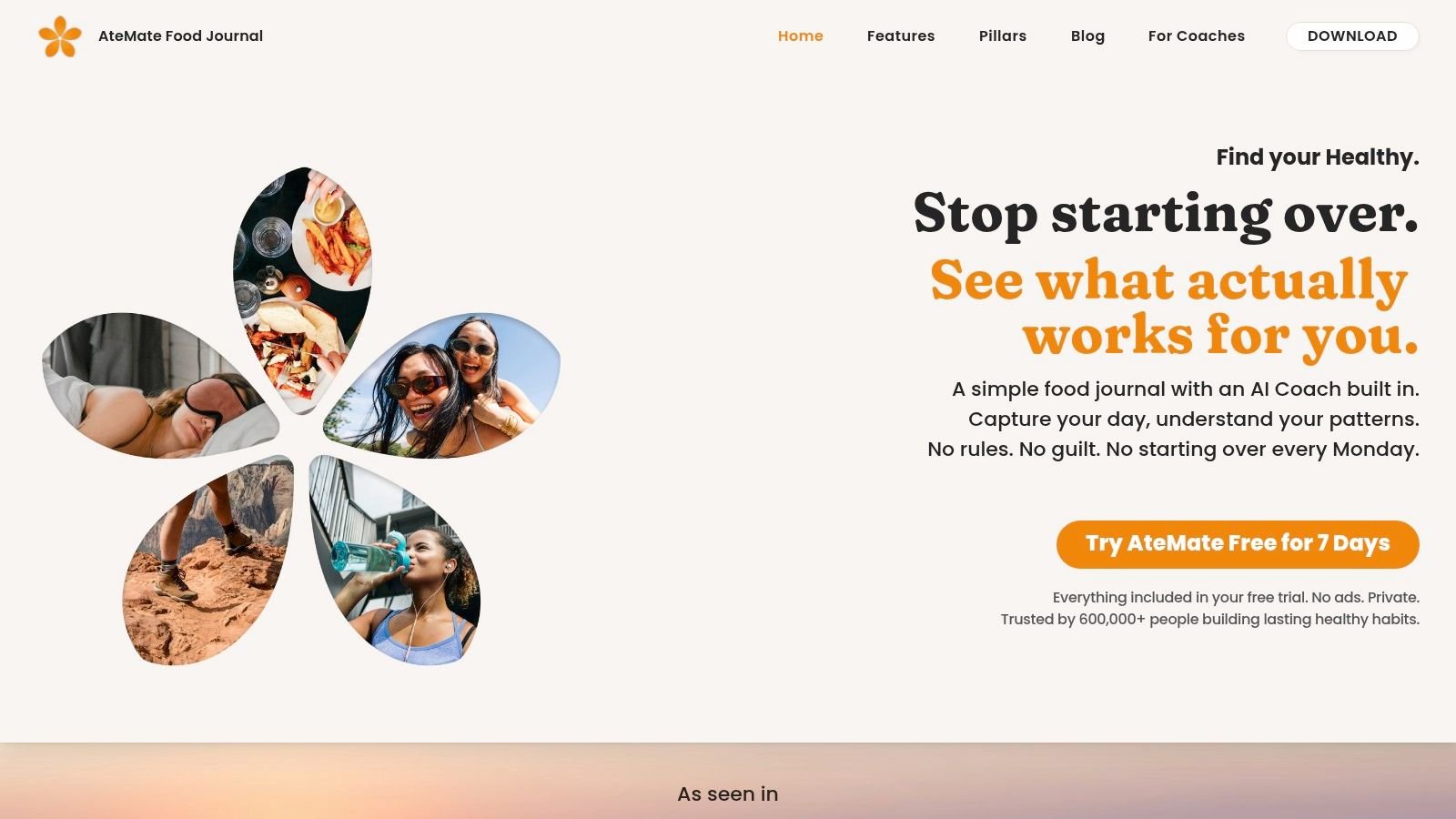
Some dinners end with a child eating two bites and pushing the plate away. AteMate, previously known as Ate, suits that reality better than a nutrient tracker. It takes a photo-first, reflective approach with notes about mood, hydration, movement, and sleep, plus a visual timeline, weekly insights, and AI coaching.
Photograph the food, then record whether your child accepted it, left it untouched, or ate only the familiar parts. Note preparation changes the image won't explain: a different sauce, a softer texture, a new brand of the same pasta. That detail is what turns a gallery of plates into a record a feeding therapist can read.
Photographs need an eaten-versus-offered note
A plate photograph can preserve useful detail, and it can also overstate intake if you never record the leftovers. Add a short after-meal note rather than assuming the original photograph tells the whole story.
AteMate isn't designed for detailed allergen or nutrient analysis. Its coaching features aren't a substitute for pediatric feeding or medical guidance. Access runs on a subscription, and it is available on Apple devices.
A 2025 systematic review of food selectivity in autistic children identified recurring differences in food variety and intake. Your job is documenting your child's actual pattern week by week, which a visual journal handles well.
I'd pick AteMate when the goal is a low-pressure record of what was offered and accepted. Reach for a structured tool when ingredient detail, symptom timing, or formal care-team reporting matters.
6. Eatrack
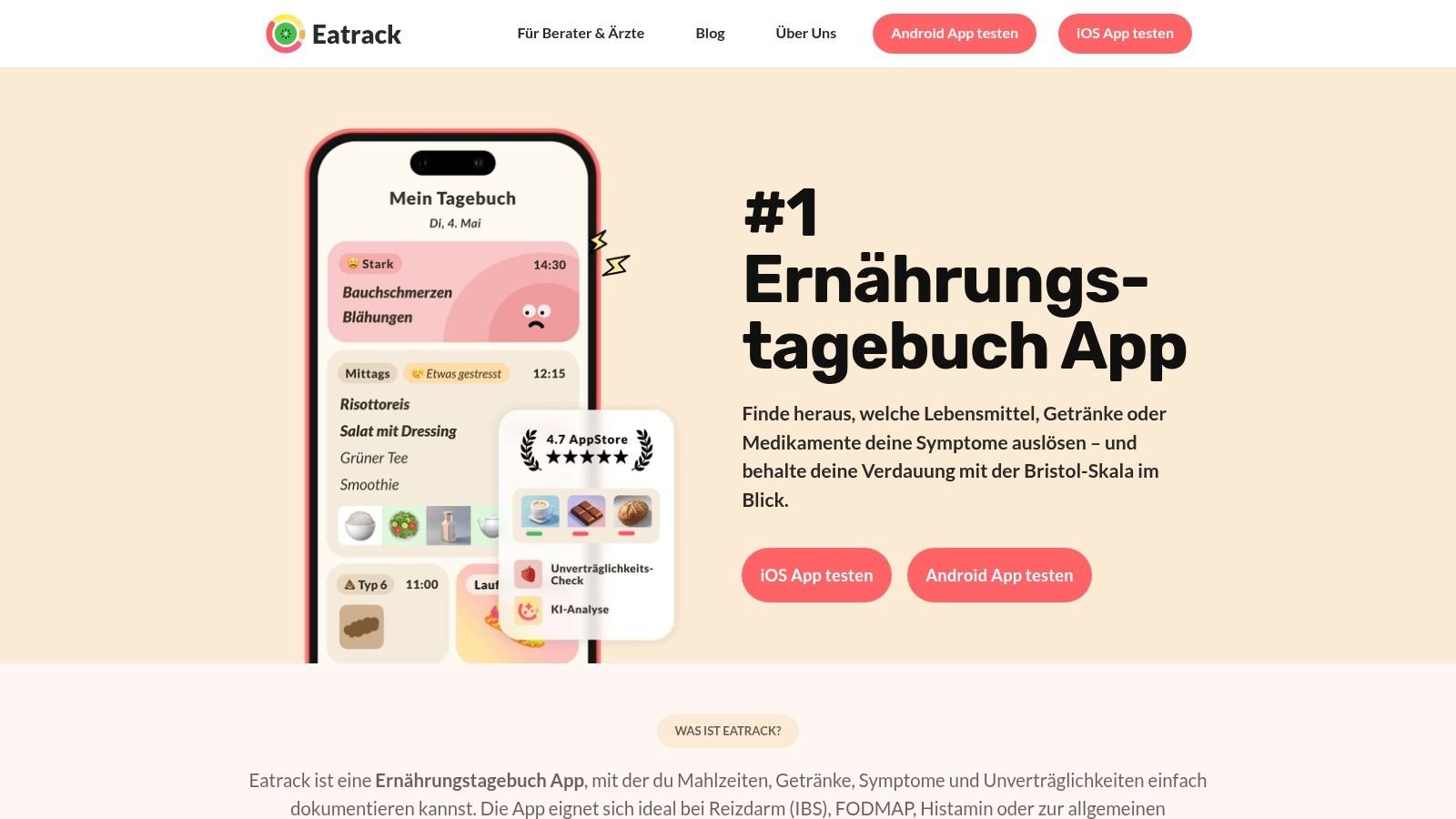
Meals plus digestive symptoms are the reason to consider Eatrack. It records foods and ingredients alongside symptom severity, timing, digestion, medications, activity, and stress. PDF and CSV exports make it practical to bring a record to a clinician.
Say your child reports stomach discomfort after school. Log the symptom when it happens, then preserve the earlier meal details without immediately blaming lunch. Configurable time windows let you examine possible delayed associations, but the app's pattern analysis isn't a diagnosis.
Ingredient detail matters more than a meal name
A sandwich entry is less useful than the bread, filling, spread, and amount eaten. For packaged foods, retain the brand and check the current label rather than relying solely on a database match.
The FDA's allergen-label guidance explains that allergen labeling also applies to ingredients containing allergen proteins. That's why a photograph or broad meal category can't replace reading the package.
- Strong fit: A focused food-and-symptom record with export options.
- Practical constraint: Its listing describes iPhone availability rather than Android.
- Medical boundary: A possible trigger is a question for evaluation, not a reason to remove foods automatically.
Eatrack makes more sense for a digestive investigation than for coordinating school, therapy, and sleep records. Keep unrelated changes visible so the clinician isn't handed a food-only explanation.
7. See How You Eat
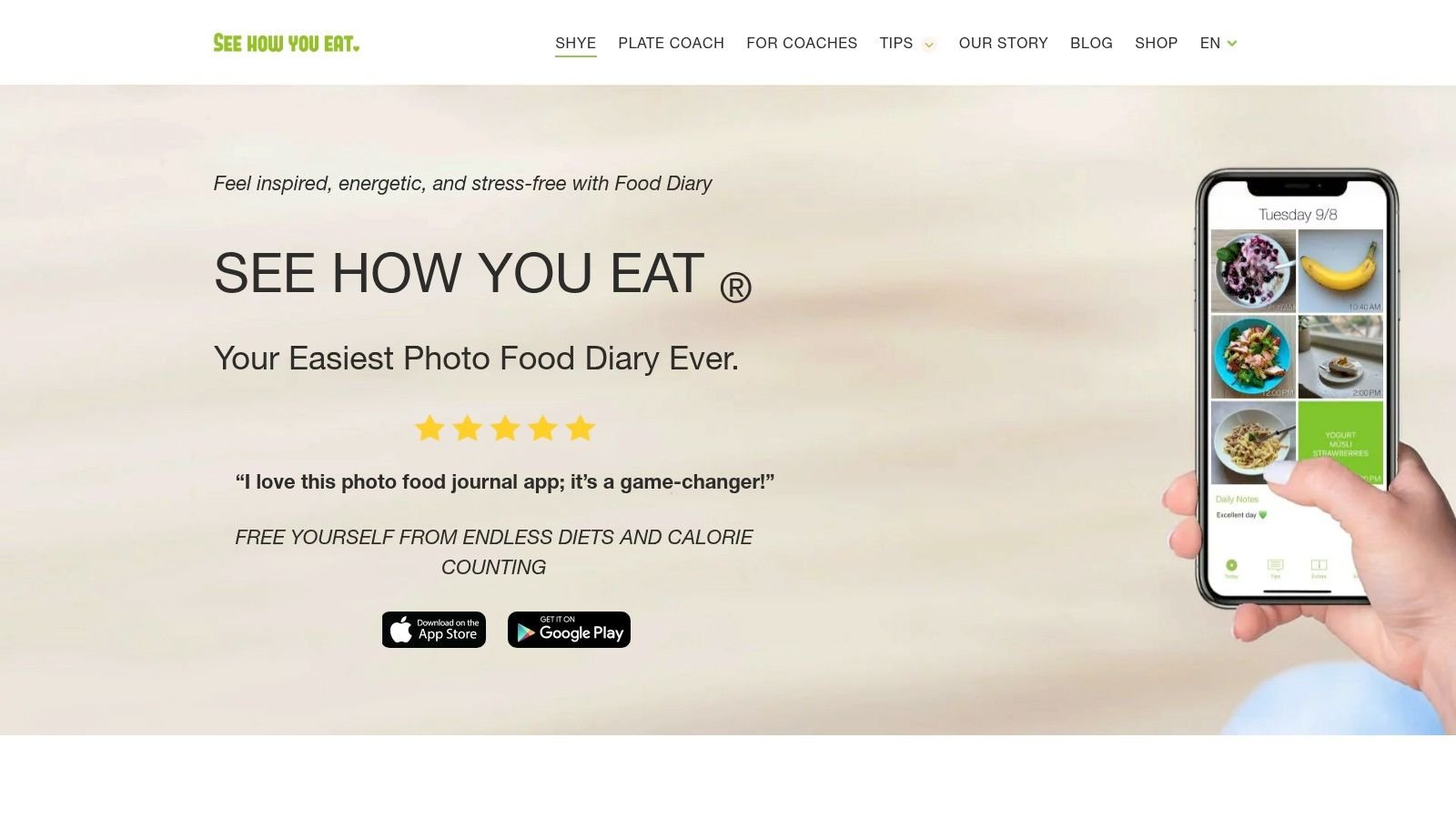
Open a visual diary and you can review breakfast, lunch, dinner, and snacks without reading a long ingredient list. That's the appeal of See How You Eat: photographs, notes, and a daily meal overview, with options to share records with a coach or another person.
It emphasizes habit awareness and regular eating rather than calorie counting. For a caregiver who mainly needs to remember what was offered across home and school, that simplicity can be useful.
Photo rule: Add what was eaten, not just what was served.
A photo cannot tell a clinician whether your child ate the filling or only the bread. It also won't reliably reveal ingredients hidden inside a sauce. A brief note fills those gaps without turning the diary into a detailed nutrition worksheet.
Simple sharing has limits
Sharing meal records with another person isn't the same as maintaining a permission-based care timeline. Decide whether a visual overview meets your appointment needs or whether the clinician needs structured symptom and ingredient information.
The app is free to download, with premium subscription features and trial offers that vary by platform and region. It is available on Apple devices.
Choose it for an easy-to-scan visual record. Don't choose it expecting detailed nutrient calculations, allergen analysis, or automatic links between meals and behavior. Its value is a manageable record, not a medical explanation.
8. fatsecret Calorie Counter
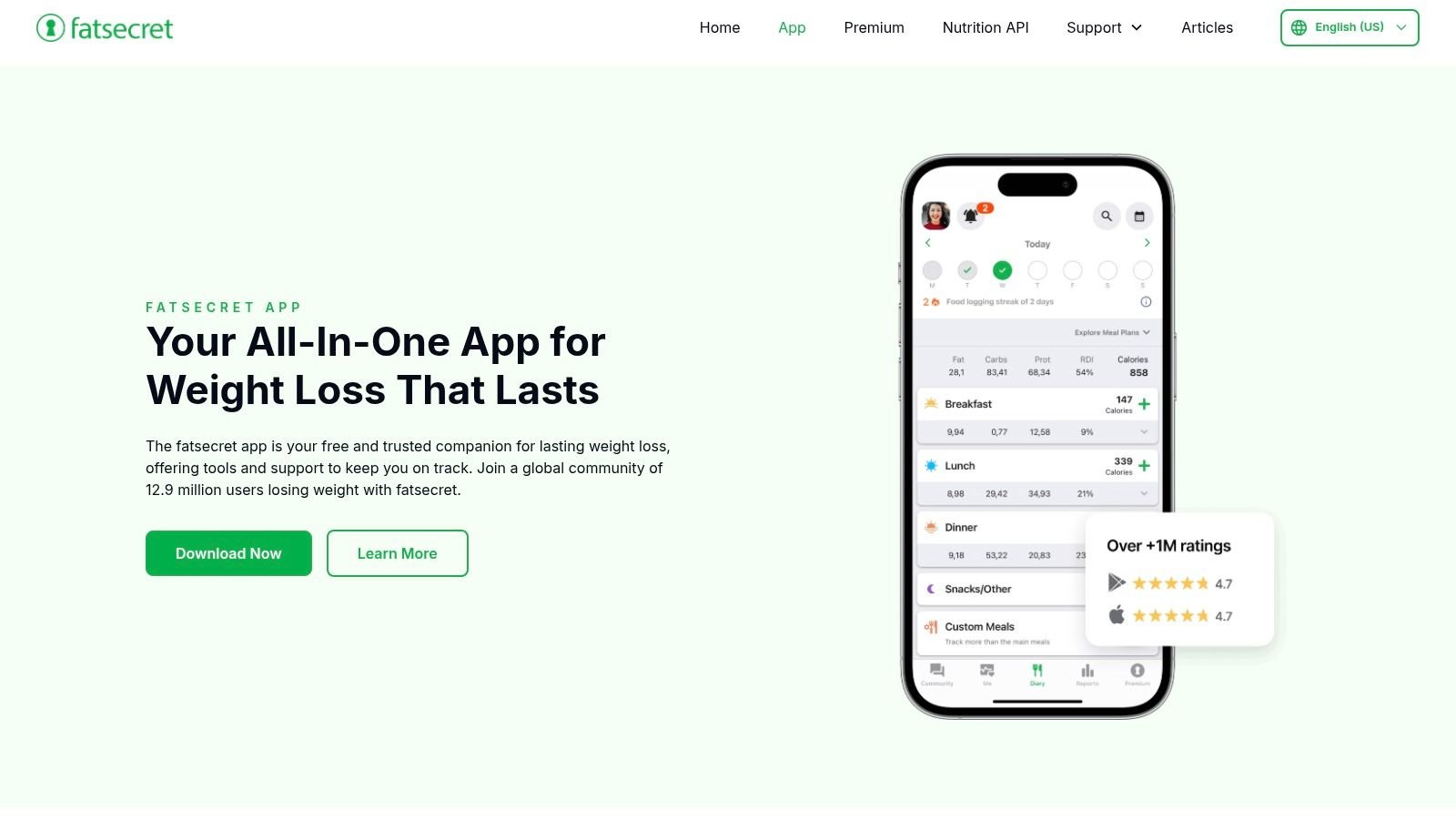
If paying for basic food entry is a barrier, fatsecret Calorie Counter offers a free tier with food-diary basics. It combines food search and nutrition information with recipes, exercise logging, weight tracking, integrations, and community features.
For caregivers, the useful part is the diary itself. Repeated packaged snacks and familiar meals can be organized by meal category. Premium adds tools such as smart scanning and selected recipe or logging features, with pricing presented in the app.
Keep the record separate from weight-loss goals
The adult weight-management framing is the main compromise. Your child's food record should answer a care question, not become a scorecard for eating less. Community discussion also isn't a substitute for advice from the clinician who knows your child.
- Budget advantage: Many diary basics are available without a subscription.
- Daily limitation: Faster or more automated tools may require Premium.
- Care-team limitation: Community features don't provide the same function as a shared clinical history.
Portion precision deserves caution in any tracker. A review of photographic dietary assessment describes underestimation of food amounts compared with weighed records. Use uncertain portions as estimates rather than presenting them as exact intake.
Choose fatsecret for an accessible conventional food diary. Choose another tool if the priority is connecting symptoms, sleep, and caregiver observations rather than organizing food and nutrition totals.
9. Lifesum
Some dinners are easiest to photograph. Other meals are easier to describe while you're packing away lunch. Lifesum offers photo, voice, text, and barcode entry, alongside calorie and macro tracking, water logging, recipes, meal plans, and fitness integrations.
That flexibility is its strongest caregiver advantage. You can choose the entry method that fits the moment rather than forcing every snack through the same search process. The app is free to download, with optional paid access and many planning features behind a subscription.
Neutral observations beat food scores
Lifesum's guidance and food ratings may not suit a parent trying to keep a neutral selective-eating record. A familiar accepted food is important context, even when it doesn't match a general healthy-eating recommendation. Record acceptance and intake without turning the app's rating into a judgment about your child.
- Useful addition: Water tracking can keep hydration visible beside meals.
- Important gap: The app isn't primarily a symptom-linked diary.
- Review step: Confirm automatically captured foods, ingredients, and portions.
For allergen tracking, read labels directly. The FDA's food-allergy guidance identifies nine major food allergens, including sesame. An attractive meal image or barcode result isn't confirmation that a product is suitable for your child.
Lifesum fits flexible nutrition logging better than a clinician-led investigation of possible reactions.
10. Easy Diet Diary
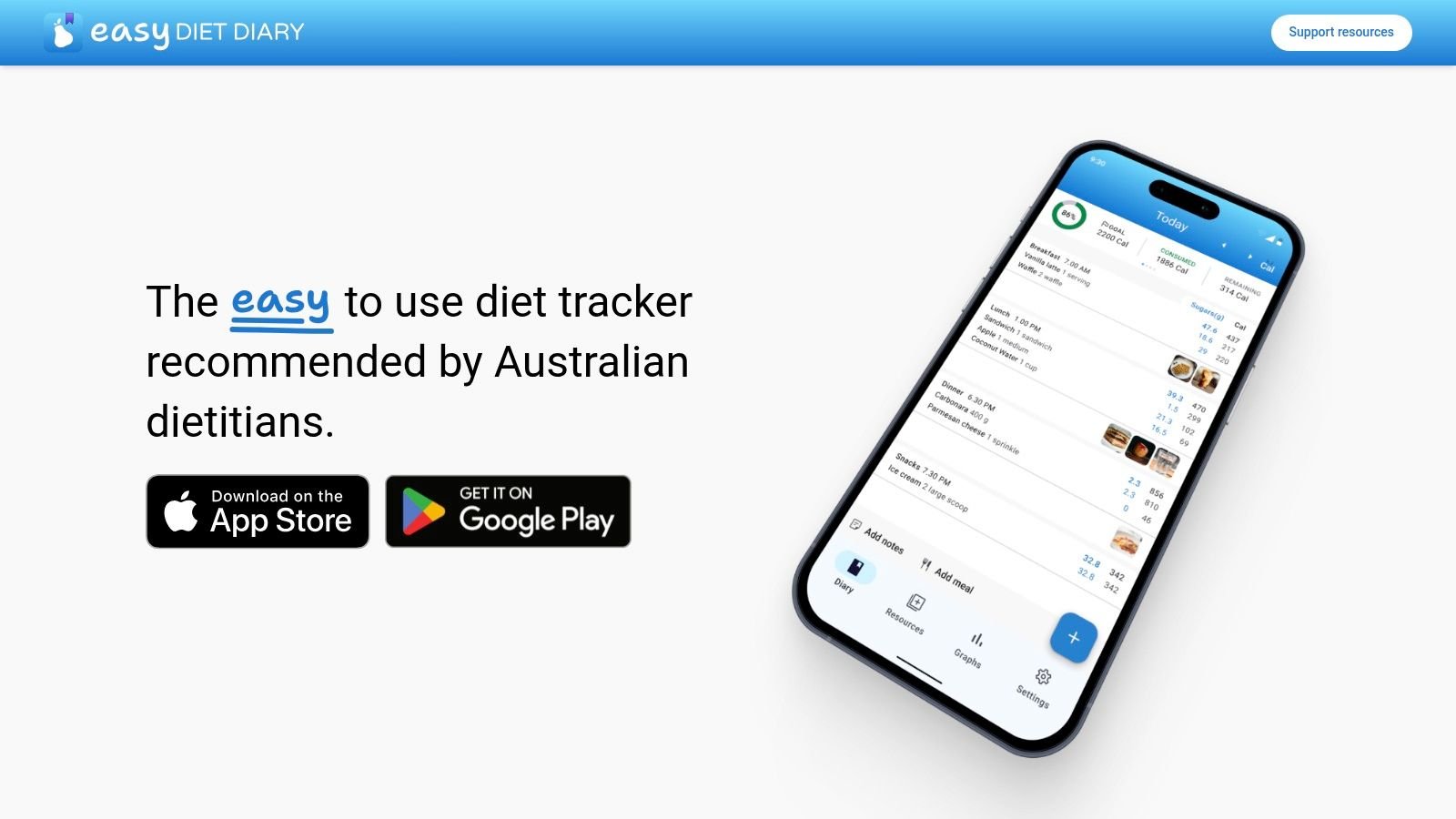
Professional sharing is the standout feature of Easy Diet Diary. It supports sharing a food record with a dietitian or nutrition coach through FoodWorks.online, alongside food logging, nutrient information, and barcode scanning.
Its Australian food database makes it particularly relevant for families buying Australian products. The app is available on iOS and Android and is described as free and ad-free. That's a practical combination when different caregivers use different phones.
Best when the dietitian uses the same workflow
A supported professional-sharing system can be more useful than sending disconnected screenshots. But its value depends on whether your clinician works within that ecosystem. Sharing access through FoodWorks.online isn't the same as a universal export or a shared family-care record.
For a planned dietary assessment, enter exact brands and recipes where possible. Note unfinished food and uncertainty about school meals rather than filling gaps from memory.
- Good fit: Australian families preparing food records for professional review.
- Less suitable: Caregivers seeking photo-first entry or integrated behavior and sleep tracking.
- Main trade-off: A locally useful database and professional workflow may be less relevant elsewhere.
Our dietary and nutrition overview explains the broader alternative: keeping eating habits alongside the observations that help families understand daily routines. Choose Easy Diet Diary when the nutrition record and dietitian connection are the central tasks.
How the 10 food diary apps compare on features that matter for autism and selective-eating families
A parent logging dinner during a meltdown-prone evening needs different things from a food diary than an adult counting calories. Fast entry matters more than perfect nutrient math. Allergen notes matter more than streaks. The record also has to make sense later, when sleep was short, a new food appeared at lunch, and the care team asks what changed.
| Item | Photo-based logging | Allergen or nutrient tracking | Symptom or behavior link | Data export |
|---|---|---|---|---|
| Nutrition Log App Guide for Autism and Selective Eaters | Manual entries with photo notes | Eating-habit log for sensitivities and preferences | Diet entries sit beside sleep and behavior records | Real-time sharing with family, caregivers, and professionals |
| Cronometer | No photo logging | Extensive nutrient tracking | No symptom or family-care link | Raw-data export |
| MyNetDiary | No photo logging | Broad nutrient tracking | No specific symptom or behavior link | Printable reports |
| MyFitnessPal | Paid meal-scan option | Tracks calories and macros | No specific symptom or behavior link | No export |
| AteMate | Photo-first meal journal | No detailed nutrient or allergen analysis | Notes can include mood, hydration, movement, and sleep | No export |
| Eatrack | No photo logging | Ingredient logging without deep nutrient totals | Links meals with symptoms, digestion, medication, activity, and stress | PDF and CSV export |
| See How You Eat | Photo-based meal diary | No detailed nutrient or allergen tracking | Notes and meal-pattern awareness; no specific symptom link | No export |
| fatsecret Calorie Counter | No photo logging | Calorie and nutrition information | No specific symptom or behavior link | No export |
| Lifesum | Photo logging available | Tracks calories and macros | Not focused on symptom tracking | No export |
| Easy Diet Diary | No photo logging | Food diary with nutrient information | Supports sharing records with a dietitian or nutrition coach | Professional sharing; no file export |
Read the export column as a handoff test, not a nice extra. PDF, CSV, raw data, printable reports, and professional sharing all reduce the work of explaining the week to a clinician. A photo journal can be enough for spotting breakfast patterns or confirming that a feared food stayed untouched. For a suspected reaction, symptom-linked rows carry more weight than calorie totals.
Matching the Right Food Diary to the Questions You Need Answered
Start with the question you're trying to answer. For nutrient totals, a detailed tracker such as Cronometer or MyNetDiary fits better than a photo journal. For a possible food reaction, a symptom-linked diary such as Eatrack gives you a more useful starting point for a clinician conversation.
If your real challenge is a full day spread across meals, behavior, sleep, and appointments, choose a tool that keeps those observations together. Guiding Growth is built for that case, with shared records, editable voice and photo logging, and meeting-ready summaries. You shouldn't need to reconstruct the week from separate apps and family messages.
Make the record useful before making it detailed
Begin with a manageable week of logs and review them before your next appointment. Capture the food, approximate amount eaten, relevant ingredients, and the timing of symptoms or behavior. Add sleep or medication changes when they might help explain the day.
A systematic review of dietary self-monitoring examined paper records, mobile apps, reminders, and feedback, highlighting sustained engagement as a central challenge. The practical lesson is simple: choose an entry method you can repeat, not a feature list you admire but won't use.
- Separate observation from interpretation: Record stomach discomfort after lunch without labeling lunch as the cause.
- Preserve uncertainty: Mark portions as approximate and distinguish missing information from no symptoms.
- Prepare a focused handover: Give the clinician the date range, your main question, and the observations relevant to it.
Don't change several foods at once because an app highlights an association. That makes the record harder to interpret and can unnecessarily narrow an already selective diet. Discuss suspected allergies, nutritional gaps, or elimination diets with an appropriately qualified healthcare professional.
Test sharing before the appointment
Export a sample report early. Check whether another caregiver can understand the entries and whether the clinician will receive useful detail rather than a collection of unexplained totals. A CSV may suit detailed analysis; a PDF summary may be easier to read during a visit.
For family access, decide who needs to view information and who needs to add observations. Our collaboration tools provide per-person permissions so caregivers can contribute without everyone needing the same access.
The best food diary app won't explain every hard evening. It should help you replace uncertain recollections with clear observations, ask better questions, and spend less time documenting while your child needs you.
Keep meals, sleep, behavior, and daily health observations together with Guiding Growth. Use voice or meal photos to create editable records, then share relevant observations and export a summary for your child's next appointment.