At 9 p.m., the kitchen table is covered with sticky notes, screenshots from different apps, and a notebook opened to three different pages. You're trying to remember whether Tuesday's meltdown was more intense than Monday's, whether poor sleep played a role, and what happened just before the difficult moment. The details are there, but they're scattered.
That's why data visualization matters in autism care. A timeline, frequency chart, or summary doesn't replace your observations. It gives them a shape you can review, compare, and discuss without relying on exhausted memory. The aim isn't to collect more information for its own sake. It's to make less guessing possible.
Table of Contents
- The Notebook Full of Connections, Calm, and Chaos
- How the Brain Reads Pictures Faster Than Lists
- Three Benefits That Matter Most for Autism Caregivers
- Stories That Illustrate the Payoff
- Good Charts and Bad Charts in Autism Care
- When Charts Mislead and How to Make Them Defensible
- A Simple Habit List and a Place to Start
The Notebook Full of Connections, Calm, and Chaos
A parent I've worked with once described her tracking system as “a paper avalanche.” One page held sleep notes, another listed foods, and a group chat contained updates from a grandparent. Behavior charts from several apps sat in her camera roll. When a school meeting approached, she had plenty of observations but no easy way to answer a basic question: What tends to happen before a difficult day?
That problem is common. Families may record meltdowns, sensory overload, meals, bowel movements, therapy homework, medication times, and small moments of connection. Each note feels useful when it's written. Weeks later, however, the notes behave like puzzle pieces without the picture on the box.
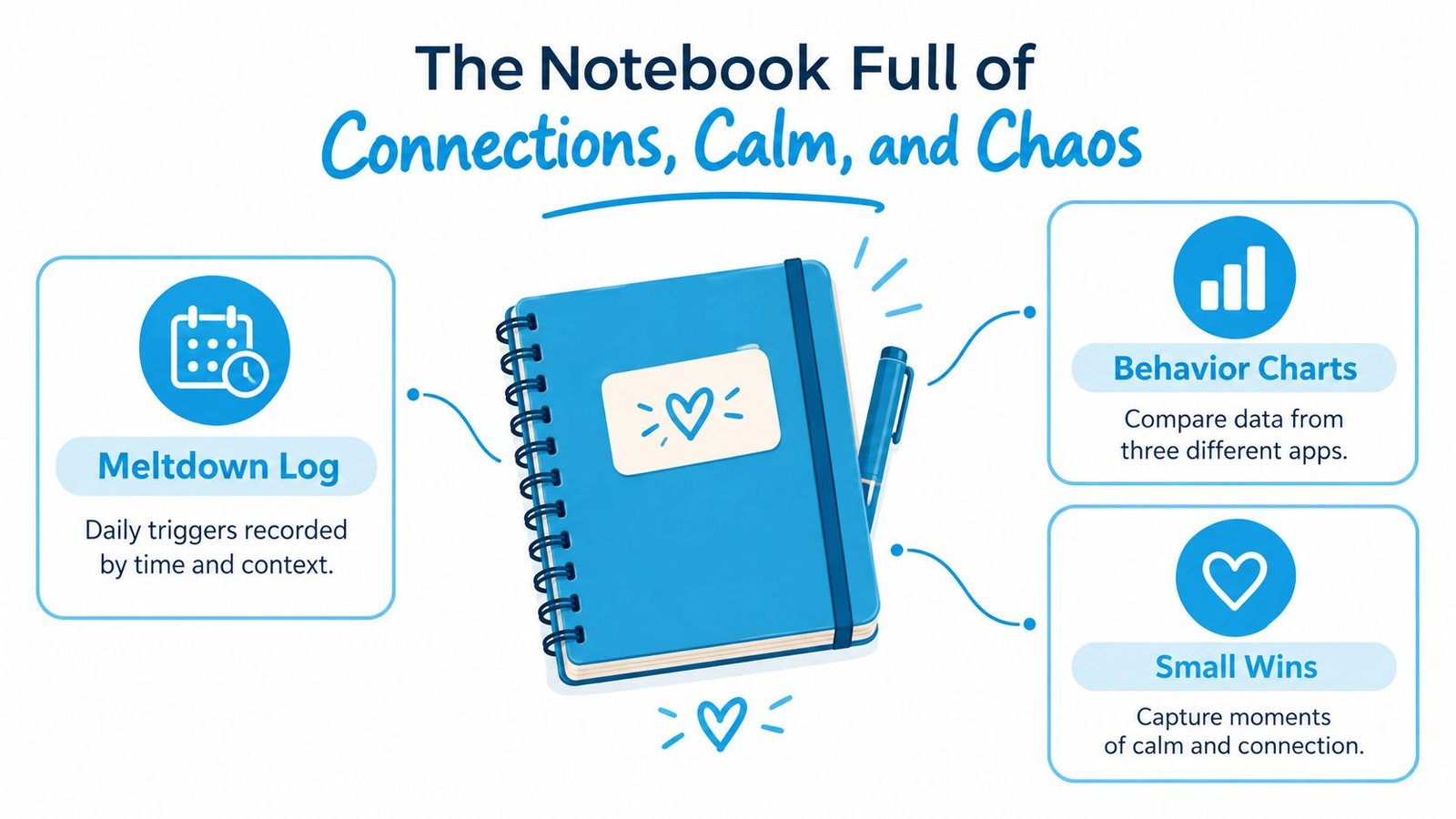
A visual timeline changes the question. Instead of asking, “Was this week worse?” you can look at events arranged by day, time, setting, and context. You might notice that incidents gathered near the end of the school day, that difficult mornings followed disrupted sleep, or that calm periods appeared after a familiar routine returned.
From scattered memories to a shared view
Visualization isn't about making the record look polished. It's about bringing related observations into the same field of view. A calendar can show whether a pattern repeats. A line can show whether a behavior is becoming more or less frequent. A grouped chart can show which triggers appear most often in the entries you've logged.
The distinction matters because memory is useful but selective. Parents remember intense events vividly, while quieter days may fade. A chart can hold both. It can show the difficult incident and the ordinary morning that followed, giving the care team a fuller picture.
Practical rule: Use a chart to reduce guessing, not to produce a perfect story.
For a family using Guiding Growth, the practical starting point might be a quick voice entry after bedtime, a structured behavior record after a difficult transition, or a meal log captured from a photo. The visual benefit comes later, when separate entries can be viewed together. The parent doesn't need to build a spreadsheet at the end of a long day.
The relief is small but meaningful. You're no longer asking your memory to perform a data analyst's job at the exact moment you're already tired. You're looking for a pattern that can lead to a better question, a more useful conversation, or a gentler plan for tomorrow.
How the Brain Reads Pictures Faster Than Lists
A list asks you to hold one detail, then another, then another. A visual arrangement can place those details beside each other so your eyes notice clusters, gaps, contrasts, and direction. That's the basic reason a line across several days can communicate change more quickly than a paragraph describing each day.
The historical example is Florence Nightingale's work during the Crimean War. She collected mortality data from British Army hospitals and displayed deaths by month and cause in polar-area diagrams, now commonly called coxcomb or rose charts. Each month occupied a sector, while the area represented the number of deaths. The design allowed viewers to compare causes and timing in one compact image instead of reconstructing the pattern from many monthly entries.
The result made a neglected relationship visible. Preventable diseases, including cholera and dysentery, accounted for many more deaths than battlefield wounds. Nightingale also showed that soldiers faced substantially higher mortality than comparable civilian men. In one comparison, among 10,000 men aged 20, 7,077 soldiers reached age 39 compared with 8,253 civilians (Science News describes Nightingale's statistical work).
The shape carries the question
The same mechanism applies to a family record. Suppose a parent marks sleep duration on one row and behavior incidents on another. A timeline may reveal that difficult mornings tend to follow shorter sleep, or that incidents cluster around a particular transition. The chart doesn't prove that one factor caused the other. It makes a possible relationship easier to examine.
Nightingale's diagrams also supported before-and-after comparison. Reported mortality at the military hospital in Scutari fell from roughly 40% during the first winter to about 2% eighteen months later after sanitation reforms (the Royal Statistical Society article discusses the persuasive role of her diagrams). The visual pattern connected cause, time, and scale, helping officials see why hygiene deserved attention.
A parent might use the same logic more modestly. Place sleep and next-day behavior on aligned dates. Mark a school change, therapy session, medication adjustment, or unusual meal. Then ask what the records support and what remains unknown. That process turns a pile of observations into a testable conversation.
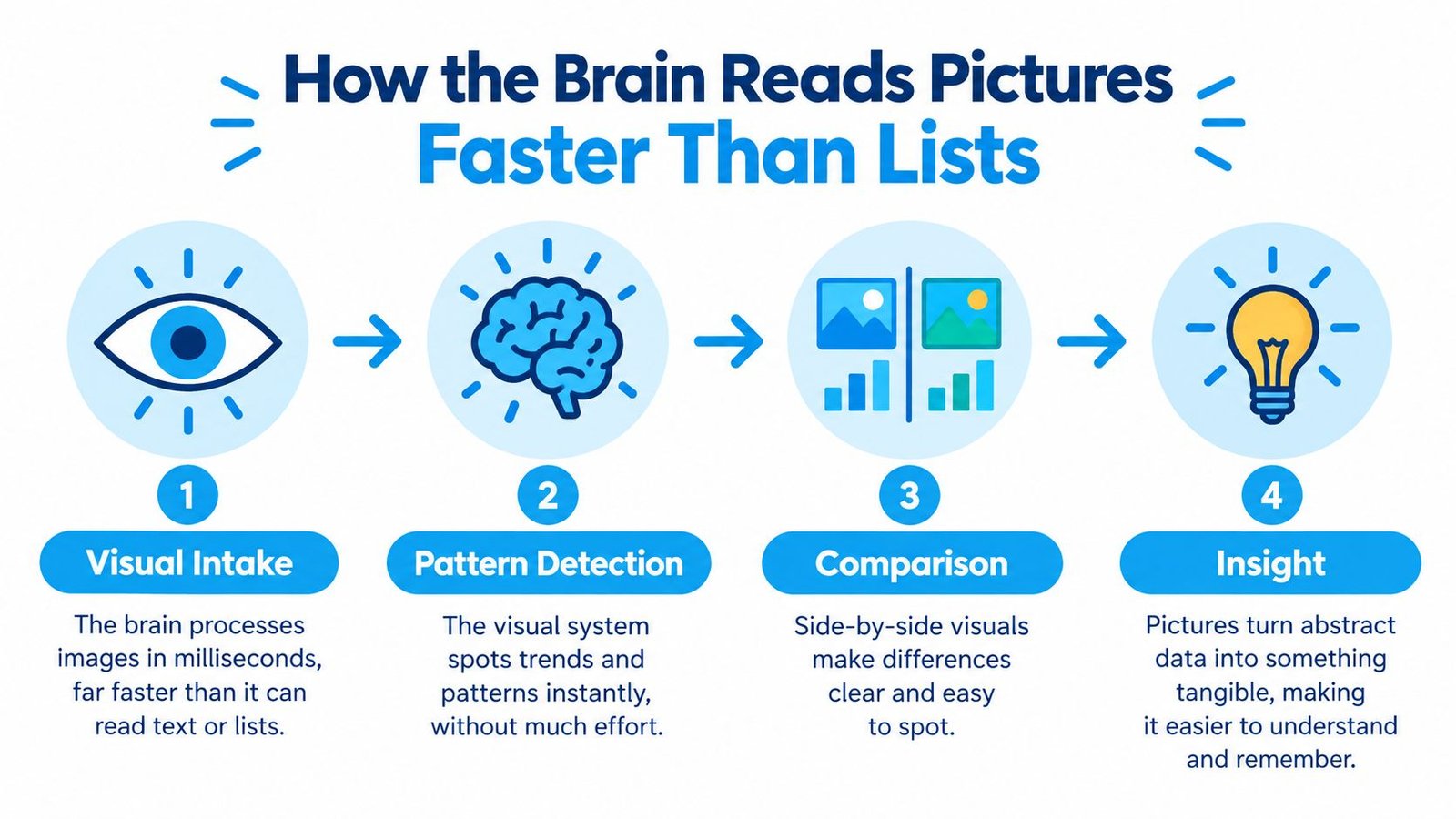
The same principle helps when a child learns best through visual structure. Families looking for practical ideas can explore visual learner strategies for everyday support, while keeping the larger lesson in view: the display should match the question. A timeline helps with change across days. A frequency chart helps compare triggers. A table may be the clearest option when exact entries need review.
Three Benefits That Matter Most for Autism Caregivers
The value of a chart becomes clearer when it answers a question you already have. In autism care, three questions appear repeatedly: What pattern are we missing? Is anything changing? How can we explain it to someone else?
Pattern recognition without detective work
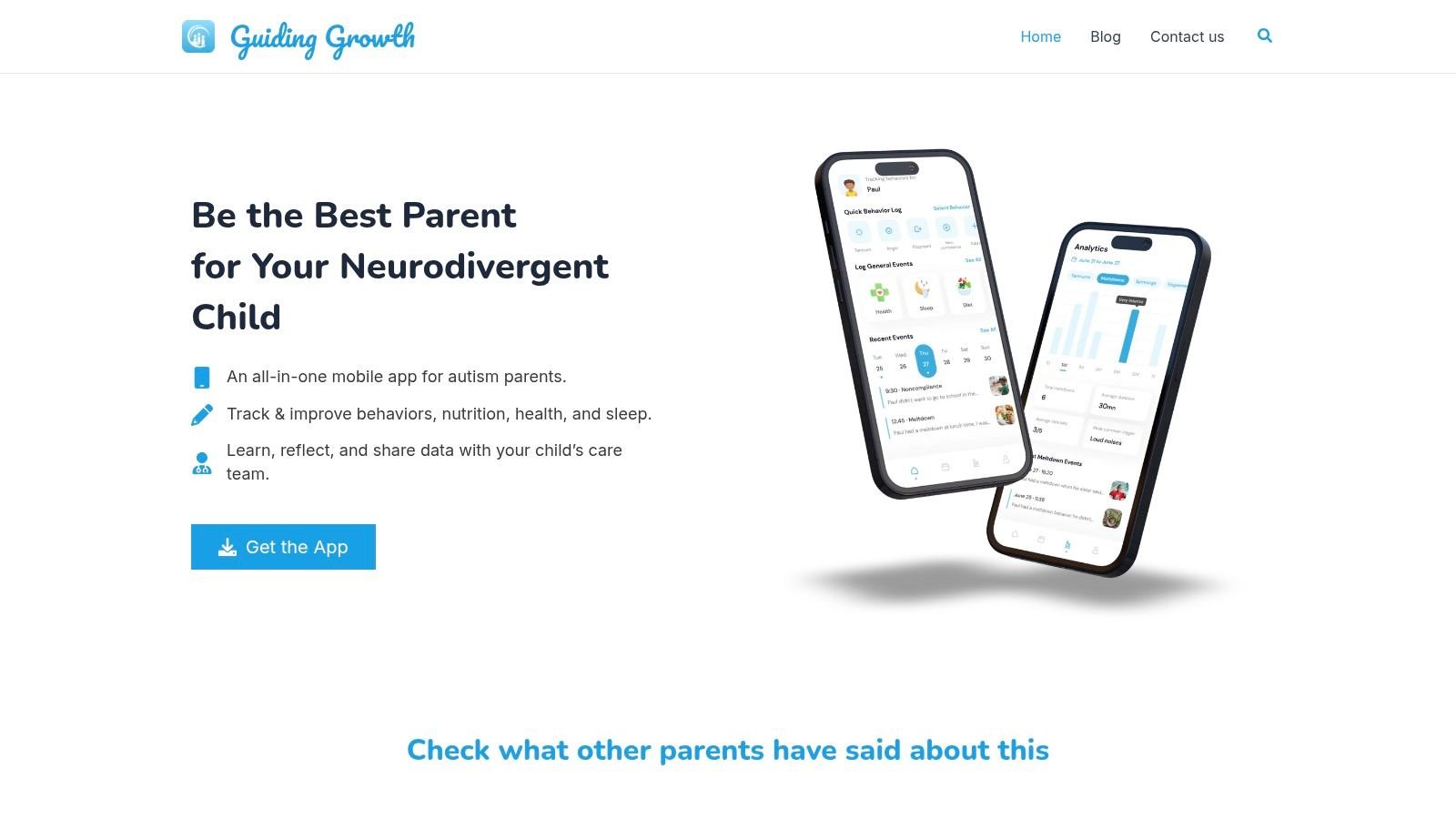
Notes can tell you that an incident happened. Visualization helps you compare incidents. A dashboard may show time-of-day clustering, common triggers, or changes associated with different people and settings. In Guiding Growth, filters by behavior and date range let a parent narrow the view instead of scanning every entry.
That might lead to a practical question: are incidents appearing mostly after school, during meals, or before a transition? If the entries are sparse, the right conclusion may be that you need more consistent logging. A good chart doesn't force a pattern. It helps you see whether there's enough information to investigate one.
Progress tracking that respects real life
Progress rarely moves in a smooth line. A child may have a difficult week because of illness, travel, a schedule change, or a new demand. Comparing one date range with another can help you avoid judging an approach from a single memorable day.
Track the behavior, the relevant context, and the intervention together. If a visual summary shows fewer logged incidents, check whether the logging routine changed. If intensity appears lower, review the individual entries and how intensity was defined. The purpose is not to award a grade to a child or parent. It's to support a more accurate discussion about what may be helping.
Communication that starts with shared evidence
A teacher, therapist, pediatrician, and caregiver may each see a different slice of the child's day. A clear summary can put those slices beside one another. Guiding Growth Smart Summaries allow a parent to choose a date range, select event types, identify the meeting context, and export a PDF for discussion.
The summary works best when it preserves the path back to the underlying observations. A school team should be able to ask when an event occurred, where it happened, who was present, and what was recorded before and after it. Families building that shared vocabulary may also benefit from practical training from Cura Academy, especially when several adults need a common foundation for discussing support.
A short product walkthrough can help families understand how visual records and shared summaries fit into a daily routine:
The important distinction is between seeing a pattern and deciding what it means. A chart gives the team something concrete to examine. It doesn't remove the need for context, professional judgment, or the child's own communication.
Stories That Illustrate the Payoff
Consider Maya, a parent who tracked sleep and behavior separately. Her notebook contained bedtime notes, morning mood descriptions, and occasional records of intense incidents. She knew poor sleep seemed connected to harder days, but the impression was difficult to explain because the entries lived on different pages.
After arranging a week of sleep information beside a week of behavior information on one timeline, she noticed that the most difficult mornings followed nights with less than nine hours of sleep. That observation didn't prove sleep was the only factor. It gave her a useful next step: record the surrounding context more carefully and discuss whether morning demands should change after a disrupted night.
The practical lesson was simple. A visual comparison turned a vague impression into a specific question. Maya could ask whether the same relationship appeared again, rather than treating one memorable morning as proof.

Another parent, Daniel, was preparing for an IEP meeting. The school team had heard that transitions were difficult, but the conversation kept returning to general impressions. Daniel brought a Smart Summary showing the selected date range, behavior intensity, times of day, and documented triggers.
The printed report didn't “win” the meeting. It changed the starting point. Instead of debating whether the problem was real, the group could ask which transitions were represented, whether the same information appeared at home and school, and what support might be tested. The document also made it easier to acknowledge gaps, including days when no entry had been made.
That distinction protects everyone. A chart isn't a courtroom exhibit against a teacher or a child. It's a shared map of what the family has observed and recorded. The best meeting question is often not “Who is right?” but “What should we observe next so we can make a better decision?”
These stories show why visualization is important beyond convenience. It helps caregivers move from memory to comparison, and from comparison to a focused conversation with the people supporting the child.
Good Charts and Bad Charts in Autism Care
A chart becomes useful when its form matches the question. The same entries can look informative in one display and confusing in another. Before opening a dashboard, name the question you want answered.
| Chart type | Best question to ask | Most common over-claim |
|---|---|---|
| Line chart | How did behavior frequency change across the selected dates? | “The intervention caused the change.” |
| Frequency chart | Which recorded trigger types appeared most often? | “The most frequent trigger is the only trigger that matters.” |
| Stacked bar | How did behavior intensity compare across settings? | “The setting caused the behavior.” |
A line chart is a good fit for change over time. If entries rise across several dates, you can investigate what else changed during that period. A single spike, however, may represent one unusually intense event rather than a durable trend. Label the date range and inspect the event behind the point.
A frequency chart can compare recorded triggers such as transitions, noise, denied access, hunger, or fatigue. It answers a counting question. It doesn't tell you whether a trigger was more powerful, more carefully documented, or more common in the situations you happened to log.
A stacked bar can show intensity across home, school, therapy, and community settings. It can help a team notice that the distribution differs by setting. It cannot establish that the setting created the behavior, because demands, staffing, sleep, communication supports, and logging practices may differ too.
The quiet week problem
A chart may appear calmer because the child had a better week. It may also appear calmer because fewer events were entered. Missing-data periods deserve their own visual treatment or written note. Otherwise, a parent or clinician can mistake reduced documentation for reduced behavior.
Guiding Growth analytics can be checked with filters for date, behavior, trigger, and caregiver. Use those filters to move from the overview back to the entries. The review should include who logged the event, what was observed, and whether the same logging routine was used throughout the comparison.
For readers who want a broader design reference, this guide to publication-ready chart design is useful because it emphasizes matching the display to the message rather than decorating the data. In family care, the same principle is more important than visual polish. A plain chart with honest labels is stronger than a dramatic graphic that encourages a conclusion the records can't support.
When Charts Mislead and How to Make Them Defensible
A picture isn't automatically easier to understand. An eye-tracking study found that graphical displays did not significantly increase or decrease cognitive load overall, challenging the assumption that visuals always simplify information. A systematic review of 127 studies on visualization in AI-assisted decision-making identified complexity, usability, accessibility, and inadequate training as continuing barriers (the review evidence is summarized in this research paper).
That warning doesn't make charts useless. It tells you to design them for the person and decision in front of you. A tired parent, a busy teacher, and a clinician reviewing several records may need different levels of detail.
Before bringing a chart to a meeting, check four things:
- Date range: State exactly which days or weeks are included.
- Denominator: Explain whether the chart shows events per day, logged events, or another measure.
- Missing observations: Mark gaps or say when logging was inconsistent.
- Written takeaway: Add one sentence describing what the chart appears to show and one question it cannot answer.
Accessibility belongs in the same checklist. Color shouldn't be the only way to distinguish categories. Pair color with direct labels, patterns, symbols, or text. Provide an accessible table for people using screen readers, support keyboard navigation where possible, and avoid dense displays that require precise mouse control. A synchronized alternative isn't a lesser version of the chart. It's a clearer record for more people.
A defensible chart shows both the pattern and the limits of the pattern.
For families documenting progress, Guiding Growth's progress documentation tools can help organize observations for later review. Still, no dashboard can decide whether a behavior reflects communication, sensory overload, pain, fatigue, or another factor. Use the visual as an aid to conversation, not as a diagnosis or a substitute for the child's care team.
The strongest chart is one another person can question constructively. Someone should be able to ask, “How many entries are behind this point?” or “What changed in the logging routine?” and find an honest answer.
A Simple Habit List and a Place to Start
Keep the routine small enough to survive a busy week:
- Log today's observation: Record what happened while the details are still available.
- Check the timeline: Look for clusters before deciding that the day reflects a larger trend.
- Label the range: Put the dates and context directly on every chart you save.
- Review the entries: Check the original notes before interpreting a summary.
- Bring the picture: Share a focused visual at the next school, therapy, or medical meeting.
- Invite one collaborator: Give a co-parent, caregiver, or professional access appropriate to their role.
Families who like a paper-based reminder can also build a visual habit tracker. For a digital approach, learn more about ways to visualize data for family care, then choose one habit you can start tonight. Guiding Growth brings together Quick Log by voice, Snap-to-log meals, structured behavior tracking, analytics, Smart Summaries, and Alma, an AI thinking partner grounded in the child's logged context.
Guiding Growth gives parents one place to record daily events, view patterns over time, and prepare shareable summaries for care teams. Start with one question, such as whether sleep and morning behavior appear connected, and explore the app through Guiding Growth to turn scattered observations into a clearer conversation.