Your child comes back Sunday evening dysregulated, hungry, and overtired. The other parent says the weekend was fine. Monday morning you realize a medication dose was missed. By Tuesday the therapist is asking what happened before Saturday's meltdown. A text thread has no answer.
A good co parenting app can settle whose weekend it is, document a message, and track a reimbursement. It rarely carries the record that matters for a neurodivergent child: sleep, meals, behavior, medication, and therapy across two homes. Money disputes have their own paper trail, from shared expenses to separate property reimbursement claims. A calendar entry does not settle either kind.
This roundup compares ten tools on messaging, permissions, calendars, child profiles, and privacy. Other lists stop at scheduling, messaging, and expenses. This list also asks whether a tool can carry the daily record of a neurodivergent child's day, and where it stops so you can pair tools on purpose. The category has leaned toward scheduling and communication. No single app does everything. Read each entry for the limit, not just the feature list.
Table of Contents
- 1. OurFamilyWizard
- 2. TalkingParents
- 3. AppClose
- 4. 2houses
- 5. Custody X Change
- 6. Fayr
- 7. WeParent
- 8. coParenter
- 9. Our Days
- 10. BestInterest
- How the Top Co Parenting Apps Compare on Core Features, Access, and Daily Care Logging
- Pairing a Scheduler With a Daily Record of Your Child's Day
1. OurFamilyWizard
If you need one place for schedules, messages, and expenses, OurFamilyWizard is the established option. The OurFamilyWizard brand refresh announcement notes the platform launched in 2001 and reported more than 1 million parents and family-law professionals had used it by 2023. That history shows in the breadth of the toolset.
- Shared schedules: Parenting time, holidays, events, and schedule-change requests.
- Documented messages: View timestamps plus ToneMeter language feedback before you send.
- Expenses: Tracking, reimbursements, and receipt uploads.
- Child records: Information storage, journal entries, calls, and exchange check-ins.
Where it helps and where it stops
The strength is consolidation. You're not digging through scattered texts and emails to prove who agreed to a swap. Plans vary by communication and recordkeeping features, so you can match the tier to your conflict level.
The trade-offs are cost and scope. Subscription costs can be a barrier, especially when both parents need paid accounts. Amicable co-parents may find it more than they need for basic scheduling. It also doesn't provide a specialist-facing log of daily behavior, sleep, meals, or therapy observations, and its records don't guarantee a court will accept them. If that daily layer is your missing piece, read about building a single source of truth for your child's record alongside whichever scheduler you pick.
2. TalkingParents
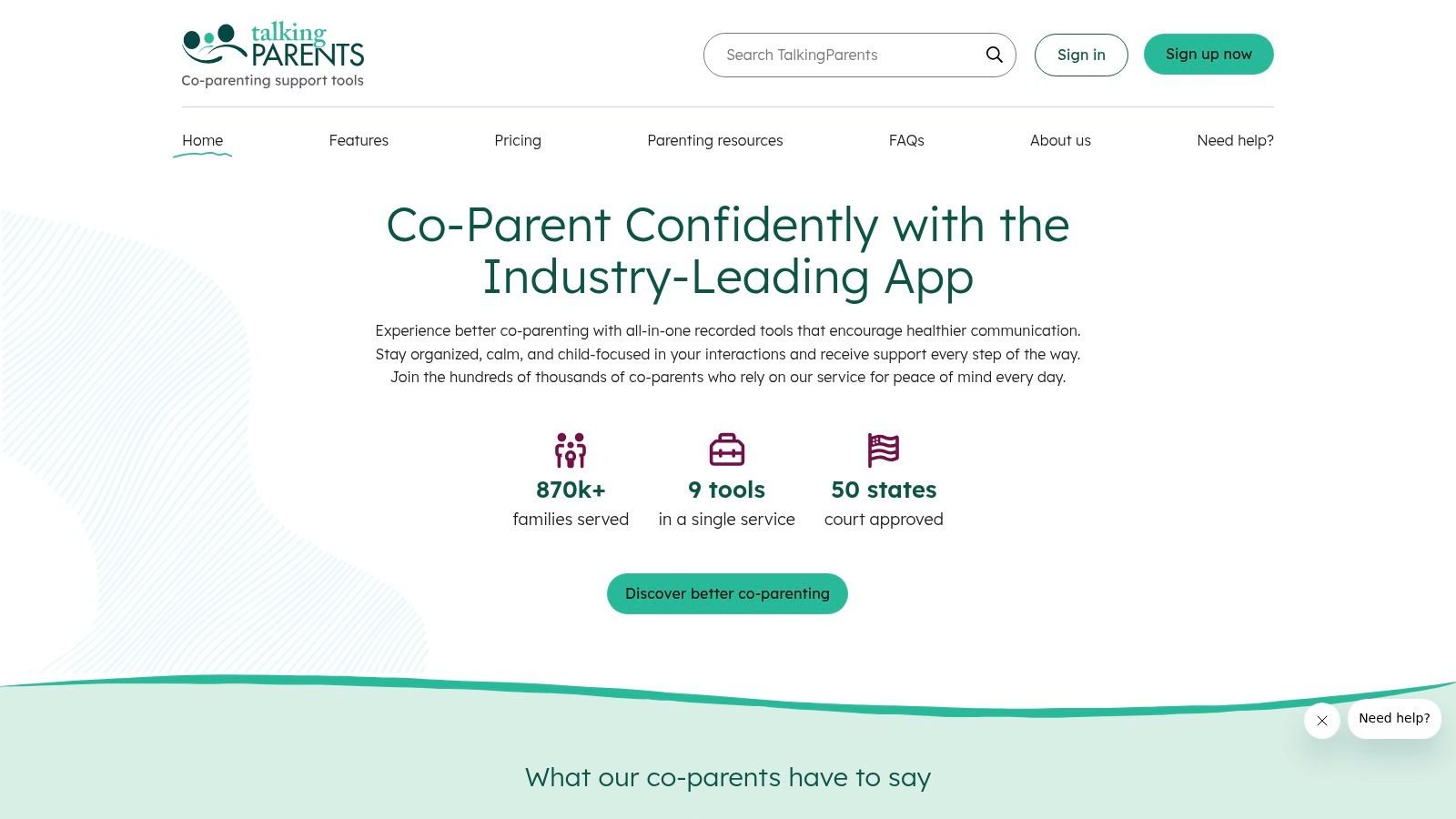
TalkingParents puts documented communication at the center and builds scheduling around it. Pick it when the record of what was said matters more than a long feature list. The company describes its records as unalterable, but that description doesn't guarantee legal admissibility in your case.
The core set covers secure messaging and a shared calendar. Documented calls are available depending on your plan. You'll also get payment tracking, a child-information library, a personal journal, and file storage.
Practical rule: Choose a communication-first tool for boundaries between adults, not for tracking what happened during your child's day.
That boundary function has support behind it. A University of Minnesota study of 178 divorced parents found parents used digital tools mainly for asynchronous communication, planning, and decision-making while limiting direct interaction. TalkingParents fits that pattern well.
Pricing needs attention. A paid subscription is required according to the current FAQ, each parent holds a separate account, and one parent's upgrade doesn't upgrade the other's. A parent can still communicate with someone on a different plan, which softens that. It isn't designed for detailed daily care or therapy tracking. For sensitive health information, it's worth understanding what a HIPAA compliant app standard covers before you store it anywhere.
3. AppClose
Sometimes the other parent won't join anything. AppClose answers that problem directly with Solo Mode, which lets you organize your own records even if your co-parent hasn't signed up. That single feature changes who this app suits.
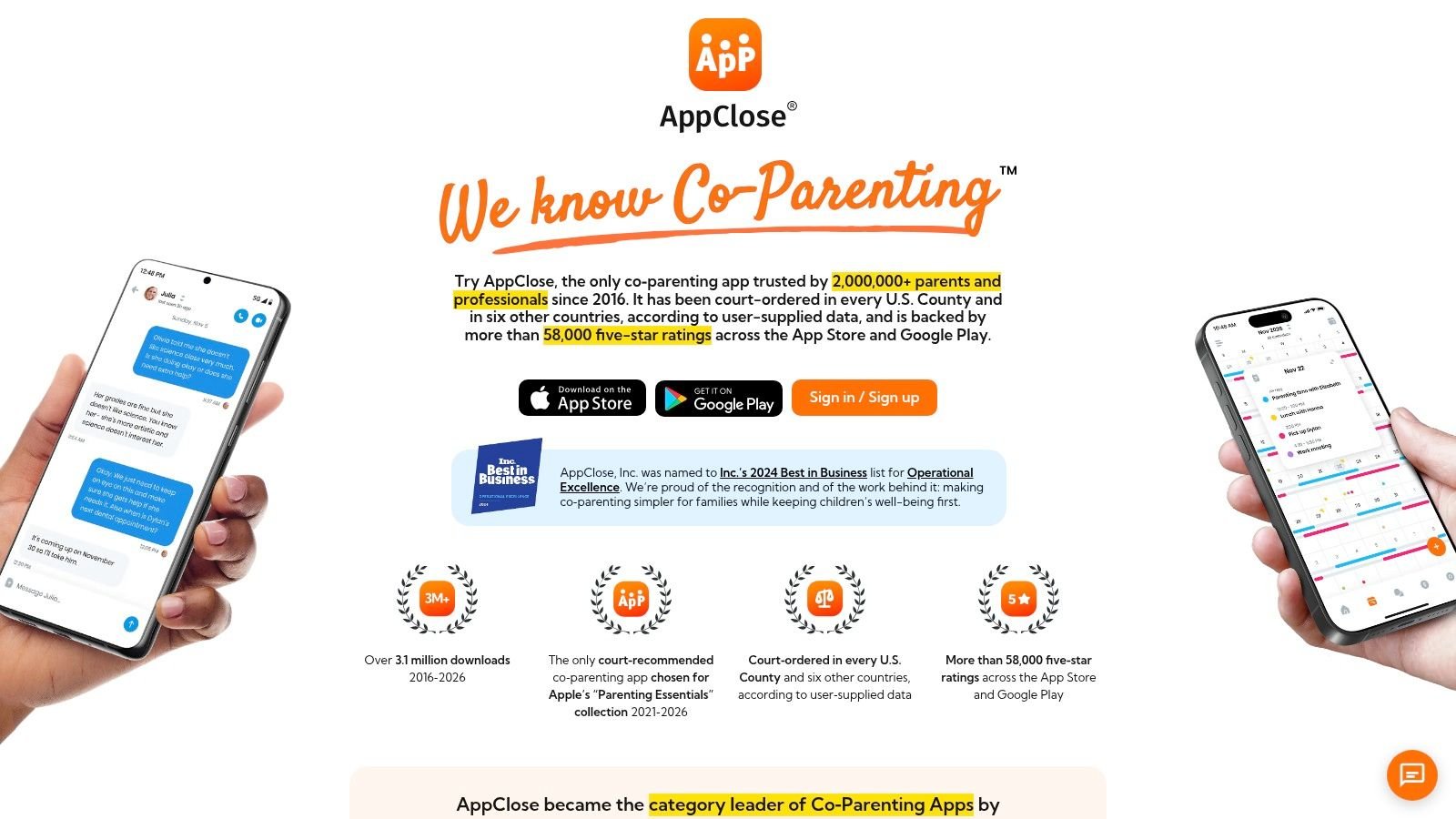
- Scheduling: Shared calendar, parenting-time tracking, and schedule-change requests.
- Communication: Messages, notes, and audio or video calls.
- Money: Expense records, receipts, and reimbursement requests.
- Access control: Solo Mode plus permission-controlled third-party access.
Those third-party permissions matter for neurodivergent kids. A grandparent doing pickup or a caregiver covering an afternoon can see what's relevant without getting the full message history. That's a more realistic model than two parents and nobody else.
Check the current terms before you commit. Features and pricing have changed over time, so confirm what your plan includes today. The toolset is also more than you need if you only want to share appointments. Legal-record marketing language isn't a promise about court outcomes, and AppClose isn't a dedicated child health-record or therapy-data tool. I'd shortlist it when one parent is doing the organizing alone and still needs a clean, dated record.
4. 2houses
Cost-sharing arguments start before some families send a single message. 2houses removes one of them. One subscription covers the family, including both parents and additional participants, instead of billing every adult separately.
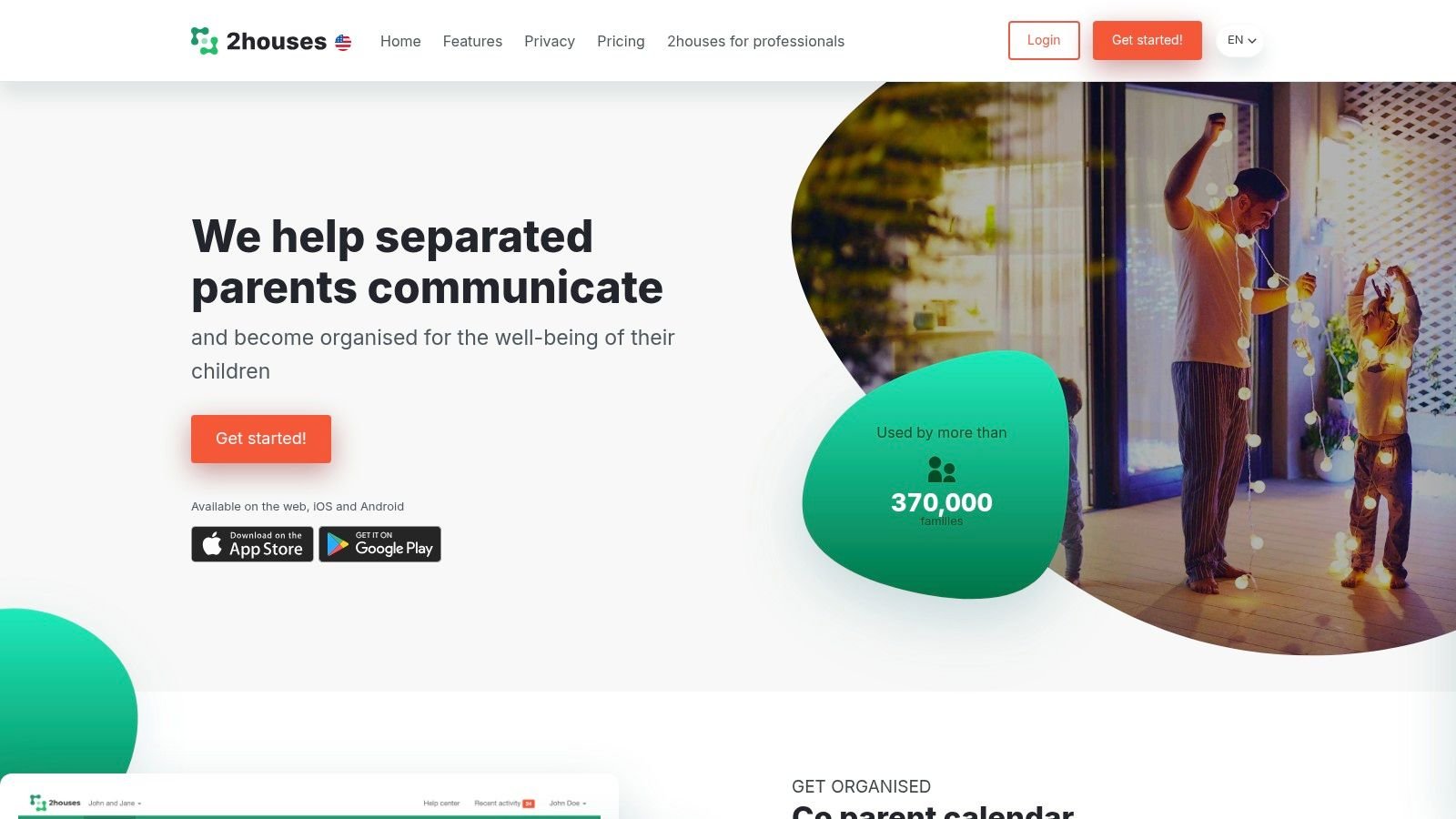
You get a shared calendar and parenting schedule, parent-to-parent communication, and expense management with reimbursement tracking. Access extends to children, third parties, and mediators. For families where grandparents, step-parents, or other caregivers share the week, that family-wide model is the draw.
The catch
Billing is annual, which won't suit families who prefer month-to-month plans. The 14-day trial requires cancellation before renewal if the service isn't a fit, so set a reminder on day one. Neither point is unusual, but both are easy to miss.
The bigger limit is depth. 2houses doesn't appear to offer detailed behavior tracking or analytics, so it won't show you whether meltdowns cluster after poor sleep at the other home. It handles who, where, and when. If you're weighing how much of the week to put in a shared tool at all, this overview of family calendar sharing covers the permission questions worth settling first. Pair 2houses with a separate daily log if patterns matter to your care team.
5. Custody X Change
Who has the child tonight is a document problem. Sleep, meals, behavior, and therapy across both homes are a different one. Custody X Change is the most custody-document focused tool on this list. It builds parenting schedules and plans, tracks parenting time, and produces printouts that look professional. If the live problem is the arrangement, start here.
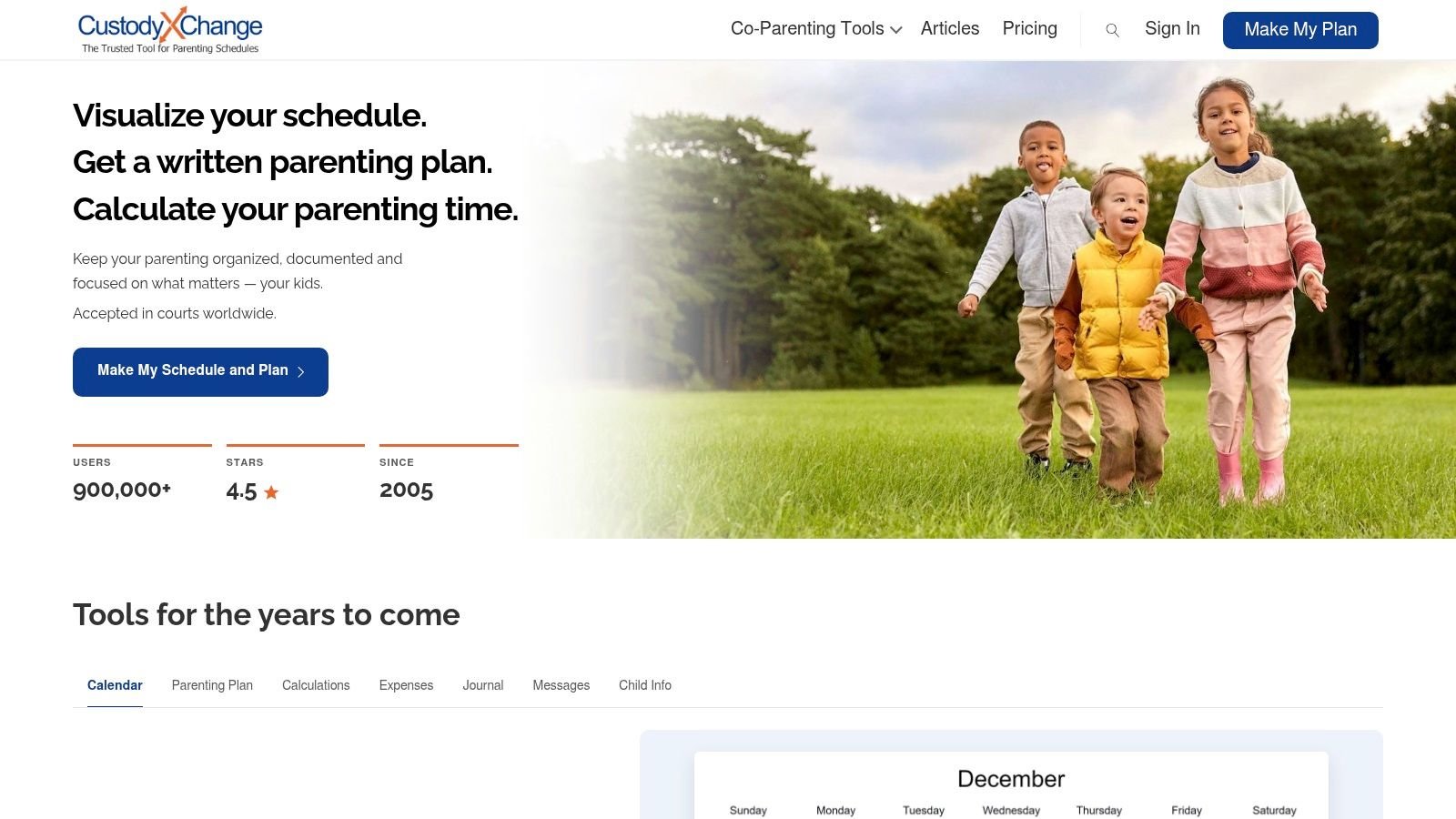
Custody and activity calendars cover holidays and school breaks. Parenting-plan templates and custom provisions sit with those calendars. Gold adds expense tracking and parenting-time calculations. A private journal and professional-style printouts complete the set. Irregular schedules are the case it handles well. One parent can run most tools without the other, which helps during negotiation or when cooperation is thin.
Shared messaging is the friction point. Your co-parent has to subscribe and link accounts, so you cannot impose the channel alone. The website-based install may also feel less straightforward than an app-store download.
I would keep Custody X Change on the legal and calendar side. It shows exactly how many overnights happened. Those printouts and the private journal stop short of meeting-ready notes on meltdowns, sleep, meals, or therapy.
6. Fayr
Not every family needs a heavyweight platform. Fayr covers custody calendars, parenting-time records, communication, and shared expenses, and its free Lite tier lets you try a basic version before paying. That's a sensible on-ramp if you're unsure any app will stick.
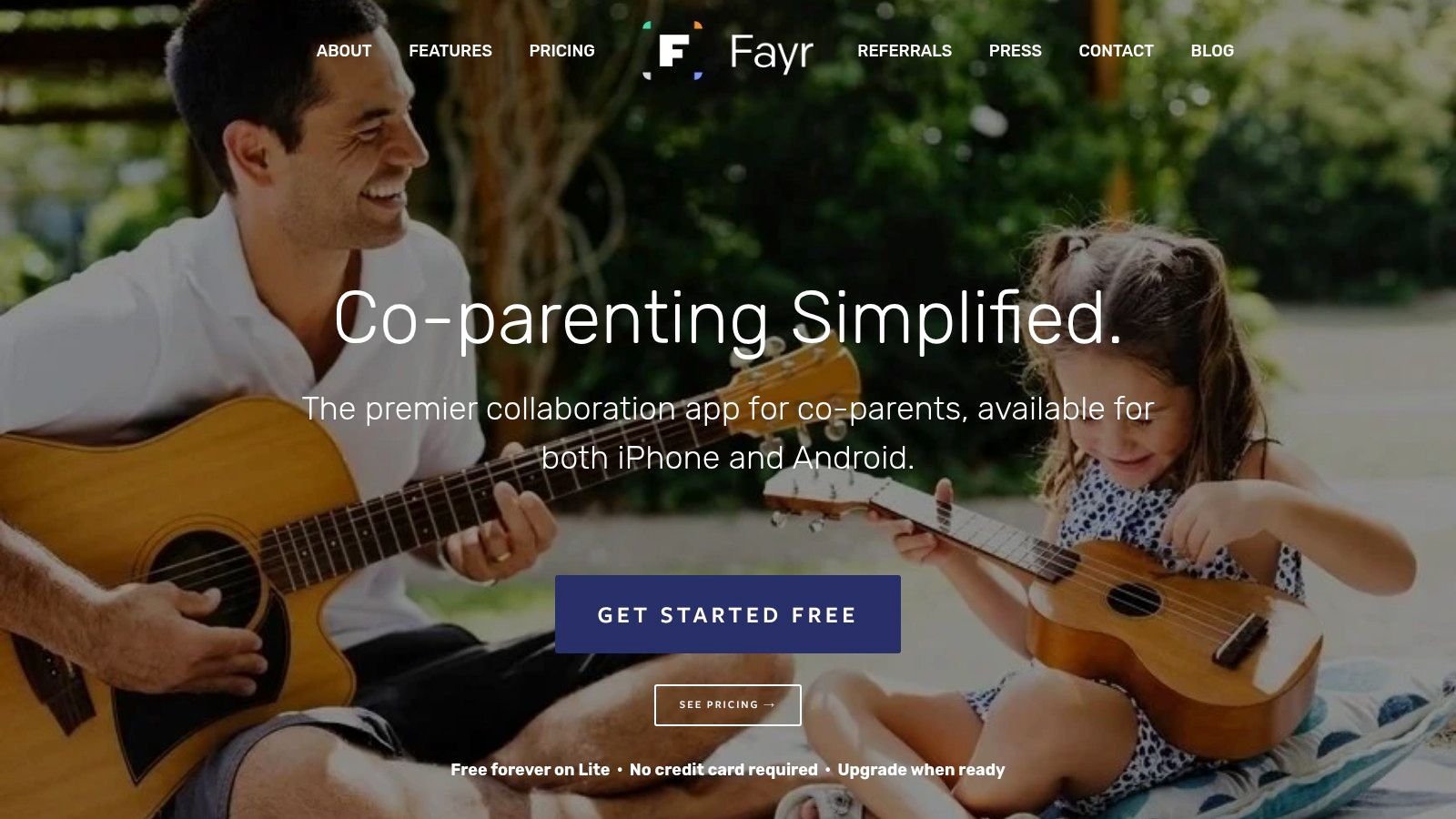
The feature set includes a shared custody calendar with parenting-time tracking, schedule changes, holidays, and calendar syncing. Shared expense logging sits alongside communication and exportable records. It's designed around separated-parent logistics, and it tracks time and money as well as dates.
A free tier is only useful if the features you actually need aren't locked behind the upgrade.
That's the main caution. Some features require a paid upgrade, and limits vary by plan, so check the current comparison rather than an old review. Test your real workflow during the free period. Log an expense, request a swap, and export a record before you rely on it.
Fayr isn't a substitute for structured records of daily health, behavior, or therapy progress. For a cooperative pair of parents who mainly need dates and dollars in one place, it may be enough. For a child with a care team, treat it as the scheduling layer only.
7. WeParent
WeParent thinks in terms of the whole family rather than two account holders. One subscription covers invited relatives and professionals, so a grandparent, nanny, or other caregiver can be inside the same coordination loop. A 14-day trial lets you test whether everyone will use it.
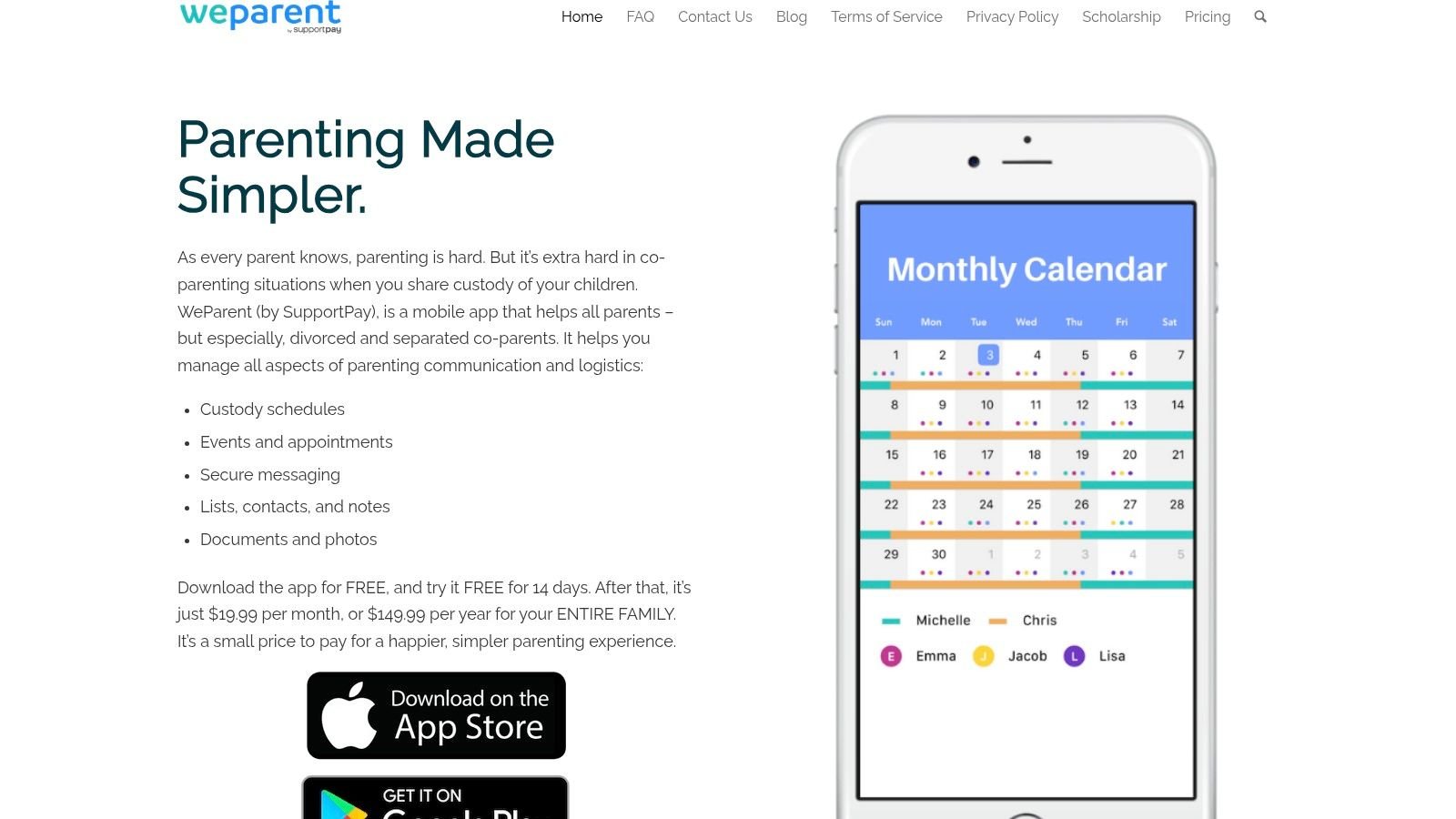
Shared schedules and child information sit at the core, with invitations for relatives and other participants. That multi-caregiver shape fits families of neurodivergent children better than a strict two-parent design. Care rarely stops at two adults.
There's research support for designing around that reality. A qualitative study of 44 participants from 18 families identified communication, teamwork, and routines as connective factors in families of autistic adolescents. Tools that make routines visible to the whole network support exactly that.
The downsides are practical. U.S. pricing is relatively high compared with simpler calendar options. The person who starts the family account manages the subscription, which can become a control issue in a strained separation. WeParent also isn't specifically built for behavior, medication, therapy, or meeting-summary records. I'd consider it when your coordination circle is wide and mostly cooperative, and keep clinical detail elsewhere.
8. coParenter
Most apps on this list give you software and leave you to it. coParenter adds people. Alongside in-app messaging, it offers live mediation and one-on-one counseling, which makes it the outlier here.
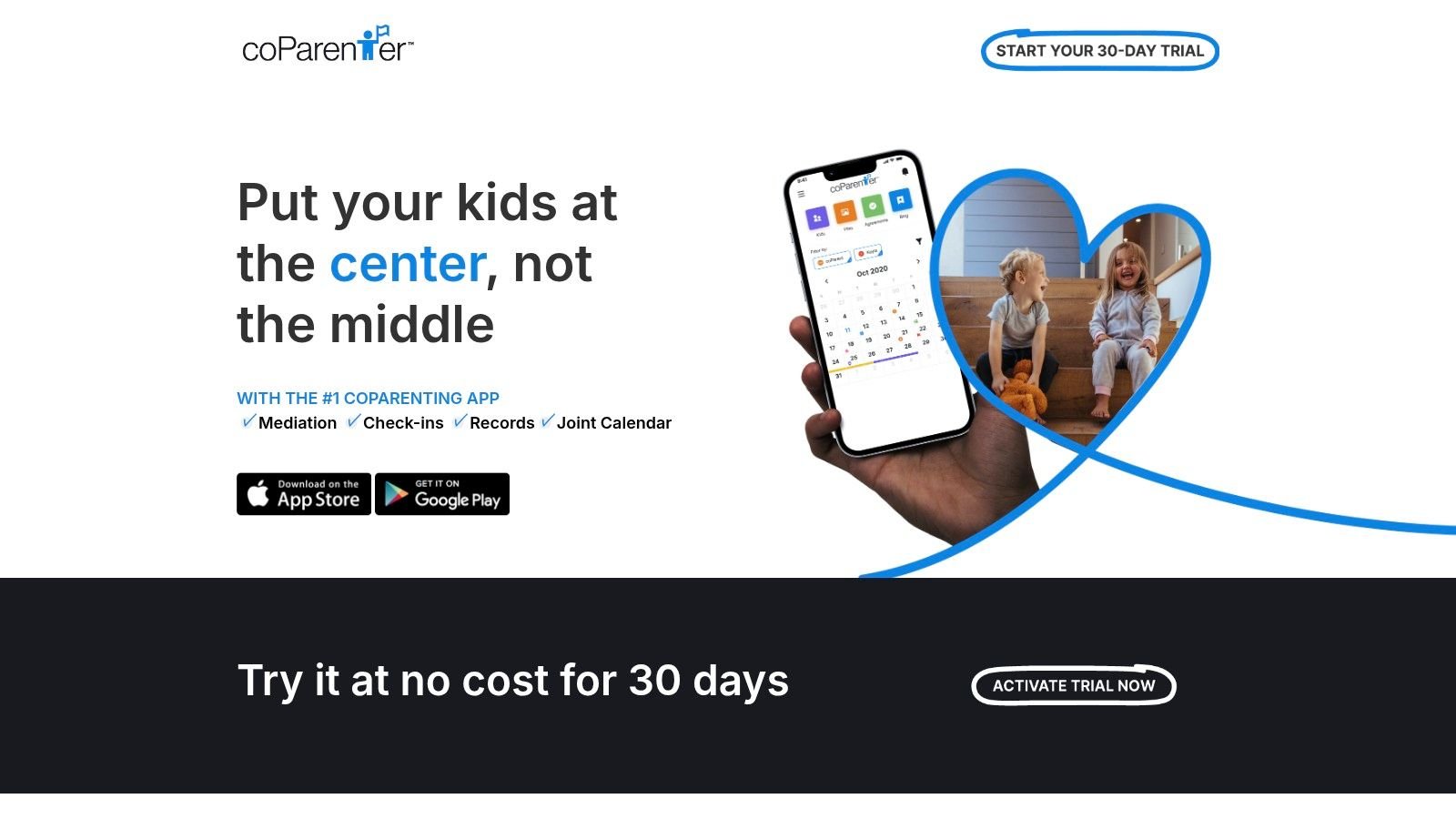
- Messaging: In-app messages with a preserved history.
- Language filters: AI tools intended to reduce hostile exchanges.
- Human support: On-demand mediation and individual counseling.
- Plans: Individual and shared subscription options for two users.
That human layer suits parents who keep getting stuck on the same decisions and want a neutral third party in the moment, not weeks later. Shared plans mean both parents can be covered under one arrangement.
Keep the limits clear. Mediation and counseling through an app don't replace legal advice or therapy, and they aren't the right channel for a safety crisis. Subscriptions cost more than basic schedule-only apps, so confirm what the support includes and any service conditions before you pay. coParenter also doesn't solve the daily-record problem. It helps adults reach decisions. It doesn't track whether the agreed bedtime routine happened at either home, or what followed when it didn't.
9. Our Days
Ask what most co-parents check daily and the answer is simple. Whose day is it? Our Days builds the whole product around that question, automating recurring custody calendars so handoffs stop depending on memory and mental math.

It handles automatic recurring schedules, including common patterns, plus custom schedules and color-coded calendars. Day swaps, pickup and drop-off location check-ins, and Google Calendar integration round it out. App Store feedback includes positive comments about schedule setup and support, and it lists lower-cost plan options.
A narrow tool, on purpose
That narrowness is both the appeal and the limit. Our Days has a smaller scope than platforms centered on communication and documentation, so it won't give you a defensible message record. The reviewed App Store listing is for iOS, so confirm Android availability and feature parity if your households run different phones.
It also doesn't offer detailed health, behavior, or therapy tracking. That's fine if you know it going in. I'd recommend it for low-conflict parents whose only recurring argument is the schedule itself. If exchanges are disputed, messages turn hostile, or a care team needs data, you'll outgrow it quickly and should start with a broader tool instead.
10. BestInterest
BestInterest focuses on the moment a difficult message arrives. Its Message Shield and Tone Guardian tools are intended to filter or soften hostile language, and Solo Mode lets you document interactions for certain features without the other parent joining.
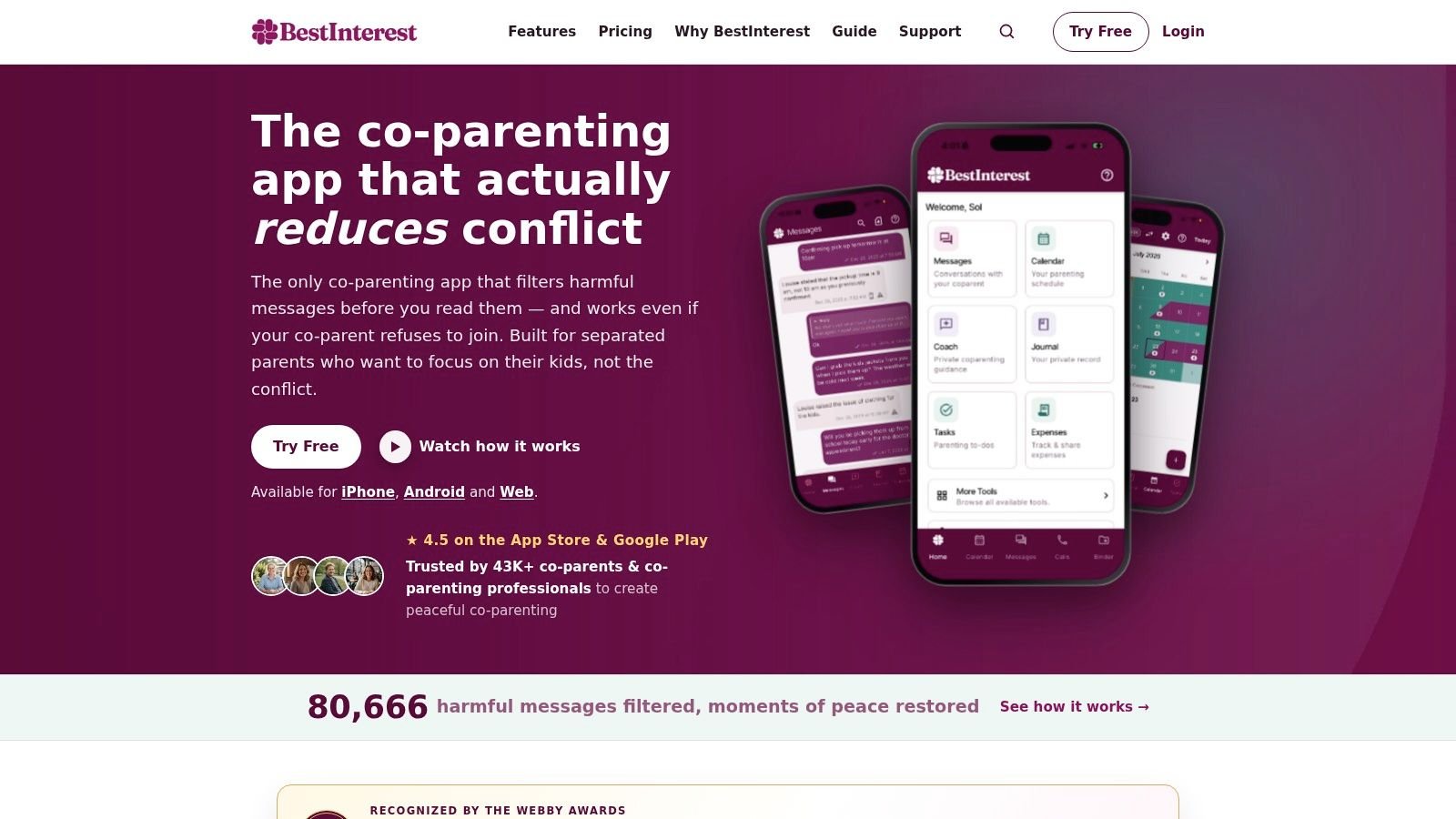
Beyond the communication tools, it offers shared messaging, calendar, and expense features, plus journaling and exportable reports. A free basic plan includes messaging and limited AI coaching. Some distinctive communication features require a paid plan.
Safety deserves a harder look here than marketing usually gives it. A Springer analysis of post-separation parenting apps notes these apps can access children's names, ages, and health data while the evidence base for their effectiveness remains limited. Where separation involves coercive control, identical access for both parents can expose routines and locations. Granular permissions and data minimization matter more than tone filters.
AI-generated suggestions also require your judgment. They may not suit every situation, and records don't guarantee admissibility or a legal outcome. BestInterest is a reasonable pick when message tone is your main stressor and you need to start alone. It isn't legal or clinical advice, and it isn't a daily care record.
How the Top Co Parenting Apps Compare on Core Features, Access, and Daily Care Logging
One house logs the meltdown. The other house has the bedtime. The shared calendar has the pickup, and nothing else.
I use four checks before I recommend a co-parenting app to a family with a neurodivergent child: core job, what you can use before you pay, who else can see the record, and whether behavior, sleep, meals, or therapy can live in the same place. These ten tools are built for adult logistics. The last column is where each one stops.
| Item | Core focus | Free option | Extra family or third-party access | Daily care logging |
|---|---|---|---|---|
| OurFamilyWizard | Schedules, communication, and records | Parent subscription | Child-related information and records between co-parents | Not built for detailed daily care or therapy tracking |
| TalkingParents | Documented communication and coordination | Paid subscription required | Co-parent accounts | Not built for detailed daily care or therapy tracking |
| AppClose | Communication, schedules, expenses, and records | Solo Mode for one parent | Permission-controlled third-party access | Not a dedicated health or therapy tracker |
| 2houses | Scheduling, communication, and expenses | 14-day trial | Children, third parties, and mediators | No detailed behavior tracking or analytics |
| Custody X Change | Custody schedules, parenting plans, and time records | One parent can run most tools on a subscription | Shared messaging needs both parents | Custody documentation, not health or therapy logs |
| Fayr | Custody calendars, parenting time, and expenses | Free Lite plan | Co-parent calendar and expense sharing | Not built for health, behavior, or therapy records |
| WeParent | Scheduling, coordination, and child information | 14-day trial | Invited relatives and professionals on one subscription | Not built for clinical care tracking |
| coParenter | Messaging, mediation, and counseling access | Shared paid plan for two users | Two-user subscription | No daily care log |
| Our Days | Recurring custody schedules and handoffs | Lower-cost plans | Co-parent schedule access | No health, behavior, or therapy tracking |
| BestInterest | Communication support and documentation | Free basic plan with messaging and limited AI coaching | Solo Mode without the other parent | Journaling and reports, not a detailed daily care log |
Read the free column as a start condition, not a feature score. Fayr and BestInterest let you begin on a free plan. 2houses and WeParent give a 14-day trial. AppClose and BestInterest let one parent document without the other joining. TalkingParents and coParenter start on a paid subscription.
Access is the sharper trade-off. 2houses and WeParent are the ones that name children, relatives, mediators, or professionals. AppClose limits outsiders with permissions. Custody X Change lets one parent build the schedule, then requires both parents for shared messaging. A wider circle helps a therapist see the week. It also spreads routines. Keep that circle small if conflict is high.
Daily care is the consistent miss. None of these apps is a log for meltdowns, sleep, meals, medication, or therapy. Journaling in BestInterest and time records in Custody X Change still describe the adults' paperwork. Pair a scheduler from this list with a separate day log if both houses need the child's record, not only the calendar.
Pairing a Scheduler With a Daily Record of Your Child's Day
Tuesday night, one parent has the calendar. The other has the meltdown notes in a text thread. The therapist appointment is Thursday, and neither house can produce one timeline of sleep, meals, and behavior.
Sort these ten tools by job, not by feature count. The first job is scheduling and handoffs. Our Days, Custody X Change, Fayr, and 2houses live here. Custody X Change is the stronger pick when the schedule itself is disputed or unusually complex. Choose from this group if the recurring fights are about dates, overnights, and swaps. What they do not do is keep a detailed daily care log.
The second job is communication and records. OurFamilyWizard, TalkingParents, AppClose, coParenter, BestInterest, and WeParent compete here. Your choice turns on conflict level and cooperation. Documented, unalterable messaging matters when trust is low. Solo Mode matters when the other parent will not participate. Human mediation matters when decisions keep stalling. These tools record what adults said. They still leave behavior, sleep, meals, and therapy notes outside the app.
Most families need one tool covering those first two jobs. For a neurodivergent child, a third job still falls through: the child's daily care record. Medication, sensory triggers, and therapy observations still land in texts, notebooks, and memory. Each household holds only half the picture. A scheduler will not close that gap.
That split is a normal starting point. A 2025 ACM co-design study involving 10 new-parent couples found most participants used general-purpose tools like messaging, to-do lists, and photo sharing for co-parenting, while purpose-built tools were comparatively uncommon. Familiar tools win because they are low-friction. The cost shows up later, when a therapist or teacher needs a coherent history and you are scrolling three apps.
The stakes show up as stress, not theory. In a 2015 Australian study of more than 150 mothers and fathers of autistic children, parents who reported stronger co-parenting relationships also tended to report lower parenting stress. A shared, current record supports that teamwork because both caregivers work from the same facts instead of competing recollections.
School adds its own documentation demands. A Colorado Department of Education procedural-safeguards guide states an IEP must explain how progress toward each goal will be measured and when parents will receive regular progress reports. School reports will not capture patterns at home. Dated records from both households, turned into a structured summary, let you walk into that meeting with evidence instead of impressions.
Guiding Growth at guidinggrowth.app is built for that third job. Parents log behavior, sleep, meals, medications, and therapy in one place. Behavior Tracking covers meltdowns, shutdowns, demand avoidance, and other challenging behaviors, along with stimming such as echolalia and hand flapping, plus triggers and outcomes. Sleep Monitoring shows sleeping habits and patterns. Diet and Nutrition tracks eating habits and helps spot sensitivities or preferences that affect well-being and routines. The Collaboration feature lets parents share that information in real time with family members, caregivers, and medical professionals. Visualizations sit with each of those four features. Voice-based Quick Log keeps entry to about a minute, so logging can survive busy evenings in both homes. It complements a scheduler. It does not replace custody calendars, expense splits, or court-style messaging.
Before you buy anything, write down what each adult needs to see. A therapist may need antecedent, behavior, and consequence detail. A grandparent may need tonight's routine and nothing more. I would match the scheduler to the conflict, then add a daily record only if both homes will log. Test the shared setup with the other household before the next handoff, not during it. No app replaces your child's care team or legal advice. The right pairing just makes sure both get accurate information.
If the calendar is handled but your child's day still lives in scattered texts, Guiding Growth gives both households one shared record of behavior, sleep, meals, medications, and therapy. Its voice-first Quick Log and meeting-ready Smart Summaries turn those daily entries into data you can hand to a therapist or IEP team. Visit the site, set up your child's profile, and invite your co-parent before the next handoff.