You're probably reading this after a long day. Your child had a rough moment at school, or a meltdown in the car, or a shutdown that seemed to come out of nowhere. Then the pediatrician, therapist, or teacher asks a simple question: “What happened right before it?”
And suddenly the details blur. Was it the noise? A change in routine? Hunger? Poor sleep the night before? You know your child intimately, but remembering patterns from scattered notes, text messages, and mental snapshots is hard when life is already full.
That's where a Symptoms Tracking App can help. For parents of neurodivergent children, this kind of tool isn't just about recording symptoms. It's about reducing guesswork, keeping the right details in one place, and turning stressful moments into information you can effectively use.
Table of Contents
- From Scattered Notes to Clear Insights
- Why Generic Health Trackers Fall Short
- Must-Have Features in a Symptoms Tracking App
- Your App Evaluation Checklist
- How AI and Voice Logging Can Save You Time
- Your First Week A Simple Onboarding Plan
From Scattered Notes to Clear Insights
A lot of parents start with whatever is available. A note in the phone. A paper planner. A message to a partner that says, “Rough afternoon after snack.” That works for a while, until you need to explain a pattern across weeks instead of one day.
A mother might remember that her son had a meltdown before speech therapy, but not whether it happened before or after a difficult transition. A father might know sleep has been off, but not which nights were followed by more hand flapping, refusal, or irritability. The problem usually isn't care. It's data scattered across too many places.
Why memory alone isn't enough
Stress changes what we remember. Busy weeks flatten together. When you're helping your child regulate, you're not also thinking about building a clean record for a future appointment.
Practical rule: If a pattern matters for care, it needs a home outside your memory.
A symptoms tracking app gives those moments structure. Instead of trying to reconstruct events later, you log what happened, when it happened, and what surrounded it. Over time, that creates a timeline you can revisit with more confidence.
Good tracking should lead to understanding
The broader market shows how fast families are adopting these tools. The global market for digital health tracking apps is projected to grow from USD 18,642.2 million in 2025 to USD 81,457.3 million by 2035, yet many apps have historically failed to create readable, actionable summaries for physicians, according to Future Market Insights on digital health tracking apps.
That last part matters. Logging is only half the job. If an app stores information but doesn't help you see trends, it becomes another digital drawer full of clutter.
A more useful approach is one that connects daily entries to routines, care plans, and support needs. Parents who are already tracking schedules may also find it helpful to pair behavior notes with time-based records such as logging hours in one place. When sleep, routines, school, therapies, and incidents live in separate systems, patterns stay hidden longer than they should.
Why Generic Health Trackers Fall Short
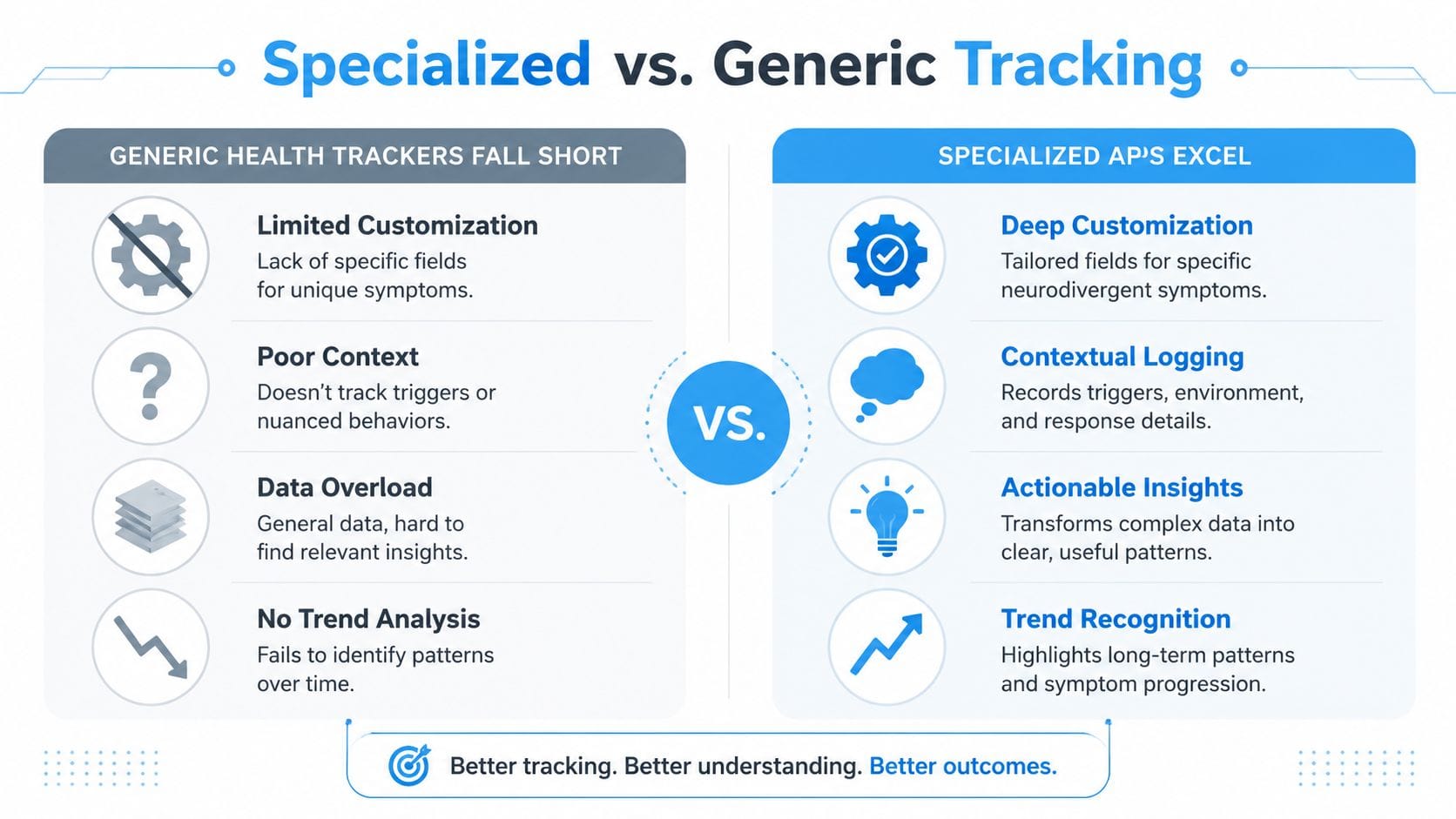
Many health apps are built for common medical events. Fever. Headache. Medication taken. Step count. Those can be useful, but they often miss the full reality of parenting a neurodivergent child.
A meltdown isn't just a yes-or-no event. A shutdown isn't fully described by a checkbox. Echolalia, hand flapping, demand avoidance, sensory seeking, and sudden changes in regulation all need context to be meaningful.
Presence isn't the same as description
One important gap is already documented. Most iOS apps only record symptom presence or absence rather than qualitative specifics, which leaves out the context-rich behavioral logging families need for meltdowns, echolalia, and related triggers, as noted in this PMC review of apps for autism support.
That means a generic app may tell you that a behavior happened. It often won't tell you enough about:
- What came first. A transition, demand, loud environment, hunger, or social overload.
- What it looked like. Crying, bolting, silence, scripting, covering ears, pacing.
- How long it lasted. Brief escalation and recovery, or an evening-long struggle.
- What helped. Quiet space, snack, deep pressure, time alone, predictable language.
The missing piece is context
When parents say, “I need to know what sets this off,” they're asking a practical question, not a theoretical one. They want to reduce hard moments before they start.
A specialized symptoms tracking app makes room for information like:
| Situation | What a generic app may capture | What a specialized app should capture |
|---|---|---|
| Meltdown after school | “Behavior happened” | Noise level, transition difficulty, missed snack, bus delay, recovery method |
| Shutdown at therapy | “Low mood” | New therapist, unfamiliar room, task demand, communication load |
| Sleep-related irritability | “Poor sleep” | Bedtime routine changes, night waking, morning behavior, school impact |
This is why specialized tracking matters so much for neurodivergent families. You're not just collecting episodes. You're building a map.
The useful question isn't only “Did it happen?” It's “What was happening around it, and what changed afterward?”
Patterns become visible only when the app asks better questions
A generic tracker usually treats each entry like an isolated event. Parents often need the opposite. They need a chain of events that shows environment, trigger, behavior, response, and recovery.
That's the difference between documenting a hard day and learning from it.
Must-Have Features in a Symptoms Tracking App
Once you know generic tools fall short, the next question is simpler. What should a good symptoms tracking app do for your family?
The answer isn't “more features” for the sake of it. The answer is less friction and clearer insight.
Behavior logging that matches real life
Start with behavior logging that goes beyond a single label. You should be able to record things like meltdowns, shutdowns, echolalia, hand flapping, sleep disruption, food refusal, or sensory overload in a way that fits your child's actual experience.
Look for flexibility, not a one-size-fits-all template.
- Custom entries matter: Your child may show distress through pacing, scripting, hiding, or refusal rather than the categories a generic app assumes.
- Fast entry matters too: If logging takes too long, you won't use it on the days you need it most.
Trigger and environment tracking
The strongest apps help you capture the conditions around a behavior. That includes where it happened, what changed, who was present, and what sensory or demand factors may have played a role.
A simple trigger field can change a lot. Over time, it helps you separate random rough days from repeatable patterns.
A short note like “grocery store, fluorescent lights, delayed lunch” can be more useful than a long paragraph written from memory three days later.
Sleep, food, medication, and routines
Behavior doesn't happen in a vacuum. Many families need to see whether rough mornings line up with poor sleep, whether certain foods seem to precede discomfort, or whether medication timing affects energy and regulation.
That's one reason some parents prefer tools that can connect symptom tracking with practical supports like a medication reminder app for daily care routines. When key health tasks live together, it's easier to notice whether timing and symptoms move together.
Reports that help other adults help your child
A lot of apps can record information. Far fewer can turn it into something another person can understand quickly. That's a major weakness because families often need to share patterns with pediatricians, therapists, school staff, or relatives.
This gap shows up in existing app coverage too. Many apps can help patients decide whether to seek care, but they rarely provide the structured, visual pattern insights that support collaborative care planning, according to CareClinic's discussion of symptom tracker limitations.
Useful reporting usually includes:
- Clear timelines that show when incidents happened.
- Simple charts that reveal repeat conditions or worsening periods.
- Shareable summaries that reduce back-and-forth explanation.
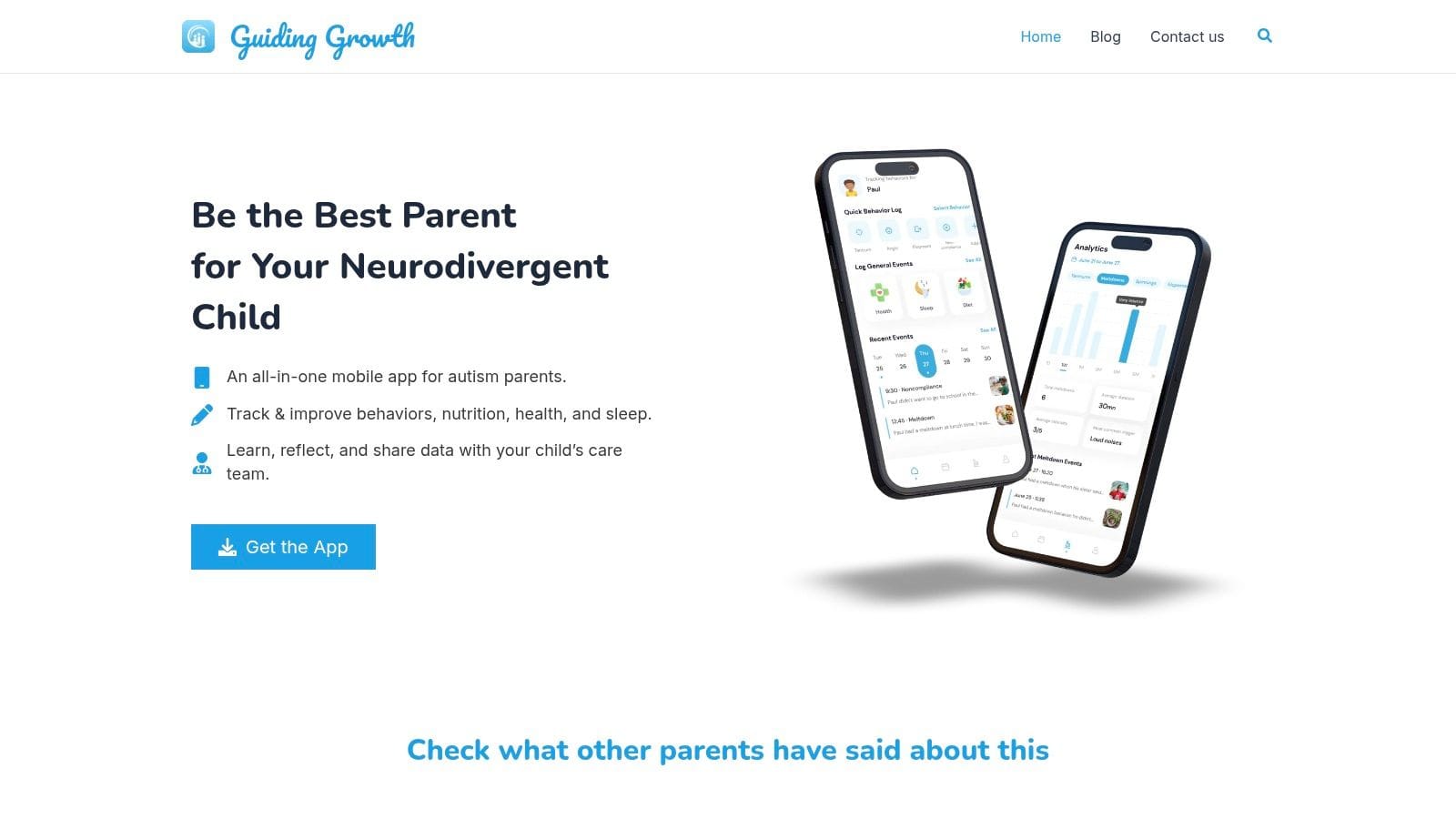
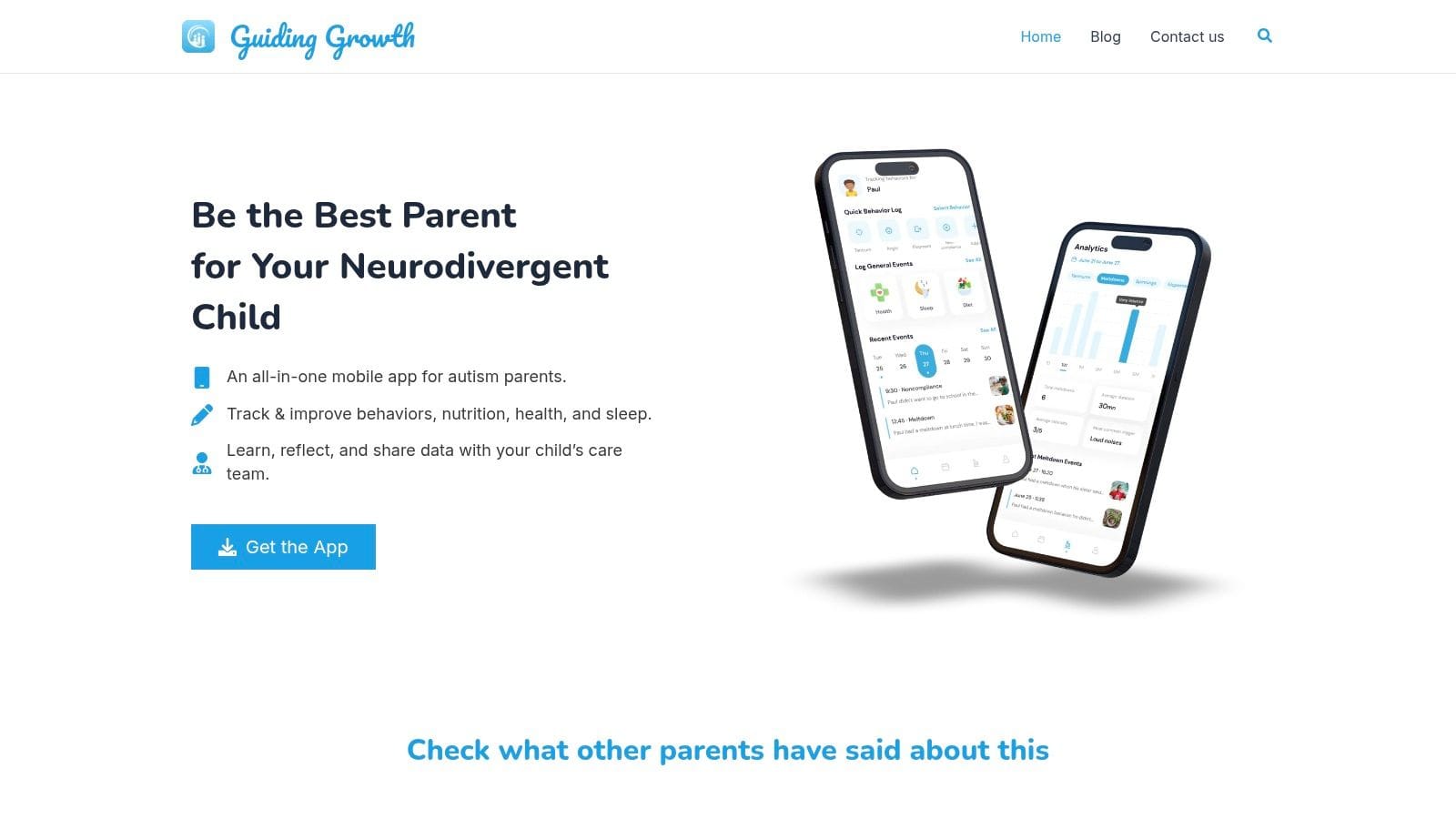
One option families may consider is Guiding Growth, which combines behavior logging, sleep and diet notes, routines, and shared visualizations in one mobile app. That kind of setup can be helpful when several adults support the same child and need a common record.
Privacy and sharing controls
Health and behavior data are personal. A strong app should let you decide who sees what and make sharing intentional rather than automatic.
At minimum, ask whether the app helps you share information with the right people, without forcing everyone into the same workflow.
Your App Evaluation Checklist
When you compare apps, it helps to stop thinking like a downloader and start thinking like a care coordinator. The right question isn't “Does this app look nice?” It's “Will this still work on a chaotic Thursday when I'm tired and my child is struggling?”
That's the test that matters.
Questions worth asking before you commit
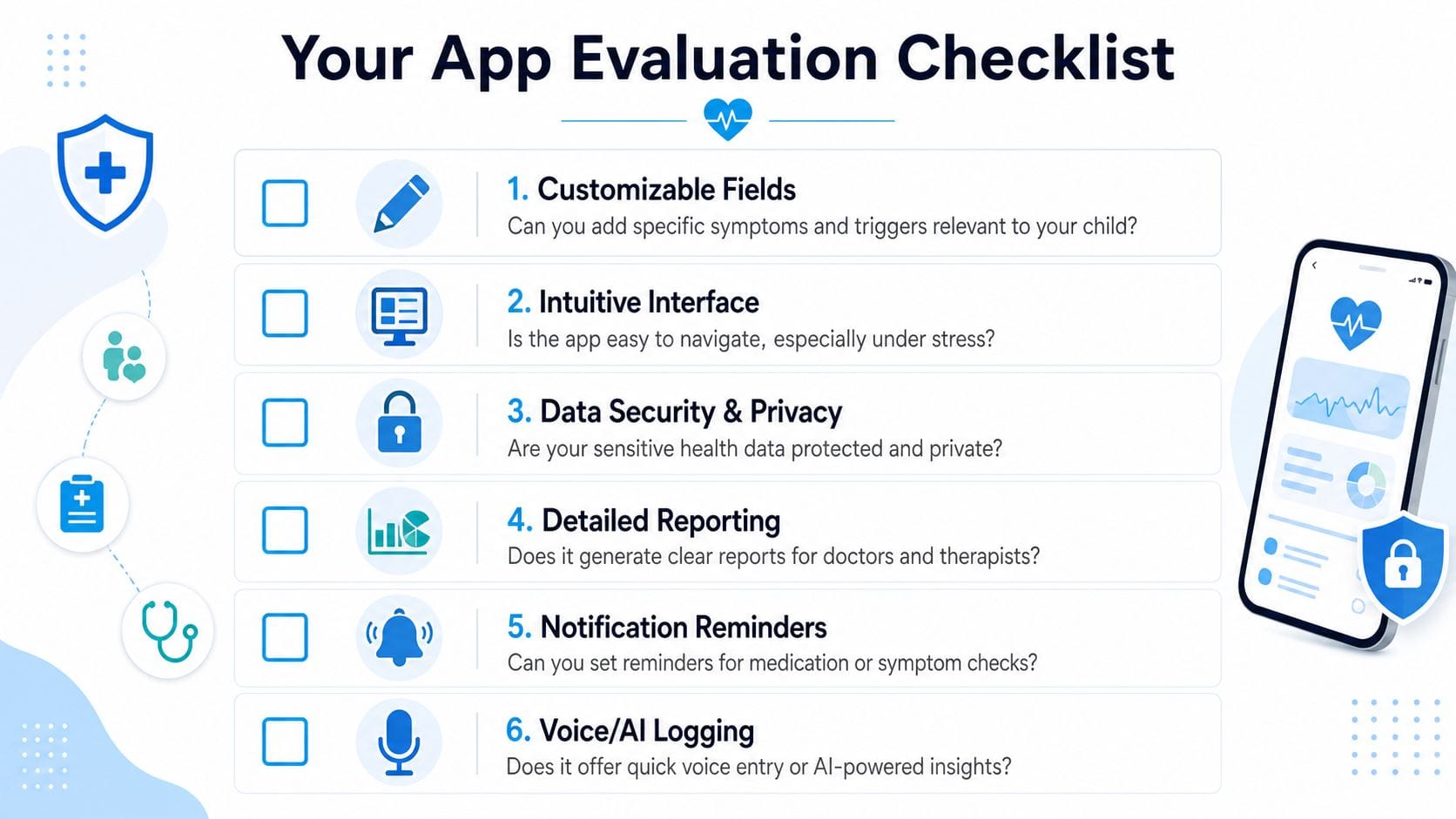
Use this list while trying any symptoms tracking app:
- Can I customize what I track? If your child needs logs for shutdowns, scripting, sensory avoidance, or demand-related stress, the app should adapt to that.
- Can I log quickly under pressure? A beautiful app that takes too many taps won't help during real life.
- Can I track context, not just incidents? You need room for triggers, environment, recovery, and what support worked.
- Can I see patterns without exporting everything? Charts, timelines, and summaries should already be built in.
- Can I share selectively? A therapist may need one kind of report. A grandparent may need another.
- Can it support everyday care tasks too? Sometimes behavior data only makes sense when paired with routines, appointments, or medication notes.
Families who want a more behavior-focused option may also look at tools built around behavior tracking for daily support needs, especially if they need something more specific than general wellness logging.
A quick scorecard you can use
You don't need a formal rubric, but a simple pass-fail review helps. Here's a practical approach:
| Category | Strong sign | Warning sign |
|---|---|---|
| Logging | Fast, customizable, flexible | Rigid forms, too much typing |
| Insights | Clear trends and summaries | Raw data with no patterns |
| Collaboration | Easy sharing with caregivers and clinicians | No reporting or confusing exports |
| Ease of use | Simple when stressed | Feels designed for ideal days only |
Don't choose based on promises alone
Screenshots can look polished while the daily workflow stays clumsy. Before settling on any app, try one real task. Log a difficult event with context, then see if you can find it later and understand it at a glance.
If you can't log one meaningful event in under a minute, the app may add stress instead of reducing it.
That small test tells you more than a long feature list.
How AI and Voice Logging Can Save You Time
Typing is often the first thing to break down when life gets intense. If your child is dysregulated in a parking lot, waiting room, or kitchen, you're not going to open an app and write a neat report.
That's where voice logging changes the experience.
You say what happened in plain language. Something like: “Meltdown after school in the car. Loud bus ride, missed snack, covered ears, calmed down after ten minutes with quiet music.” The app should then save that information in the right places with little or no extra typing.
Why voice matters during stressful moments
Voice entry helps in two ways. First, it reduces friction. Second, it captures details closer to the moment, before memory softens the sequence.
For many parents, that's the difference between useful tracking and abandoned tracking.
A well-designed AI system doesn't just store spoken words as one big note. It identifies meaningful parts of the entry, such as symptom, onset, timing, and modifiers, then organizes them in a clinically sensible structure.
What strong AI tracking looks like under the hood
There's a technical side to this that matters for trust. Expert-level AI symptom tracking uses a deterministic NLP pipeline that can move through steps such as speech recognition, language identification, privacy scrubbing, tokenization, entity extraction, and coding to medical concepts, often with on-device models for offline capture and server-side severity routing, as described in Topflight's guide to AI symptom tracker app development.
You don't need to memorize those steps. What matters is what they mean in practice:
- Your spoken note gets structured: The app separates symptom, trigger, onset, and modifiers.
- Offline capture can help: If the app supports on-device processing, you may be able to log even when connection is unreliable.
- Routing can become more useful: The system can help sort mild patterns from issues that may need quicker attention.
That kind of structure is one reason AI can help solve the old “output layer” problem discussed earlier. Instead of a pile of entries, you get information that can be summarized.
AI should reduce cognitive load, not add mystery
Some parents worry that AI will turn their child into a set of labels. That's a fair concern. Good AI should work more like a helper than a judge. It should make logging easier, organize what you entered, and surface patterns you might want to discuss with a clinician.
It shouldn't replace your interpretation of your child.
If you're also trying to make sense of school notes, evaluations, and care plans, it may help to see how other AI tools can summarize documents with AI. The same principle applies. Families often don't need more information. They need information condensed into something they can use.
Here's a short look at how this kind of workflow can feel in practice:
A simple voice log example
Try comparing these two entries.
Typed from memory later:
“Bad afternoon. Hard at store.”
Spoken in the moment:
“Shutdown at grocery store after announcement on speaker. Covered ears, stopped responding, stayed close to cart, recovered in car with quiet.”
The second entry gives you a trigger, setting, behavior, and recovery clue. That's much more usable later.
Your First Week A Simple Onboarding Plan
The easiest way to quit a symptoms tracking app is to expect too much from yourself on day one. Parents often think they need to log everything immediately. They don't.
A better start is small, focused, and forgiving.
Days one and two
Choose only a few things to track. Pick the events that most often affect daily life or show up in appointments.
That might be:
- Meltdowns or shutdowns
- Sleep disruptions
- Food refusal or stomach-related discomfort
- Transitions that regularly go badly
Keep entries short. If all you log is what happened and roughly when, that's enough for the first two days.
Start with consistency, not completeness.
Days three to five
Once basic logging feels less awkward, add context. You still don't need perfect notes. Just begin attaching the details most likely to reveal patterns later.
Useful context includes:
- Trigger clues such as noise, waiting, hunger, demand, change in routine.
- Location like school pickup, grocery store, bedtime, therapy room.
- Recovery support such as quiet space, snack, movement, reduced language.
This stage matters because structured tracking changes what people notice. In one study, users of a dedicated symptom tracker reported a mean difference of 1.16 more symptoms at 4 months compared with a control group, according to this PubMed study on symptom tracker use. The practical takeaway is simple. A better structure often helps families capture details they might otherwise miss.
Days six and seven
By the end of the first week, stop adding new categories and review what you already have. Look for one repeated pattern. Only one.
Maybe hard afternoons follow poor sleep. Maybe transitions after school are tougher on therapy days. Maybe the most difficult incidents happen in noisy public places.
A simple review process can look like this:
| Question | What to look for |
|---|---|
| When do the hardest moments happen? | Time of day, school days, weekends |
| What often comes right before them? | Demands, hunger, sensory stress, transitions |
| What helps recovery? | Quiet, movement, food, reduced verbal input |
Keep the bar low enough to continue
If you miss a day, return the next day. If an entry is messy, keep it anyway. Progress comes from repeated use, not perfect wording.
The first win is rarely dramatic. It's usually something modest but meaningful. You notice one repeat trigger. One pattern in sleep. One support strategy that works more often than you realized.
That's enough to make tracking worth continuing.
If you want one place to log behaviors, routines, sleep, food, medications, and share patterns with the adults supporting your child, Guiding Growth is a practical option to explore. It's built for parents of neurodivergent children who need faster logging, clearer context, and less guesswork in everyday care.