Finding the right digital tools for your child's success can feel harder than it should. You're juggling school notes, therapy goals, sleep issues, behavior patterns, medication reminders, and the small details that matter most, then opening an app store that gives you thousands of options with almost no real guidance. Most families don't need more apps. They need the right app for the right job, and a way to keep everything from turning into scattered screenshots and half-finished notes.
That confusion is real, especially in a space this large. In the United States, the number of students ages 3 to 21 receiving special education and related services under IDEA rose from 6.4 million in 2012 to 2013 to 7.5 million in 2022 to 2023, reaching 15% of all public school students, with autism accounting for 13% of students served in 2022 to 2023, according to the NCES overview of students with disabilities. Families aren't looking for niche tools. They're looking for practical systems that fit daily life.
This guide gets to the point. These are some of the best apps for special needs across communication, learning, routines, collaboration, and behavior insight. If you're also working on conversation and communication skills in family or school settings, this HypeScribe advice for clear meeting interactions is a useful companion read.
Table of Contents
- 1. Guiding Growth The All-in-One Hub for Unified Care
- 2. Proloquo For Growing Language Skills
- 3. LAMP Words for Life For Motor-Planning Based AAC
- 4. TouchChat For Flexible AAC Customization
- 5. TD Snap For Integrated Hardware and Software
- 6. Avaz AAC For Cross-Platform and Multilingual Use
- 7. CoughDrop For Cloud-Based Team Collaboration
- 8. Otsimo Special Education For Gamified Learning
- 9. Choiceworks For Clear Visual Schedules
- 10. Pictello For Creating Social Stories
- Top 10 Special Needs Apps, Feature Comparison
- How to Choose and Integrate the Right App for Your Family
1. Guiding Growth The All-in-One Hub for Unified Care
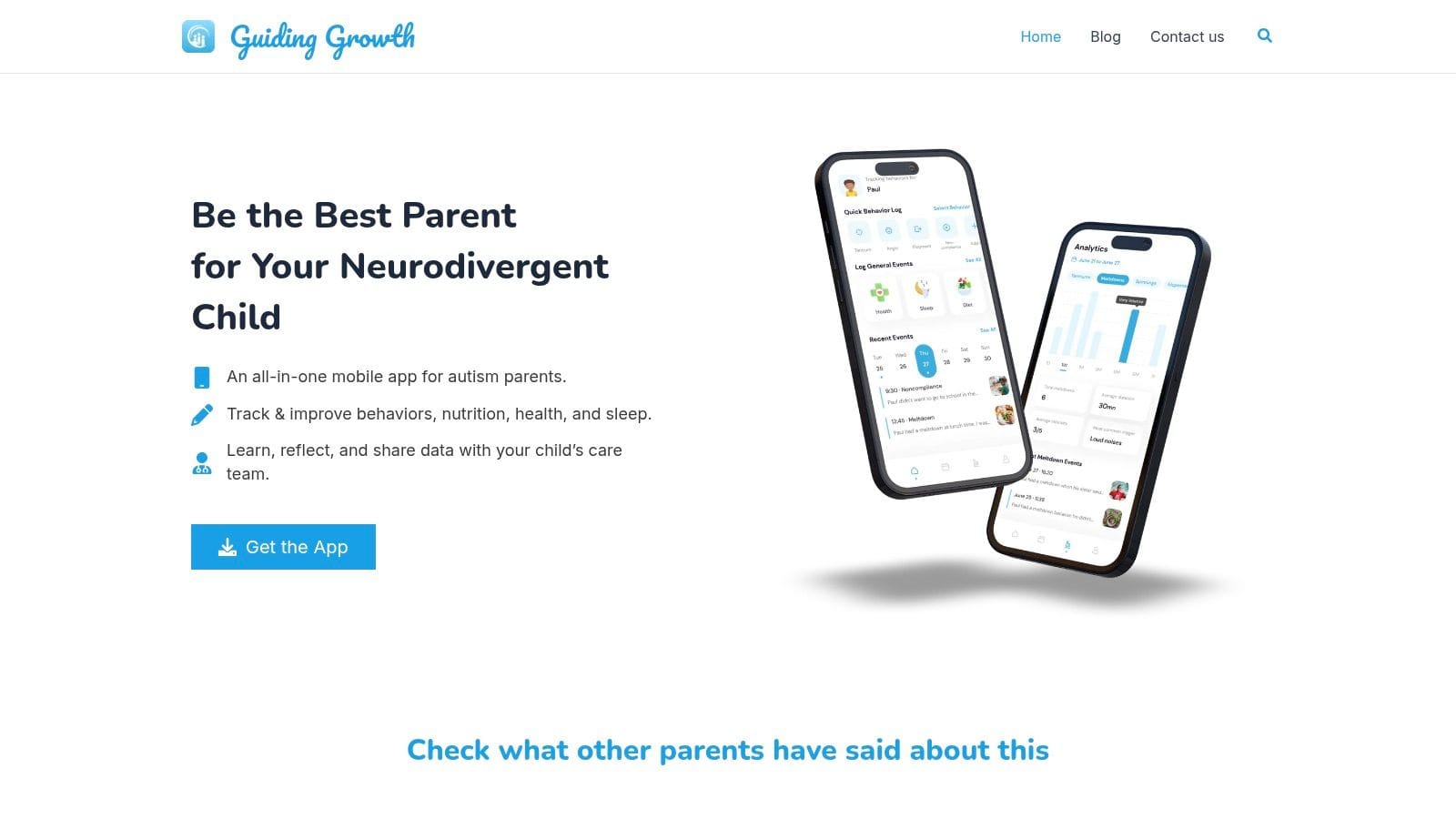
Some apps solve one problem well. Guiding Growth is different because it acts as the central place where the rest of your child's support picture can make sense. It brings behavior logging, sleep, nutrition, medications, appointments, and therapy notes into one mobile app so parents, caregivers, and professionals aren't all working from separate memory and separate notebooks.
What makes it unusually practical is the logging flow. Voice-first entry matters when you're trying to document a meltdown in the carpool line or remember what happened after a rough bedtime. Instead of waiting until later and losing the details, you can log quickly and keep moving.
Why it stands out
The strongest reason to use Guiding Growth isn't that it does everything. It's that it connects the things that usually stay disconnected. A child might be sleeping poorly, eating differently, resisting demands, and struggling in therapy in the same week. If those details live in different places, patterns are hard to spot. If they live together, they're easier to discuss with the people helping your child.
The app also includes Alma AI, an AI companion built around autism parenting support. Used well, that can help families think through next steps, prepare questions for providers, and reflect on patterns without replacing clinical guidance. For families trying to move from guesswork to a clearer baseline, that's a real advantage.
Practical rule: Use a hub app for context, not just record-keeping. The best tracking system is the one you'll actually use on hard days.
A good starting point is to log only a few categories consistently for the first week, then expand. If you need help setting up that process, this guide on how to track autism therapy progress fits naturally with the app's strengths.
Best fit
Guiding Growth is the app on this list I'd put at the center of a family's system. Then I'd add specialist tools around it, like AAC, visual schedules, or social stories.
- Best for families managing many moving parts: Sleep, behaviors, food, medication, therapy, and appointments all affect one another.
- Best for team communication: Shared visibility helps parents, in-home caregivers, therapists, and educators stay aligned.
- Watch before you commit sensitive data: The site doesn't list pricing, platform details, or clinical certifications, so it's smart to review privacy and data-sharing policies closely before relying on it for health-related information.
You can visit Guiding Growth directly to see whether its workflow matches the way your family already tracks information.
2. Proloquo For Growing Language Skills
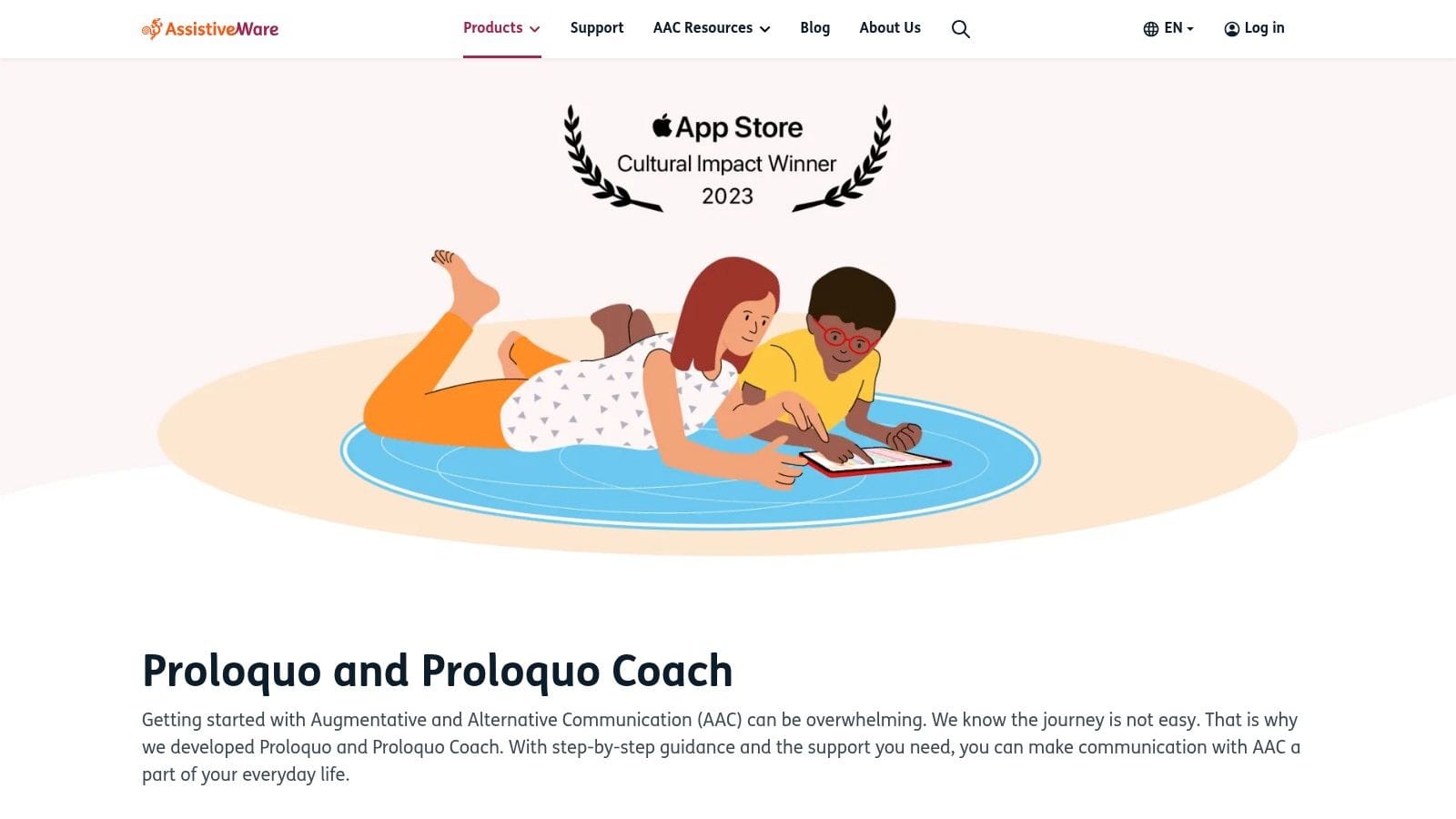
Proloquo is one of the most polished AAC options for families who want a symbol-based system that supports growth over time, not just quick requesting. Its design emphasizes core words, fast access, and caregiver support, which matters because the communication partner often needs as much coaching as the learner does.
The built-in structure is one of its biggest strengths. Families who feel overwhelmed by AAC often do better with a system that has a clear language philosophy behind it, and Proloquo gives that. Proloquo Coach is especially helpful for adults who want concrete guidance on modeling and everyday use.
Where Proloquo works well
This is a strong fit for children who need a modern, well-supported AAC app without building everything from scratch. The search tools, accessibility options, and natural-sounding voices help reduce friction, and that matters more than people think. If the app is hard to use, adults stop modeling it and kids stop trusting it.
At the same time, there are trade-offs. It's limited to iOS and iPadOS, so families using Android won't get far. The subscription model also won't suit every household or school setup.
AAC success usually depends less on how impressive the vocabulary file looks and more on whether adults model language consistently during real routines.
You can explore it at Proloquo by AssistiveWare.
3. LAMP Words for Life For Motor-Planning Based AAC
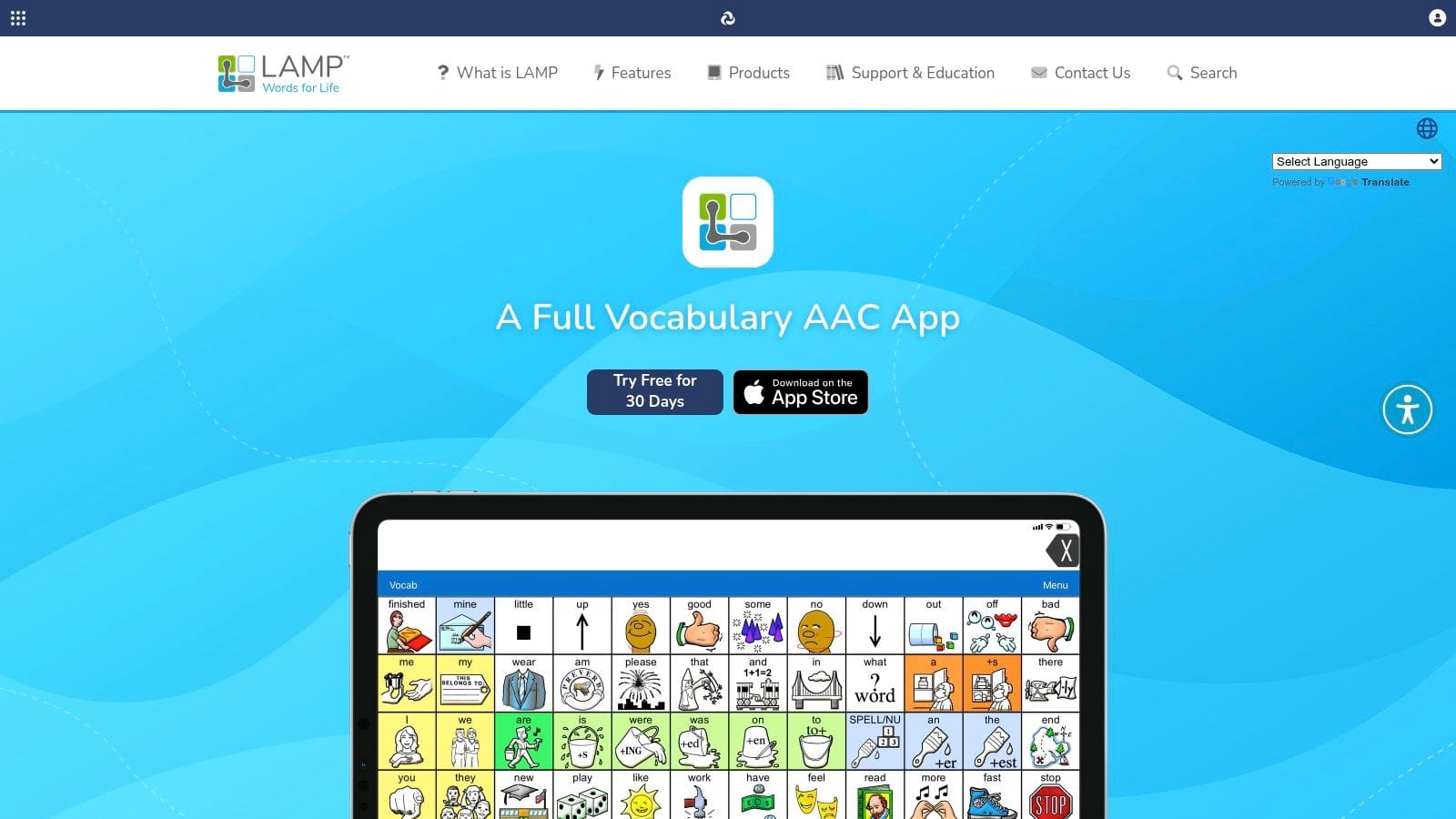
LAMP Words for Life is often the right answer when a speech-language pathologist is specifically targeting motor planning as part of communication development. The app is built around consistent motor patterns, and that consistency is the whole point. Instead of changing locations constantly, the system helps the user build movement memory alongside language.
For some children, that approach clicks in a way other AAC systems don't. For others, it can feel dense at first. That's why this is one of the apps for special needs that benefits most from coaching rather than independent trial-and-error.
Who tends to benefit most
LAMP Words for Life includes two vocabulary levels, expandable core and fringe words, a Word Finder, Vocabulary Builder, and data logging tied to Realize Language. It also offers a Discover trial, which is helpful because families should see the system in action before making a larger commitment.
Its biggest advantage for many households is the main app's one-time purchase structure. Its biggest drawback is the learning curve. If nobody on the team knows how to model it, families can end up with a powerful app that sits unused on an iPad.
If speech goals are part of your broader plan, this parent-friendly guide to speech therapy for autism pairs well with the kind of intentional AAC support LAMP usually requires.
You can learn more at LAMP Words for Life.
4. TouchChat For Flexible AAC Customization
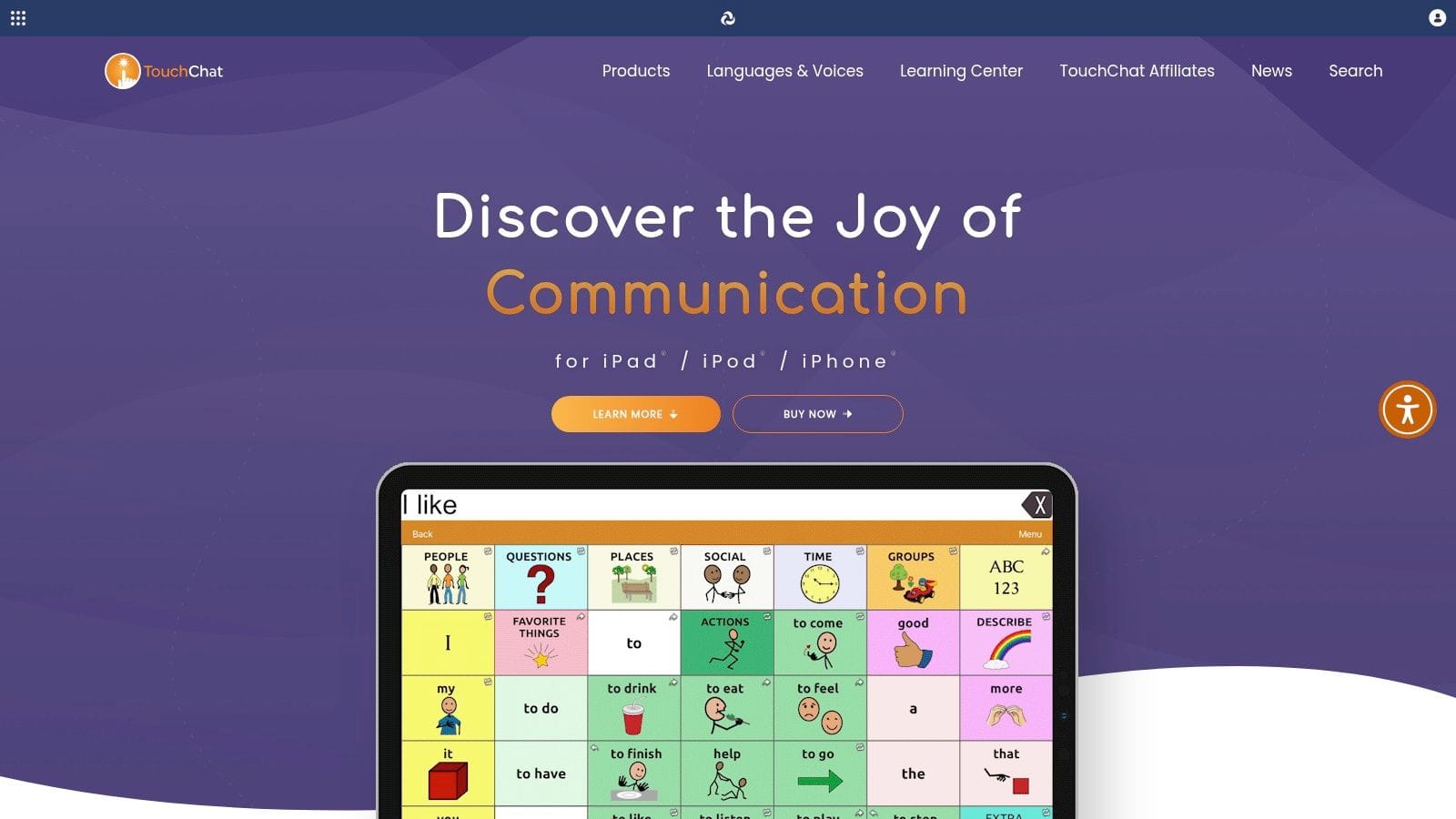
TouchChat is the AAC app I usually think of when a family needs room to customize without abandoning structure. It offers multiple vocabulary options, including WordPower, and gives clinicians and parents a lot of control over editing, symbols, and sharing.
That flexibility is useful when a child's needs don't fit neatly into one preset setup. It also helps when school and home want to fine-tune a system together instead of forcing everyone into the same page set forever.
What makes it practical
The free Discover trial is one of the best reasons to consider TouchChat early. AAC matching is rarely perfect on day one, and a trial period lets families test navigation, button size, vocabulary organization, and partner buy-in before locking in.
The downside is that TouchChat can get expensive depending on the edition, vocabulary package, and extra services you choose. That doesn't make it a bad option. It just means you should know what you're buying before adding extras because customization has a way of expanding fast.
A good fit for TouchChat is the child who needs personalized vocabulary and a team willing to maintain it over time. You can review options at TouchChat.
5. TD Snap For Integrated Hardware and Software
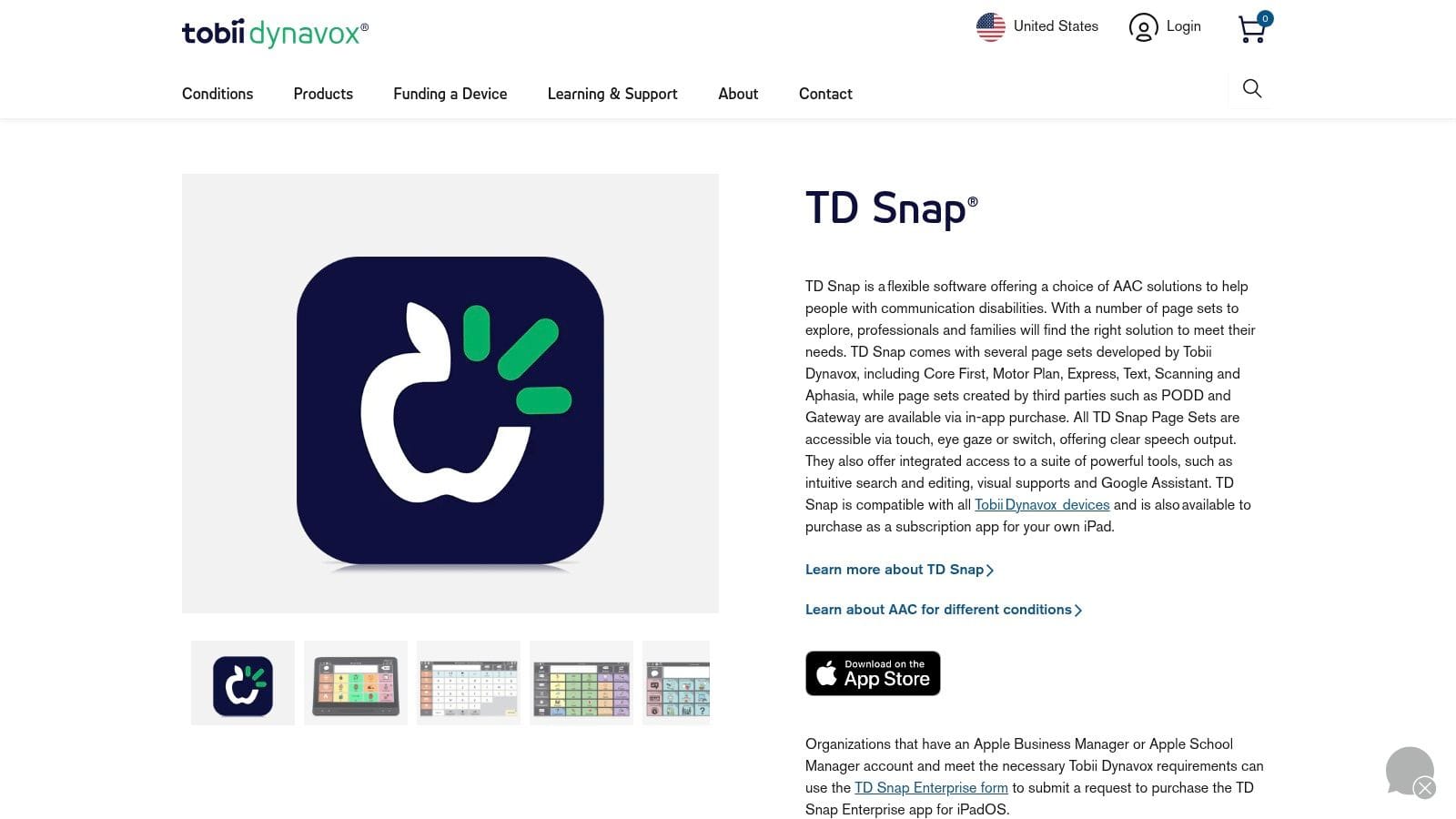
TD Snap makes the most sense when you're not just choosing an AAC app. You're choosing an AAC pathway. That's the difference. Tobii Dynavox has long experience with dedicated communication hardware, and TD Snap benefits from that ecosystem.
If a child may eventually need more specialized access methods or a dedicated device, starting with software that connects well to that world can make transitions smoother. Families don't always need that level of integration, but some absolutely do.
When TD Snap makes sense
TD Snap includes multiple page sets such as Core First, cloud syncing for edits and backups, and support for various access methods. It also has training resources that are useful for schools and clinics, which is one reason it shows up often in team-based settings.
The main trade-off is cost structure. The iPad app uses a subscription model, and exact pricing may vary in-app. Some families prefer a one-time purchase for AAC if they can get it. Others are happy to pay for a platform that connects to a larger support system.
- Choose TD Snap if hardware matters: This is one of the stronger choices when software and device planning go together.
- Choose something simpler if you need fast home startup: Not every child needs the broader Tobii Dynavox ecosystem.
- Check school compatibility early: If school staff already use this system, that can make implementation much easier.
You can see the current setup at TD Snap from Tobii Dynavox.
6. Avaz AAC For Cross-Platform and Multilingual Use
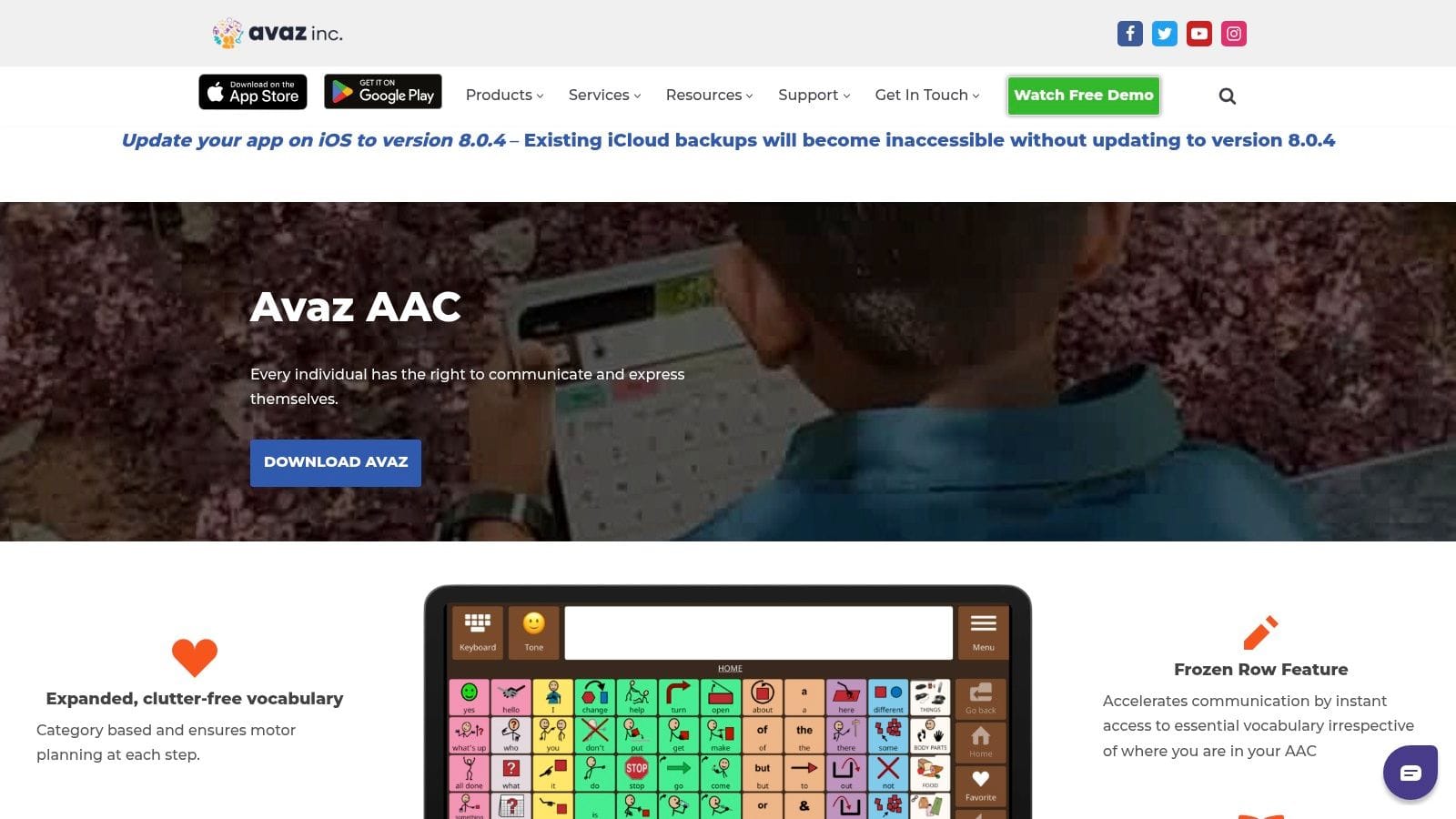
Avaz AAC earns its place on this list because it solves a practical problem many families have right away. Not everyone uses Apple devices, and not every home is monolingual. Avaz is one of the more approachable AAC options when you need flexibility across platforms and language contexts.
That matters more than feature lists sometimes suggest. If the child uses one device at home and another in the community, or if extended family members communicate in different languages, cross-platform support can reduce friction that would otherwise stop consistent use.
Why families choose it
Avaz offers customizable vocabularies, text-to-speech, symbol support, literacy tools, and purchase options that can fit different preferences. Some families want a subscription. Others want a lifetime purchase if available in their region and platform.
Its limitations are mostly about variation. Features and pricing can differ by platform and region, so families need to verify the details before deciding. That's not unusual, but it's worth checking before a therapist recommends it casually.
In the broader disability space, app adoption tends to be stronger for lower-friction, general-purpose mobile health tools than for more demanding symptom-tracking workflows. In one survey, 53.2% of people with disabilities reported using mHealth apps, with fitness and hospital portal apps used most often, while symptom and disease management tools were used least often, according to this study on mHealth app use among people with disabilities. That pattern is a good reminder to choose tools your family can sustain, not just admire.
If multilingual support is part of your search, this guide on how to choose the best translator app may also help with day-to-day communication needs around the AAC setup. You can explore Avaz AAC.
7. CoughDrop For Cloud-Based Team Collaboration
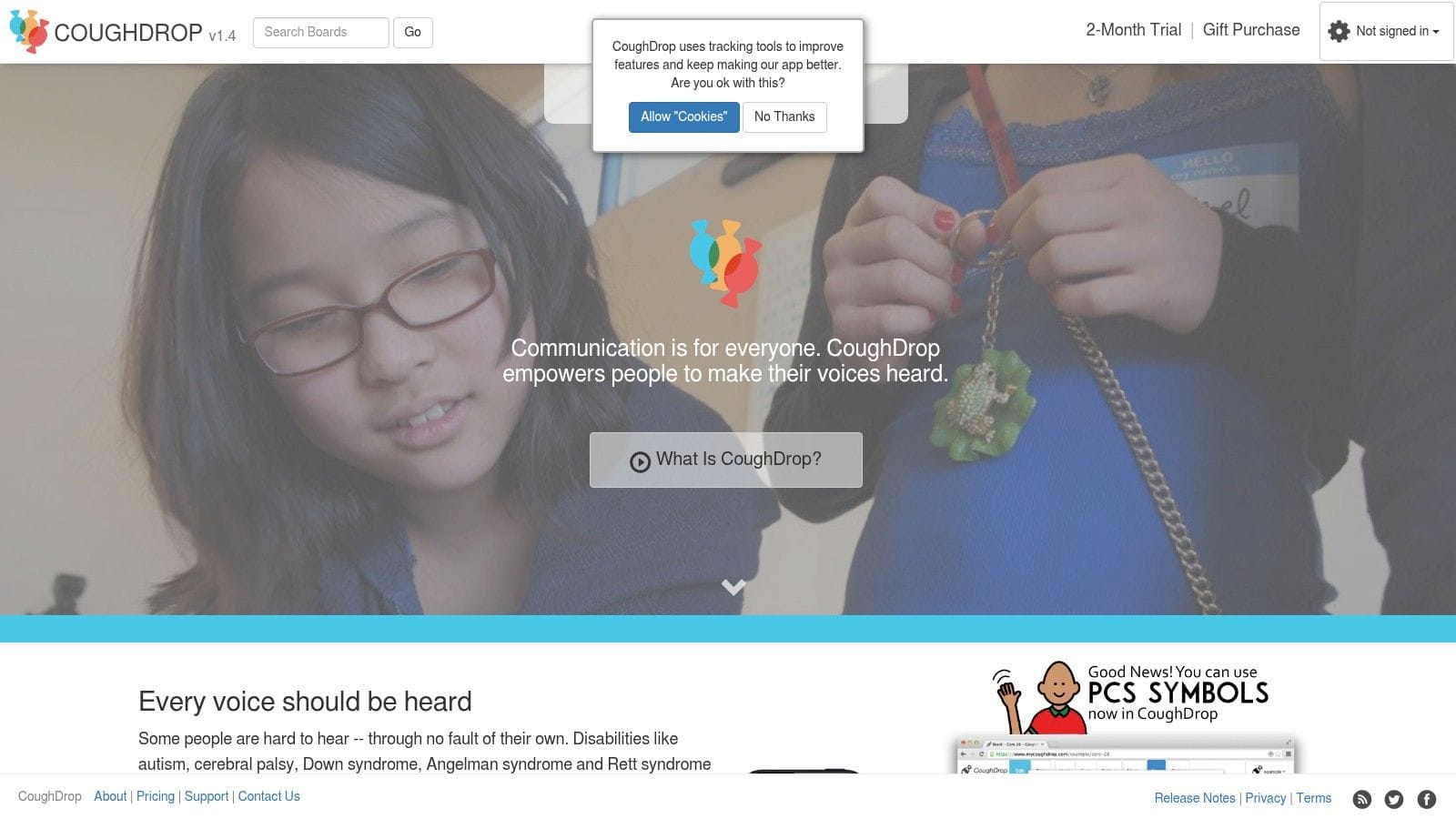
CoughDrop is one of the easiest AAC choices to recommend when multiple adults need access. It runs across iPad, Android, Chromebook, and the web, and that cross-platform reach is a major strength for school-home collaboration.
A lot of AAC breakdowns aren't really language breakdowns. They're logistics breakdowns. One person updates the vocabulary, another can't see the changes, school uses one device, home uses another, and the child ends up with inconsistent support. CoughDrop is built to reduce that mess.
Best use case
Its reporting tools and team orientation make it especially useful for SLPs, educators, and support teams managing more than one learner. The pricing is also relatively transparent, which families tend to appreciate after dealing with vague app-store surprises elsewhere.
The main compromise is that its best experience depends on internet access, and some extra symbol libraries cost more. If your routine includes weak connectivity or a heavy preference for offline use, test that carefully before rolling it out broadly.
If three adults support the same child, the AAC system should be easy for all three adults to access, update, and understand.
You can review plans and platform options at CoughDrop.
8. Otsimo Special Education For Gamified Learning
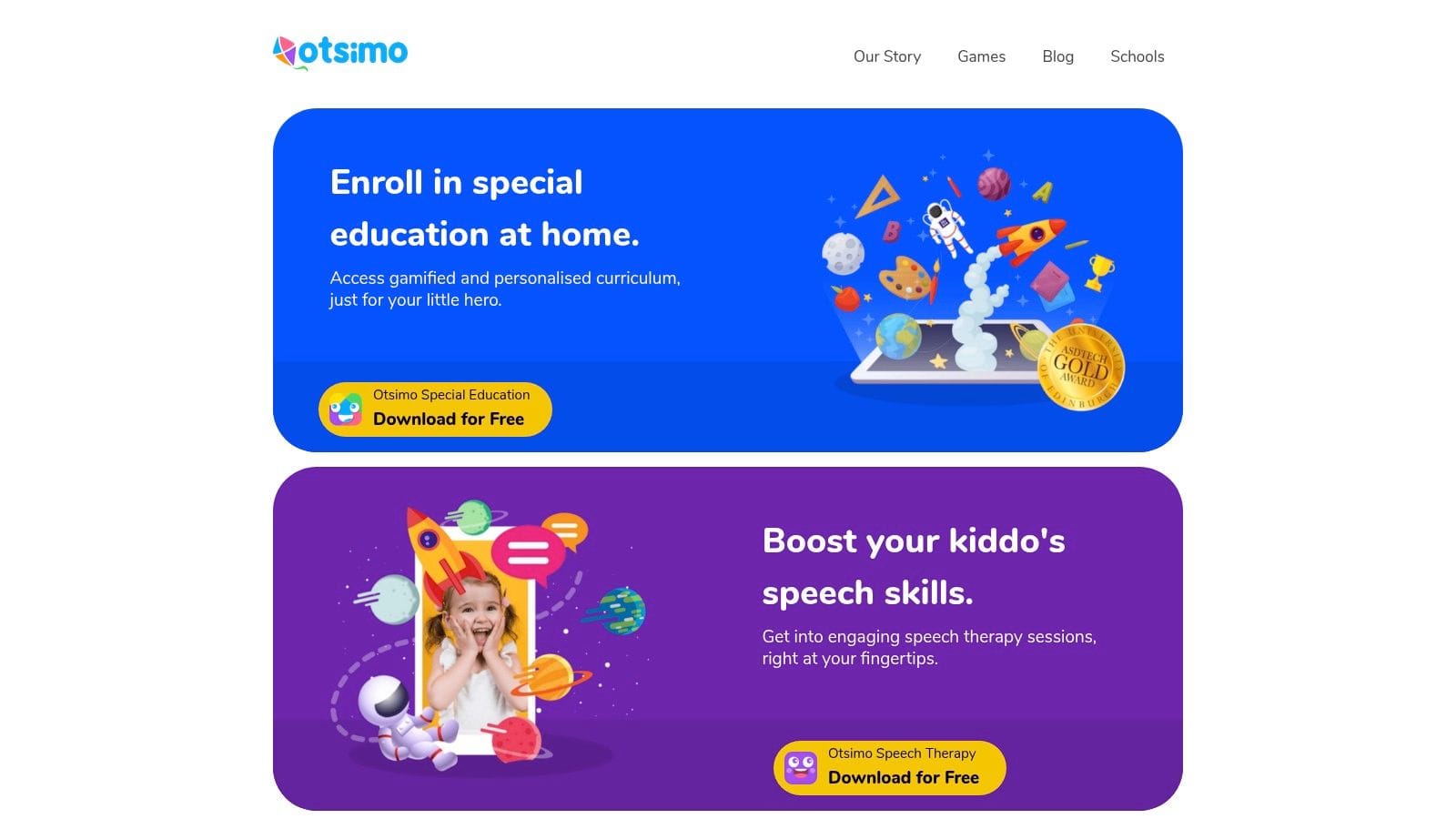
Otsimo Special Education works best when a family wants structured practice at home without turning every session into a battle. The app leans into adaptive, game-like activities, and that can be a relief for children who shut down when work feels too obviously therapeutic.
This is one of the more practical apps for special needs if you're trying to reinforce foundational learning or speech work between formal sessions. It isn't a replacement for individualized therapy. It is a useful bridge between sessions when parents want something guided and repeatable.
Where it helps most
Otsimo offers a large library of activities, speech and articulation tools, and parent-facing progress tracking. It also has school and district options, which may matter if home and educational settings want some continuity.
The caution here is simple. Gamified apps can become either motivating or avoidable depending on the child. If a learner enjoys the format, great. If the child starts tapping through activities without real engagement, the app can look busy without being very useful.
A free entry point helps, but premium content requires a subscription and pricing may vary by platform and region. You can test whether the format matches your child's learning style at Otsimo.
9. Choiceworks For Clear Visual Schedules
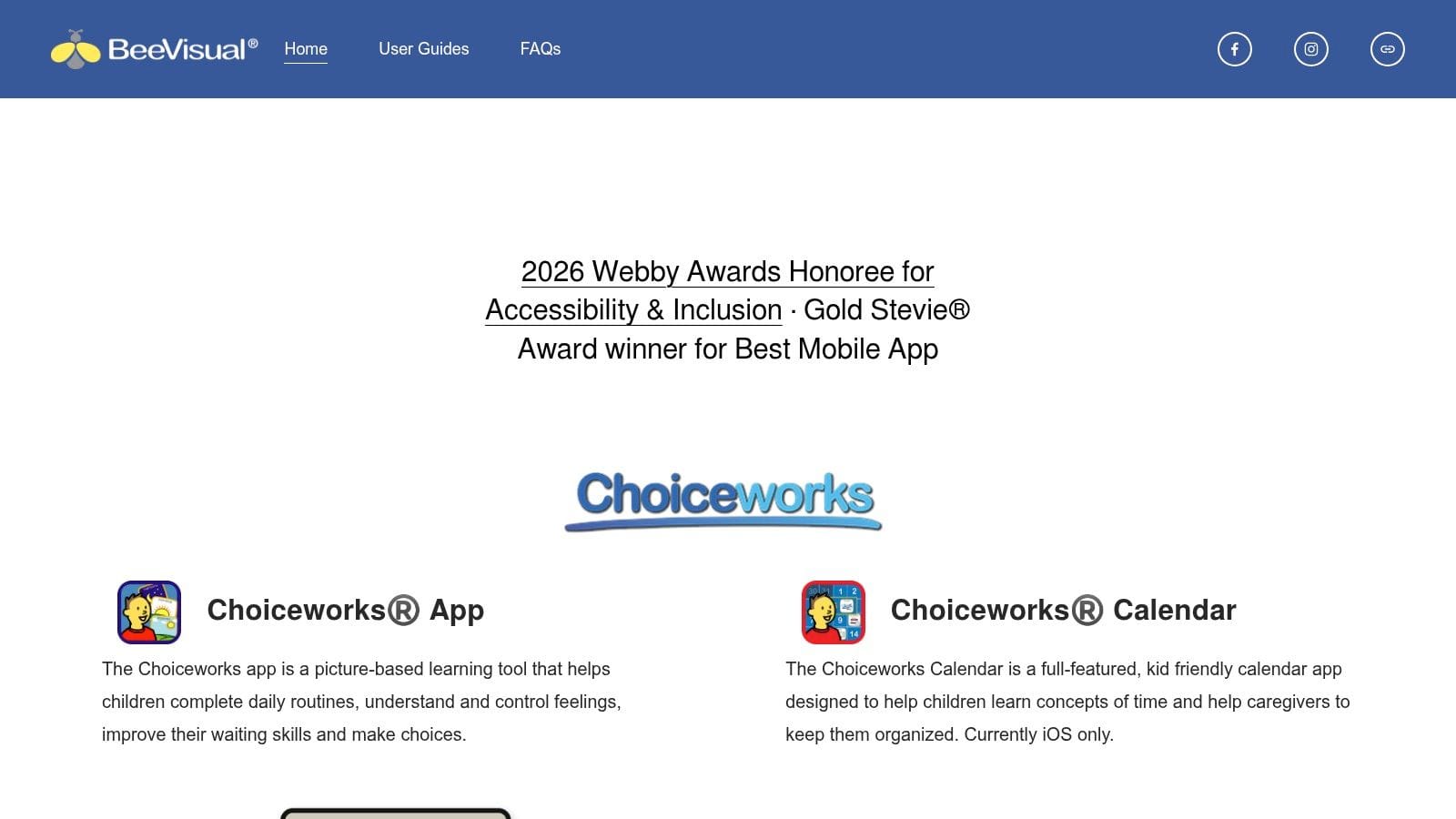
Choiceworks is one of those apps that seems simple until you use it in real life and realize how much stress it can prevent. Visual schedules, first-then boards, waiting boards, and feelings supports don't sound flashy, but they often solve the exact problems that derail mornings, transitions, and community outings.
For families who are overwhelmed, this is a good reminder that the best app isn't always the most advanced one. Sometimes the best app is the one that helps your child get through brushing teeth, leaving the park, or waiting at the pediatrician's office with less uncertainty.
What families like about it
Choiceworks includes a preloaded image library and lets you add your own photos, audio, and video. It supports multiple child profiles, board sharing, printing, backup tools, and keeps content on the device, which many privacy-conscious families prefer.
That local-content approach is appealing, but there are limits. It's iOS-only, and it's a paid app. More importantly, it isn't a big-picture tracking system. It helps with predictability and self-regulation in the moment, not with long-term pattern analysis.
A useful setup is to use Choiceworks for daily routines and a separate hub for tracking what happened across the week. You can visit BeeVisual and Choiceworks.
10. Pictello For Creating Social Stories
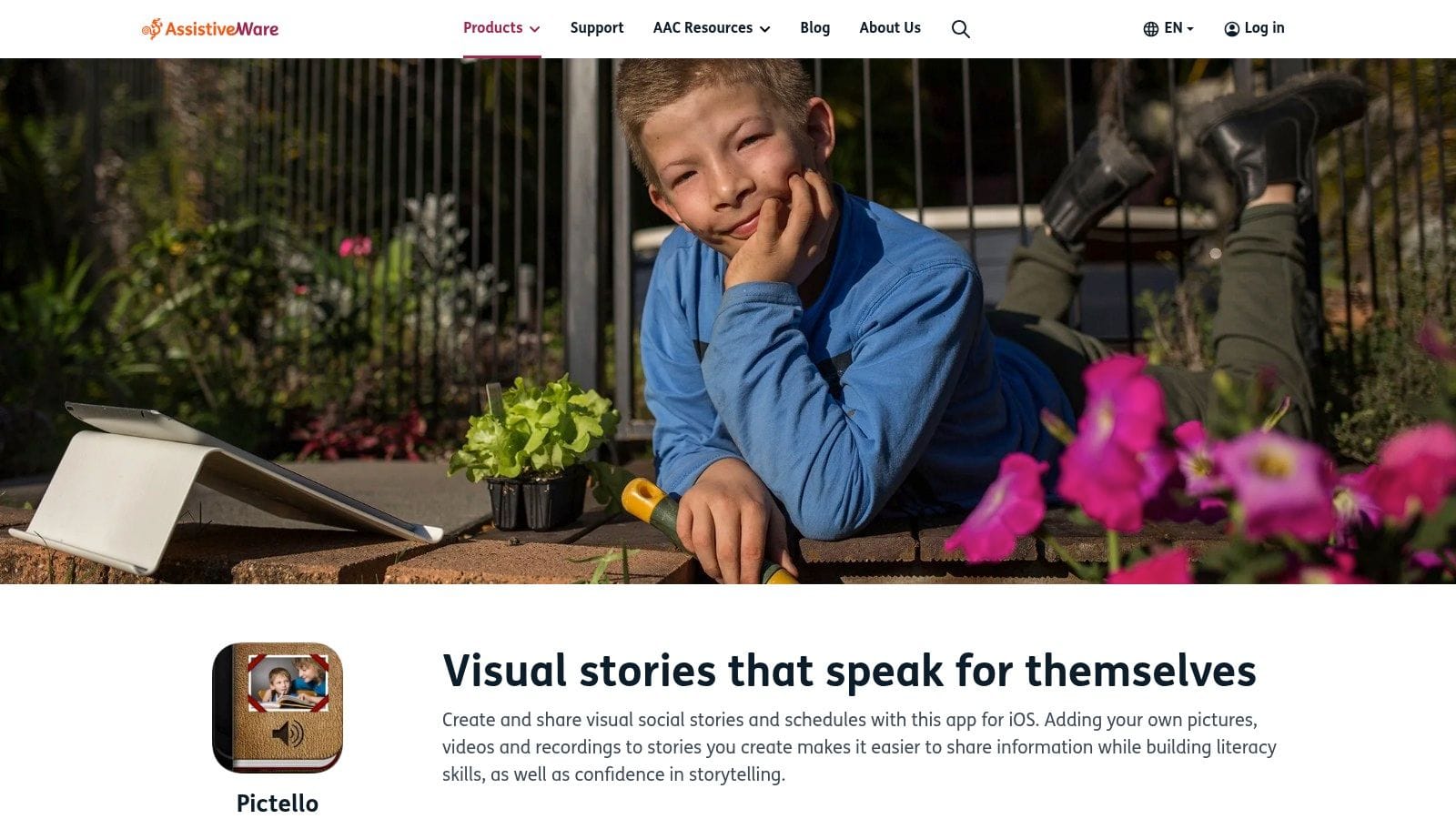
Pictello is the app I recommend when a child needs more preparation, not more correction. Social stories, transition stories, safety narratives, and personalized step-by-step routines can reduce anxiety before a hard event instead of trying to repair the fallout afterward.
That shift matters. Many children do better when they can preview what will happen, what they'll see, what they can say, and what options they have if they feel overwhelmed. Pictello makes that process manageable for families.
How to use it well
You can build stories with photos, video, recorded voice, or text-to-speech, then print or share them easily. That's enough flexibility for home, school, clinic, and community situations without requiring a full AAC setup.
Its limitation is clear too. Pictello is not a communication system by itself. It works best alongside an AAC app, visual schedule app, or broader support plan. Used that way, it's excellent.
A strong use case is making short, highly specific stories such as haircut visits, fire drills, grocery store routines, or asking for a break. This article on visual supports and social skills training offers useful context for the kinds of situations where Pictello tends to help most.
One more reality check matters here. A review of autism-related apps found uneven quality in the category. One assessment concluded that only 37.68% of reviewed apps were of acceptable quality, while another review of 65 apps found 38% acceptable quality, as summarized in this review of autism apps and their quality. That's a good reason to favor focused tools with clear purpose over downloading every shiny app you see.
You can learn more at Pictello by AssistiveWare.
Top 10 Special Needs Apps, Feature Comparison
| Product | Core features | UX / Quality | Value / Price | Target audience | Unique / Highlights |
|---|---|---|---|---|---|
| Guiding Growth: The All‑in‑One Hub for Unified Care 🏆 | Centralized behavior, sleep, nutrition, meds, appointments; voice-first logging | ★★★★☆, fast, visual reports | 💰 Not listed, focused on time saved | 👥 Parents, caregivers, therapists | ✨ Voice logging (zero typing), Alma AI companion, real‑time sharing |
| Proloquo (AssistiveWare) | Symbol‑based AAC, Crescendo vocab, coaching app | ★★★★☆, natural voices, strong onboarding | 💰 Subscription, iOS only | 👥 Individuals building language, caregivers, schools | ✨ Proloquo Coach, neural voices, Focus Mode |
| LAMP Words for Life | LAMP motor‑planning + Unity/Minspeak vocab, data logging | ★★★★, clinically favored, steep learning curve | 💰 One‑time purchase (main app) | 👥 SLPs, families needing motor planning | ✨ Motor‑planning consistency, Realize Language integration |
| TouchChat (PRC‑Saltillo) | Multiple vocabularies, editing/sharing, symbol add‑ons | ★★★☆, highly customizable | 💰 Varies by edition + paid add‑ons | 👥 Families, clinicians needing tailored AAC | ✨ Broad vocab choices, 30‑day Discover trial |
| TD Snap (Tobii Dynavox) | Modular page sets, cloud sync, hardware support | ★★★★, training + clinical adoption | 💰 Subscription for iPad; device bundles vary | 👥 Schools, clinics, device users | ✨ Hardware/software integration, strong training |
| Avaz AAC | Custom vocabularies, TTS, iOS & Android support | ★★★★, cross‑platform, multilingual | 💰 Subscription or Lifetime option | 👥 Multilingual families, broad diagnoses | ✨ Cross‑platform + literacy supports |
| CoughDrop | Cloud sync, cross‑platform, reporting for teams | ★★★★, team collaboration, transparent | 💰 Clear plans + 2‑month trial | 👥 SLPs, educators, multi‑care teams | ✨ Unlimited free supporters, robust reporting |
| Otsimo Special Education | Gamified lessons, speech tools, parent dashboard | ★★★☆, adaptive, engaging for practice | 💰 Freemium → premium subscription | 👥 Home practice families, schools | ✨ Gamified evidence‑informed activities |
| Choiceworks (BeeVisual) | Visual schedules, feelings boards, multiple profiles | ★★★★, simple, privacy‑focused | 💰 Paid iOS app (App Store price) | 👥 Families, educators seeking predictability | ✨ On‑device privacy, easy setup & printing |
| Pictello (AssistiveWare) | Social stories builder with photos, audio, TTS | ★★★★, family‑friendly story creation | 💰 Affordable one‑time purchase | 👥 Families needing social stories, teachers | ✨ Media‑rich stories, recordable voice & TTS |
How to Choose and Integrate the Right App for Your Family
The biggest mistake families make isn't choosing the wrong app. It's expecting one app to solve every problem. Communication apps, visual schedule apps, learning apps, and tracking apps do different jobs. Once you separate those jobs, choosing gets easier.
Start with one primary goal. If your child needs a voice, begin with AAC. If mornings and transitions are the hardest part of the day, start with visual supports. If you already have services in place but can't tell what's helping, start with tracking. That order matters because it keeps you from buying tools you aren't ready to use.
Then trial apps in the settings where your child lives. Not just at the kitchen table for ten minutes. Try them before school, during transitions, in the car, at appointments, or during homework. An app that looks great in a calm moment may fall apart when your child is tired, dysregulated, or rushed.
A simple framework helps:
- Choose for function first: Ask whether you need communication, routine support, learning practice, social preparation, or big-picture tracking.
- Test with the core team: Parents, grandparents, aides, therapists, and teachers all affect whether the app becomes part of daily life.
- Protect energy, not just money: A free app that creates more setup work than you can maintain isn't cheaper in practice.
- Track whether use changes anything: Better transitions, more spontaneous communication, fewer missed details, and clearer appointments are the signs to watch.
For many families, the best setup is a small stack, not a giant one. One AAC app. One visual support app. Maybe one learning app. And then one central hub that ties the information together so you're not trying to remember whether rough behavior started before sleep changed or after medication shifted.
That central-hub role is where Guiding Growth makes a lot of sense. Specialized apps like Proloquo, LAMP Words for Life, Choiceworks, or Pictello can each do their specific job very well. But they don't automatically show you the wider picture across behavior, sleep, food, medications, appointments, and therapy. A hub app can.
This bigger context matters in a market that is still expanding. Independent market research projects the global parenting apps market to grow from $552.6 million in 2024 to $1,226.4 million by 2034 at about an 8.3% CAGR, with an estimated 150 million downloads in 2024, according to this parenting apps market projection. More options will keep coming. That doesn't mean more clarity will come with them.
The families who get the most value from apps usually do three things well. They keep the setup simple, they use tools consistently during real routines, and they choose one place to hold the bigger story. If you do that, apps for special needs stop feeling like digital clutter and start becoming actual support.
If accessibility matters across your broader digital life, these insights on accessible web design are also worth reading.
If you're tired of juggling notes, screenshots, therapy updates, and memory, Guiding Growth is a strong place to start. It gives you one home for behavior tracking, sleep, nutrition, medications, appointments, and therapy notes, with voice-first logging and shared visibility for the people supporting your child.